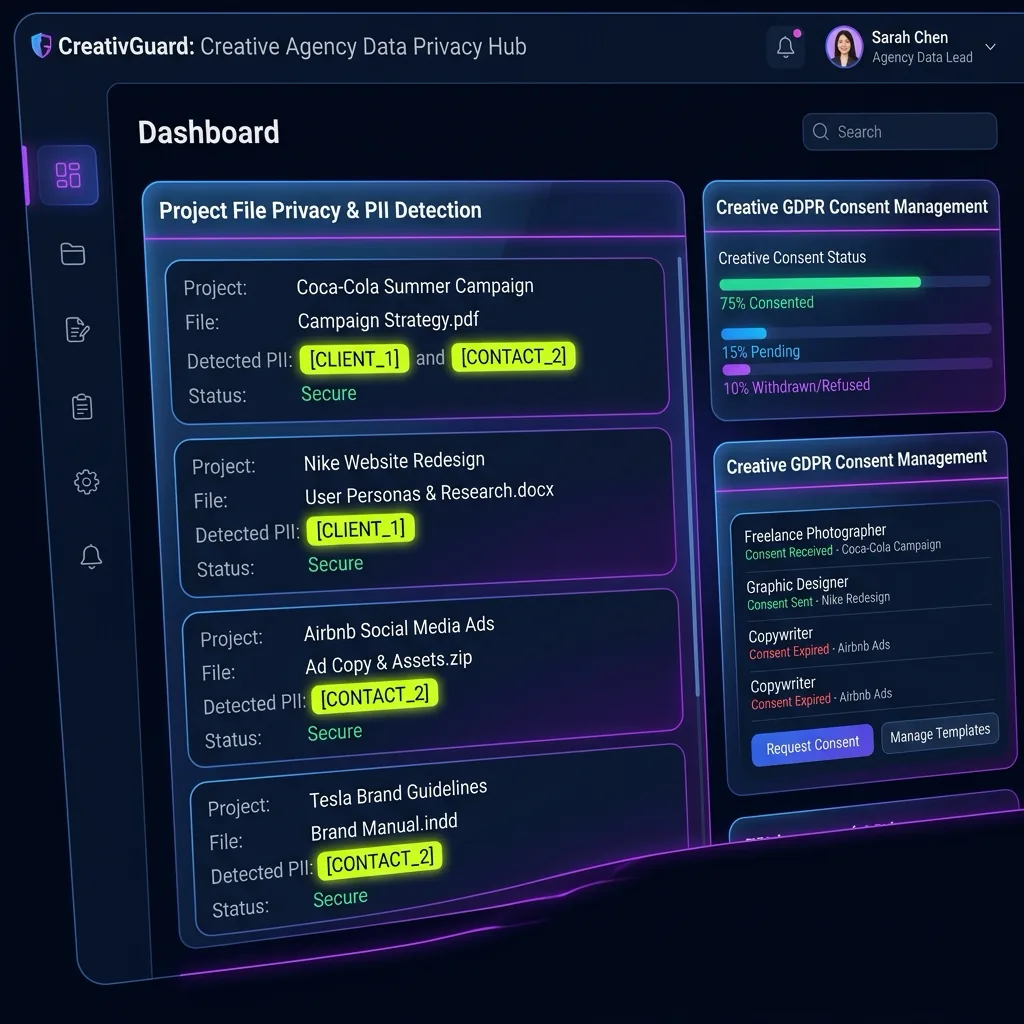
Data flow diagram showing local client-side redaction of Private Investigator AI Safety before sending to AI.
Creative

Private Investigator AI Safety: Handle Subject Data Securely

Private Investigator AI Safety: PIs using AI for research must protect subject identities and case details from AI training pipelines.

100% Local Processing ✈ Airplane Mode Verified⊘ No Server Logs

AI Summary / Key Takeaways

Verified Zero-Trust Logic

"PIs using AI for research must protect subject identities and case details from AI training pipelines."

Zero-Trust Creative & Media data sanitization for AI workflows
100% browser-side processing — zero data transmitted to servers
Airplane Mode verified — works fully offline after load
Secure tokenization [TYPE_N] prevents LLM data leakage
Compliance-ready implementation for professional AI usage

Enterprise-Grade AI Privacy

Add custom redaction rules and priority support with PRO.

GO PRO
Live Turnkey Simulator · ZTDS Engine

Interactive PII Detection & Sanitization Sandbox

Test real-time client-side RAM tokenization. Choose a specialized preset or paste your own raw prompt to test instant reversible redaction.

0 Bytes Server Egress
<1.8ms Latency
Select Industry Test Payload:
Raw Input Payload
0 chars
RAM-Only Isolated Session
Sanitized Output
Click any token above to toggle single-token reveal ✓ Restored
Automated Detection Classes:
SOURCE_NAMECHARACTER_NAMELOCATIONREAL_PERSONUNPUBLISHED_TITLE

AI Risk Calculator

50
Risk● Critical
Leaks/yr
9,000
Max Fine
€20M

Get Your Risk Estimate

Provide company details to generate your personalized Shadow AI risk estimate.

AI Adoption in Private Investigator AI Safety

Deploying Generative AI for private investigator ai safety: handle subject data securely accelerates workflows, but it introduces a critical "Shadow AI" risk: the unintentional transmission of proprietary data to third-party model training loops. Our creative AI privacy guides provide the technical roadmap for maintaining your privacy perimeter.

For professionals in this niche, the primary challenge is maintaining the confidentiality of private investigator AI privacy while benefiting from LLM-powered drafting and automation. This risk overlap often requires understanding protecting journalism sources to distinguish between safe and exposed data patterns.

Primary Data Exposure Vectors

When you use AI tools without proper sanitization, you are likely exposing several categories of sensitive information:

  • Individual Identifiers: Names, emails, and contact details.
  • Commercial Secrets: Deal terms, strategic plans, and proprietary logic.
  • Compliance Data: Data parameters that mirror standards for Zero-Trust content workflows.

PrivacyScrubber identifies these entities locally in your browser RAM using a zero-trust architecture.

Step-by-Step Sanitization Workflow

1

Paste & Scrub: Paste your sensitive text into the PrivacyScrubber dashboard. The tool instantly tokenizes all PII using local regular expressions.

2

AI Processing: Anonymized text is safe for LLM training and processing.

3

Verification: This workflow aligns with IP protection strategies for verifiable browser-side security.

Verifiable Privacy Guarantee

Unlike cloud-based PII masking workspaces that send your data to their servers to be hidden, PrivacyScrubber executes all logic within your local browser environment. We store zero logs and have zero server-side storage for your inputs.

Airplane Mode Verified

Load the page, disconnect your Wi-Fi, and perform a full scrub. Everything works perfectly offline.

ChatGPT & Enterprise LLMs Integration

Step-by-Step Integration Guide: Private Investigator AI Safety

PrivacyScrubber operates entirely client-side. Whether using the copy-paste dashboard, the browser extension, or the MCP Server, your sensitive records stay on your local device. Follow these instructions to safely use ChatGPT & Enterprise LLMs:

1 Method A: Zero-Trust Web Workspace (Copy-Paste)

Best for manual prompt sanitization without installing plugins:

  1. Open the PrivacyScrubber Web App dashboard in your browser.
  2. Paste the raw prompt or text containing sensitive details of Private Investigator AI Safety.
  3. Click Protect PII: sensitive data is swapped for secure placeholders (e.g., [NAME_1]).
  4. Submit the sanitized prompt to ChatGPT & Enterprise LLMs.
  5. Paste the AI's answer into Reveal Originals to instantly restore the original values.

2 Method B: Chrome Extension (In-Context Redaction)

For automated, inline de-identification within chat interfaces:

  1. Install the free PrivacyScrubber Chrome Extension from the Web Store.
  2. Navigate to your AI chat interface. A PrivacyScrubber shield button will appear inline.
  3. Paste your raw prompt. Click the shield button to sanitize all identifiers instantly in-place.
  4. Send the prompt to the AI chatbot.
  5. The extension automatically intercepts and detokenizes the response, displaying raw values to you.

Local Redaction & Risk Matrix for Security

Detection EntityToken PlaceholderRisk LevelSecurity Action
SOURCE_NAME Details[SOURCE_NAME]Medium (PII Exposure)Deterministic local swap
CHARACTER_NAME Details[CHARACTER_NAME]Medium (PII Exposure)Deterministic local swap
LOCATION Details[LOCATION]Medium (PII Exposure)Deterministic local swap
REAL_PERSON Details[REAL_PERSON]Medium (PII Exposure)Deterministic local swap
UNPUBLISHED_TITLE Details[UNPUBLISHED_TITLE]Medium (PII Exposure)Deterministic local swap

3-Step Zero-Trust AI Workflow Template

Role: Enterprise AI Governance Lead / Security Officer · Target: ChatGPT & Enterprise LLMs
1. Sanitize Data First
1Sanitize in PrivacyScrubber
2Run Prompt in ChatGPT & Enterprise LLMs
31-Click Reveal via sessionMap
Zero-Trust Prompt Sanitization & AI Model InterceptionPrivacyScrubber ZTDS Protocol
Act as an executive research consultant. Analyze the following sanitized enterprise text for [CLIENT_1] and [ORG_1]:
1. Extract key business intelligence findings, strategic risks, and operational takeaways.
2. Draft 3 prioritized executive recommendations.
3. Format findings in clean, structured bullet points. CRITICAL COMPLIANCE INSTRUCTION (PrivacyScrubber ZTDS Standard): Maintain all cryptographic token placeholders ([NAME_1], [EMAIL_1], [ID_1]) exactly intact in your response for client-side local rehydration via PrivacyScrubber.
Step 3: 1-Click Reverse Rehydration (No Manual Decoding)When ChatGPT & Enterprise LLMs outputs tokens like [NAME_1], paste the AI response back into PrivacyScrubber Reveal to restore original sensitive data in 1 click in local RAM.
Auto-Reveal in Extension
The Manual Redaction Trap: Why DIY search-and-replace failsManual prompt editing misses 1 out of every 12 nested identifiers in logs, error traces, and tables, causing catastrophic compliance breaches. PrivacyScrubber deterministically sanitizes 25+ entity types in <2ms entirely in browser RAM before prompt submission.
Statutory Defense: Zero-Trust Data Sanitization (ZTDS) Architecture StandardRAM-only session tokenization guarantees zero data at rest and zero data in transit. Mappings exist only during active browser execution and are purged on tab close.

Creative Adoption Use Cases

CISO Security TeamDLP GOVERNANCE
Zero-Trust Verified
Security teams deploy client-side sanitization to keep outbound AI prompts free of sensitive organizational data, avoiding complex multi-party DPA negotiations.
VP of EngineeringENGINEERING SEC
Zero-Trust Verified
Engineering managers secure developer copy-paste workflows, sanitizing cloud credentials and API keys locally before they enter public LLM histories.
Risk & Audit LeadCOMPLIANCE AUDIT
Zero-Trust Verified
Compliance directors verify local-only sanitization at the browser extension level, satisfying SOC 2 Type II controls for external AI data transmission.
Data Protection OfficerGDPR COMPLIANCE
Zero-Trust Verified
Data protection officers enforce client-side tokenization, keeping prompt text fully minimized and anonymous in compliance with GDPR data processing rules.

Scrub it before it reaches the AI — right from your toolbar

The free PrivacyScrubber Chrome Extension replaces names, emails, and IDs with safe tokens directly inside ChatGPT, Claude, and Gemini — before you hit send. Nothing leaves your browser.

Zero-Trust Data Sanitization (ZTDS) — Verified Architecture

Independently auditable facts for Sensitive Data compliance teams

Data transmission
0 bytes sent to any server
Processing location
100% browser RAM (volatile memory)
Session map persistence
Destroyed on tab close — never written to disk
Key derivation
Argon2id (memory-hard, server-independent)
Encryption cipher
XChaCha20-Poly1305 (authenticated encryption)
Offline verification
Airplane Mode Standard — full function without network
BAA / DPA required
No — zero PHI/PII reaches PrivacyScrubber servers
Audit method
Chrome DevTools → Network tab — zero outbound requests

How to audit: Open PrivacyScrubber, enable Airplane Mode, paste any sensitive data text, click Protect PII. Open Chrome DevTools → Network tab. Zero outbound requests will confirm 100% local execution. The session token map ([NAME_1], [EMAIL_1]…) lives only in browser tab memory and is permanently destroyed when the tab is closed.

COMPLIANCE FAQ

Frequently Asked Questions

Common questions about deploying zero-trust AI for Creative Teams.

Does local data masking satisfy GDPR?
Yes. Processing pseudonymized data inside your browser aligns with GDPR data minimization (Article 5(1)(c)). No outbound requests are made to any server.
Can PrivacyScrubber work in high-security air-gapped environments?
Absolutely. Once the page is loaded, PrivacyScrubber requires zero network connectivity. You can audit this in Chrome DevTools or by enabling Airplane Mode.