Excel PII Scrubbing: Sanitize .xlsx & CSV Spreadsheets Without Uploading Them
Zero-Trust Spreadsheet Sanitization: Secure Excel Workflows
AI Summary / Key Takeaways
"Empower financial analysts and underwriters to run ChatGPT and Claude on real client spreadsheets with 0-Day Legal Clearance. PrivacyScrubber tokenizes sensitive cell values in local RAM in <2s, preserving 100% of mathematical formulas and quantitative models with zero cloud DLP latency."
Scrubbing massive datasets?
Process thousands of records locally with Batch Mode.
Interactive PII Detection & Sanitization Sandbox
Test real-time client-side RAM tokenization. Choose a specialized preset or paste your own raw prompt to test instant reversible redaction.
Sanitized locally in volatile RAM. Pre-prompt compliance maintained under Excel Spreadsheet Scrub standards (GDPR, HIPAA, SOC 2).
The Challenge with AI Data Workflows
Data analysts frequently need to upload massive datasets to tools like OpenAI's Code Interpreter or Advanced Data Analysis. Manually anonymizing a 50,000-row spreadsheet takes days and is prone to devastating human errors.
How It Works
Upload Your Spreadsheet
Click the upload button or drag an .xlsx / .xls / .csv file onto the PrivacyScrubber interface. the ZTDS™ spreadsheet engine parses the file entirely in your browser's RAM — no bytes leave your machine.
PII Detection Across All Cells
The ZTDS engine scans every cell in every worksheet. Names, emails, phone numbers, IBANs, SSNs, and custom patterns are detected using the active industry profile (e.g., Finance, HR, Legal).
Download Sanitized .xlsx
Click Download. the ZTDS™ spreadsheet engine reconstructs the spreadsheet with PII replaced by tokens (e.g., [NAME_1], [EMAIL_2]). Column structure, formulas, and formatting are preserved.
Supported Formats & Limitations
Supported Formats
System Limitations
- Excel macros (VBA) and complex pivot tables may be stripped during parsing
- Maximum recommended sheet size: 50MB (hardware dependent)
- Formulas containing raw PII strings will be redacted, converting them to static text
Unblock Financial AI in 30 Seconds: Run ChatGPT Analysis on Spreadsheets Without Cloud DLP Bottlenecks
Financial Planning & Analysis (FP&A) leads, mortgage underwriters, and M&A teams can now harness ChatGPT Advanced Data Analysis (Code Interpreter) and Claude Artifacts for instant Monte Carlo forecasting and variance models with 0-Day Legal Clearance and Zero Compliance Debt. Instead of waiting 6 weeks for third-party Data Processing Agreements (DPAs) or risking GLBA/GDPR fines by uploading confidential workbooks to external clouds, your team neutralizes sensitive personal identities directly in browser memory in under 2 seconds.
PrivacyScrubber operates entirely within volatile RAM using in-browser binary OpenXML parsing. Personal identifiers, customer names, account numbers, and SSNs are replaced with structured tokens while mathematical formulas, cell coordinates, and numeric distributions remain 100% operational—allowing AI models to compute exact totals without learning actual identities.
Preserve 100% Formula Integrity: Accurate AI Calculations Without Data Leakage
Standard redaction scripts break cell coordinates and corrupt formula calculations. PrivacyScrubber's client-side parsing guarantees mathematical integrity across every worksheet:
Dynamic formulas like =SUM(D2:D100), =XLOOKUP(), and =NPV() remain intact. AI models execute calculations accurately on clean numbers.
Quantitative metrics (revenue, percentages, tax figures) stay numeric, enabling seamless regression and variance modeling.
Client identities are replaced with deterministic tokens ([NAME_1], [FINANCIAL_1]) backed by volatile session memory for instant 1-click reveal.
Visual Transformation: Spreadsheet Before vs. After Sanitization
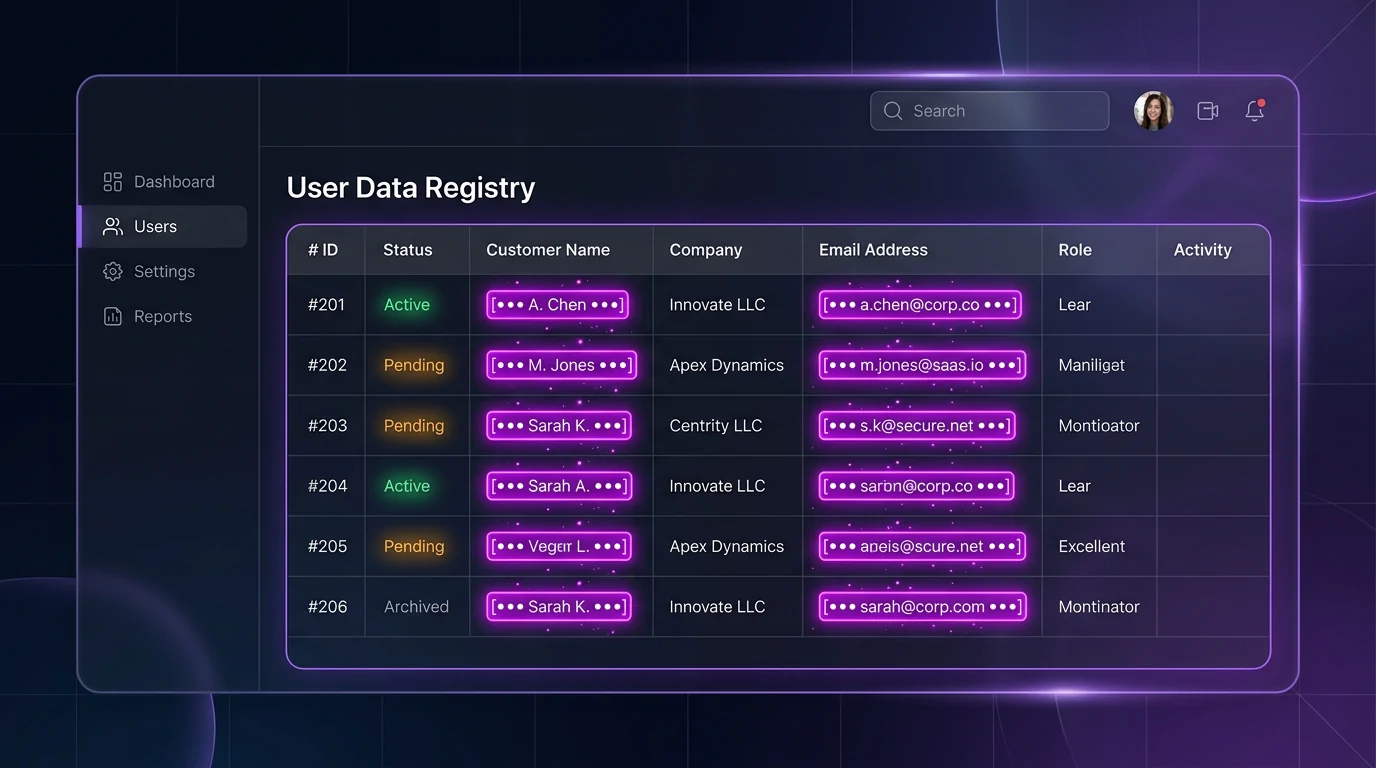
See how PrivacyScrubber neutralizes compliance liability while preserving analytical utility for LLM ingestion:
| Row # | Raw Input (High Liability) | Sanitized for ChatGPT (Zero Risk) | Formula / Math Status |
|---|---|---|---|
| Row 2 | Jonathan Vance, SSN: 000-45-1289 | [NAME_1], SSN: [SSN_1] | String Replaced |
| Row 3 | IBAN: GB29NWBK60161331926819 | IBAN: [FINANCIAL_1] | Credential Masked |
| Row 4 | Gross Wages: $148,500.00 | Gross Wages: $148,500.00 | Preserved (Numeric) |
| Row 5 | =SUM(D2:D4) -> $382,200.00 | =SUM(D2:D4) -> $382,200.00 | Formula Intact |
Business Outcome Comparison: Local Browser Sanitization vs. Cloud DLP & Manual Scripts
| Architecture | Data Boundary & Network Egress | Formula & Style Integrity | Non-Technical Accessibility |
|---|---|---|---|
| Online Cloud Anonymizers | Uploads entire file to 3rd-party servers | Frequently strips formulas and VBA | Easy, but violates corporate policy |
| Python Pandas Scripting | Local execution on workstation | Destroys formulas, outputs raw static CSV | Requires developer environment & CLI |
| PrivacyScrubber the ZTDS™ spreadsheet engine | 100% Client-Side RAM (0 Bytes egress) | Preserves formulas, sheets, and cell types | 1-Click Drag & Drop in any browser |
1-Click Rehydration: Restore Real Client Names from AI Reports Instantly
When ChatGPT finishes its financial analysis referencing [NAME_1] or [FINANCIAL_1], you don't need to manually cross-reference spreadsheet rows. Copy the AI's generated report, switch to PrivacyScrubber's Reveal tab, and click Reveal Original Data. Your local browser session restores authentic client identities in under 50ms—closing the analysis workflow with zero compliance friction.
Client-Side ZTDS™ Execution & Conformance Verification
All PII detection and deterministic tokenization execute 100% inside local client memory — eliminating cloud proxies, external subprocessors, and network data egress.
Frequently Asked Questions
Technical Details & Privacy Architecture
Which spreadsheet formats are supported?
Are formulas and formatting preserved after scrubbing?
Can I scrub multiple worksheets within one .xlsx file?
What happens to the original values? Can I get them back?
Which detection profile should I use for payroll data?
Protect Your Team's AI Prompts in Under 30 Seconds
No server uploads. No account required. 100% offline in your browser's local RAM.
