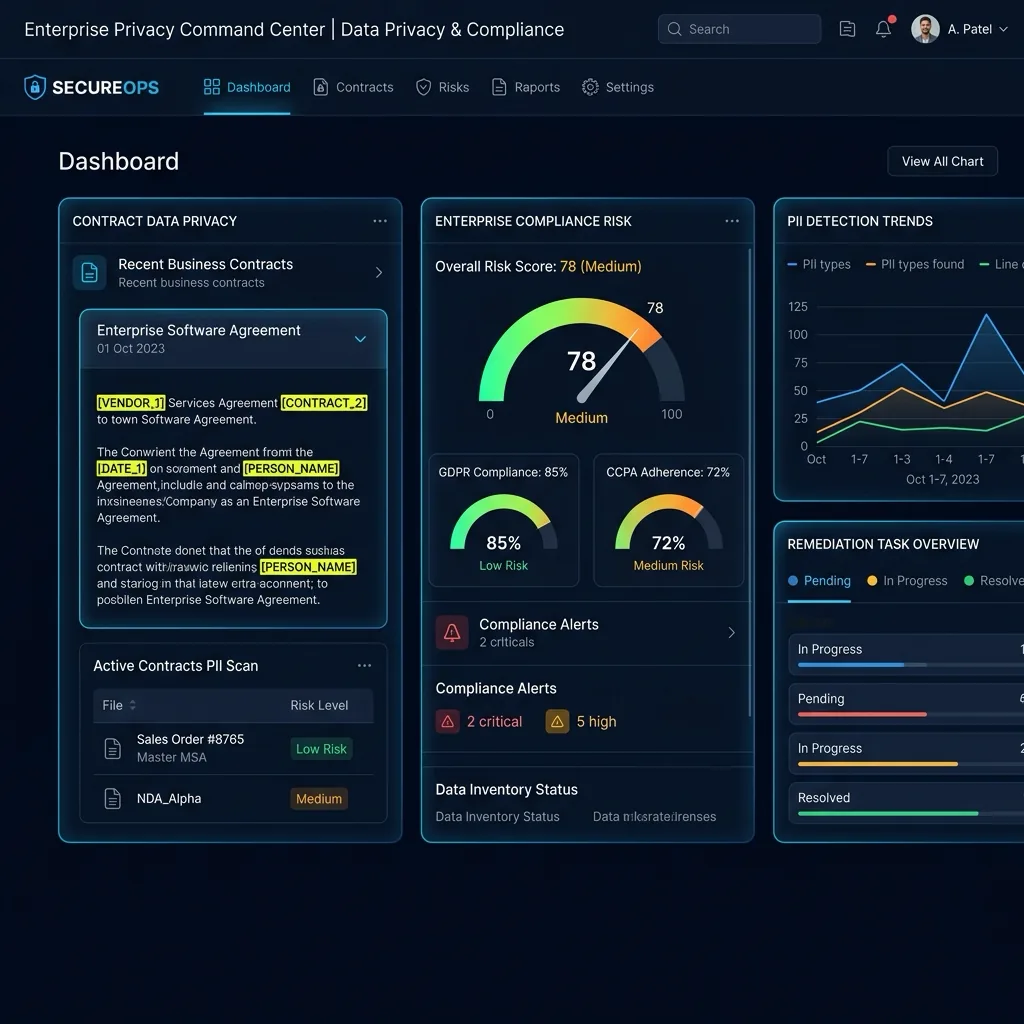
Data flow diagram showing local client-side redaction of Meeting Notes AI before sending to AI.
Biz

Meeting Notes AI: Scrub Attendee PII Before Summarizing

AI meeting summarization tools receive full transcripts. Scrub attendee names and sensitive topics first.

100% Local Processing ✈ Airplane Mode Verified⊘ No Server Logs

AI Summary / Key Takeaways

Verified Zero-Trust Logic

"AI meeting summarization tools receive full transcripts. Scrub attendee names and sensitive topics first."

Zero-Trust BIZ data sanitization for AI workflows
100% browser-side processing — zero data transmitted to servers
Airplane Mode verified — works fully offline after load
Secure tokenization [TYPE_N] prevents LLM data leakage
Compliance-ready implementation for professional AI usage

Enterprise-Grade AI Privacy

Add custom redaction rules and priority support with PRO.

GO PRO
Live Simulation

Zero-Trust Data Sanitization

Watch PrivacyScrubber's local engine transform sensitive Biz data instantly in your browser, without any API calls.

Automated Detection Classes:
EXECUTIVE_NAMEPARTNER_ORGREVENUE_FIGURESTRATEGY_TERMNDA_REF
100% Client-Side Execution
Wasm_Engine
BOARD MINUTES > CEO Patricia Ng confirmed acquisition of Vertex Solutions Inc. at $42M valuation. Lead counsel: Grant & Moore LLP | NDA: NDA-2026-0091
BOARD MINUTES > CEO [NAME_1] confirmed acquisition of [ORG_1] at [VALUE_1] valuation. Lead counsel: [FIRM_1] | NDA: [ID_1]

AI Risk Calculator

50
Risk● Critical
Leaks/yr
9,000
Max Fine
€20M

Get Your Risk Estimate

Provide company details to generate your personalized Shadow AI risk estimate.

AI Adoption in Meeting Notes AI

Leveraging Generative AI for meeting notes ai: scrub attendee pii before summarizing offers unprecedented efficiency, but it introduces a critical "Shadow AI" risk: the unintentional transmission of proprietary data to third-party model training loops. Our biz AI privacy guides provide the technical roadmap for maintaining your privacy perimeter.

For professionals in this niche, the primary challenge is maintaining the confidentiality of meeting notes AI privacy while benefiting from LLM-powered drafting and automation. This risk overlap often requires understanding safely protecting vendor agreements to distinguish between safe and exposed data patterns.

Primary Data Exposure Vectors

When you use AI tools without proper sanitization, you are likely exposing several categories of sensitive information:

  • Individual Identifiers: Names, emails, and contact details.
  • Commercial Secrets: Deal terms, strategic plans, and proprietary logic.
  • Compliance Data: Data parameters that mirror standards for enterprise LLM governance.

PrivacyScrubber identifies these entities locally in your browser RAM using a zero-trust architecture.

Step-by-Step Sanitization Workflow

1

Paste & Scrub: Paste your sensitive text into the PrivacyScrubber dashboard. The tool instantly tokenizes all PII using local regular expressions.

2

AI Processing: Anonymized text is safe for LLM training and processing.

3

Verification: This workflow aligns with centralized AI oversight for verifiable browser-side security.

Verifiable Privacy Guarantee

Unlike cloud-based PII masking workspaces that send your data to their servers to be hidden, PrivacyScrubber executes all logic within your local browser environment. We store zero logs and have zero server-side storage for your inputs.

Airplane Mode Verified

Load the page, disconnect your Wi-Fi, and perform a full scrub. Everything works perfectly offline.

ChatGPT & Enterprise LLMs Integration

How to Protect Data for Meeting Notes AI

PrivacyScrubber operates entirely client-side. Whether using the copy-paste dashboard or the browser extension, your sensitive records stay on your local device. Follow these instructions to safely use ChatGPT & Enterprise LLMs:

1 Method A: Zero-Trust Web Workspace (Copy-Paste)

Best for manual prompt sanitization without installing plugins:

  1. Open the PrivacyScrubber Web App dashboard in your browser.
  2. Paste the raw prompt or text containing sensitive details of Meeting Notes AI.
  3. Click Protect PII. Sensitive data is instantly swapped for secure placeholders (e.g., [NAME_1]).
  4. Submit the sanitized prompt to ChatGPT & Enterprise LLMs.
  5. Paste the AI's answer into the Reveal Originals box to instantly restore the original values.

2 Method B: Chrome Extension (In-Context Redaction)

For automated, inline de-identification within chat interfaces:

  1. Install the free PrivacyScrubber Chrome Extension from the Web Store.
  2. Navigate to your AI chat interface. A PrivacyScrubber shield button will appear inline.
  3. Paste your raw prompt. Click the shield button to sanitize all identifiers instantly in-place.
  4. Send the prompt to the AI chatbot.
  5. The extension automatically intercepts and detokenizes the response, displaying raw values to you.

Local Redaction & Risk Matrix for Security

Detection EntityToken PlaceholderRisk LevelSecurity Action
EXECUTIVE_NAME Details[EXECUTIVE_NAME]Medium (PII Exposure)Deterministic local swap
PARTNER_ORG Details[PARTNER_ORG]Medium (PII Exposure)Deterministic local swap
REVENUE_FIGURE Details[REVENUE_FIGURE]Medium (PII Exposure)Deterministic local swap
STRATEGY_TERM Details[STRATEGY_TERM]Medium (PII Exposure)Deterministic local swap
NDA_REF Details[NDA_REF]Medium (PII Exposure)Deterministic local swap
VERIFIABLE WORKFLOW

From Raw Security Data to Clean AI Prompt

3 Steps, 30 Seconds, Zero Server Hops.

Open PrivacyScrubber or the Chrome Extension. Paste your real Meeting Notes AI text. What reaches ChatGPT looks like this: [NAME_1][EMAIL_1]. Your original data stays local the entire time.

1

Paste Your Real Data

Paste your actual Meeting Notes AI text into PrivacyScrubber — or click the shield icon directly inside ChatGPT, Claude, or Gemini. No copy-paste workaround. No second tab. It sits right where you already work.

Automated Detection Classes:
[EXECUTIVE_NAME][PARTNER_ORG][REVENUE_FIGURE][STRATEGY_TERM][NDA_REF]
2

Names Out, Tokens In — Locally

The engine runs inside your browser. Every real name, ID, and email is replaced with a safe token ([NAME_1], [EMAIL_1]) before the prompt is sent. The AI analyzes your actual business logic — but sees zero real identities.

Safety standard:
Airplane Mode Verified (RAM Only)
3

Get the AI's Answer Back in Plain Language

Paste the AI's response into Reveal Originals. PrivacyScrubber swaps every token back to the original value — instantly, inside browser RAM. Close the tab and every mapping is gone. Nothing stored, nothing logged, nothing sent.

Privacy Guarantee:
Mapping destroyed on tab close

Biz Adoption Use Cases

VP of Customer Experience & SupportCUSTOMER PRIVACY
Zero-Trust Verified
Redacts customer credit cards, phone numbers, and physical addresses from helpdesk tickets before generating automated support responses.
Global Support Operations DirectorBPO OPERATIONS
Zero-Trust Verified
Ensures frontline support agents in distributed centers cannot leak customer PII into generative AI helpdesk copilots.
Head of Trust & SafetyTRUST & SAFETY
Zero-Trust Verified
Sanitizes user abuse reports and moderation logs locally before feeding data into generative classification models.
Lead CRM Systems AdministratorCRM INTEGRATION
Zero-Trust Verified
Enforces deterministic tokenization on exported Salesforce and Zendesk tickets, preserving customer privacy during AI training.
Flat Rate — Unlimited Seats

Your Whole Team on Real Client Data. Safely. $99/mo Flat.

No per-seat pricing. No DPA negotiation. No IT portal. Secure your entire organization with client-side PII masking$99/month flat, unlimited users. SOC 2 & HIPAA ready. Works in Airplane Mode.

Zero-Trust Data Sanitization (ZTDS) — Verified Architecture

Independently auditable facts for Sensitive Data compliance teams

Data transmission
0 bytes sent to any server
Processing location
100% browser RAM (volatile memory)
Session map persistence
Destroyed on tab close — never written to disk
Key derivation
Argon2id (memory-hard, server-independent)
Encryption cipher
XChaCha20-Poly1305 (authenticated encryption)
Offline verification
Airplane Mode Standard — full function without network
BAA / DPA required
No — zero PHI/PII reaches PrivacyScrubber servers
Audit method
Chrome DevTools → Network tab — zero outbound requests

How to audit: Open PrivacyScrubber, enable Airplane Mode, paste any sensitive data text, click Protect PII. Open Chrome DevTools → Network tab. Zero outbound requests will confirm 100% local execution. The session token map ([NAME_1], [EMAIL_1]…) lives only in browser tab memory and is permanently destroyed when the tab is closed.

COMPLIANCE FAQ

Frequently Asked Questions

Common questions about deploying zero-trust AI for Biz Teams.

Does local data masking satisfy GDPR?
Yes. Processing pseudonymized data inside your browser aligns with GDPR data minimization (Article 5(1)(c)). No outbound requests are made to any server.
Can PrivacyScrubber work in high-security air-gapped environments?
Absolutely. Once the page is loaded, PrivacyScrubber requires zero network connectivity. You can audit this in Chrome DevTools or by enabling Airplane Mode.