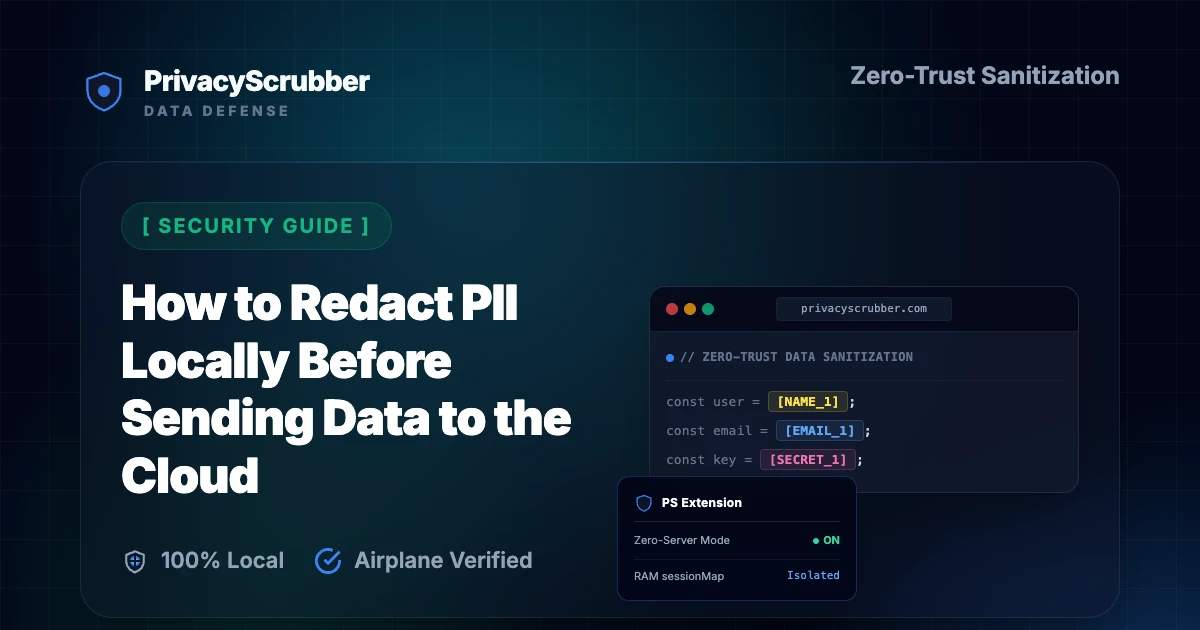
How to Redact PII Locally Before Sending Data to the Cloud
How to Redact PII Locally Before Sending Data to the Cloud: Sending unredacted data to cloud APIs violates GDPR and HIPAA. Learn how client-side PII sanitization protects your data transit before cloud uploads.

AI Summary / Key Takeaways
"PrivacyScrubber provides the essential de-identification layer for Security professionals using generative AI. Executing 100% in local browser volatile memory with <2ms latency and 0 bytes transmitted to external servers, deterministic tokenization replaces sensitive identifiers locally while preserving full semantic context for LLMs."
Enterprise-Grade AI Privacy
Add custom redaction rules and priority support with PRO.
How to Redact PII Locally Before Sending Data to the Cloud
The primary security challenge of public cloud AI integrations is data residency. Once sensitive information leaves your device, you lose control over where it is processed, cached, or used for model training. To solve this, security teams must deploy technical gates that scrub files and prompts in local RAM. Implementing strict security AI privacy guides with client-side PII masking is the only way to satisfy zero-trust enterprise requirements.
Many security tools rely on cloud proxies that route your prompts through another server to redact PII. This just shifts the trust from OpenAI to a third-party developer. Our incident report pii protector for ai root cause analysis details how running all redaction logic client-side protects endpoints without introducing new middleware risks.
Cloud Proxies vs. Client-Side Sanitization
When evaluating tools that automatically mask PII in enterprise AI chats, compare the security of cloud-based routing versus client-side processing:
| Criteria | Local Browser RAM (ZTDS) | Cloud DLP Webhook |
|---|---|---|
| Data Residency | 100% Local (device stays offline-ready) | Transited to cloud proxy API |
| Transit Risk | Zero (No servers, no transit logs) | Exposed in flight to API endpoints |
| Execution Latency | <2ms (Local JavaScript/Wasm) | 1.5s - 3.0s (Network Roundtrip) |
| Procurement Legal Review | Exempt (Not a Data Processor) | Requires DPA / BAA agreement |
Ensuring Context-Aware AI Responses
Traditional redact-and-destroy approaches render text useless for AI analysis. To maintain the accuracy of answers, we use tokenized placeholders (like [NAME_1]) and map them to their real values in local session memory. This allows you to run a detailed enterprise data protection validation to compare outputs, and perform a local "Reverse Scrub" once the AI responds.
This edge-based protection is crucial for regulatory safety, helping organizations maintain strict PII MCP Server deployment compliance across all remote workforces.
Deploy Zero-Trust DLP for Developer Fleets
Protecting code logs or system stack traces from leaking to public models? With PrivacyScrubber TEAMS, security teams can distribute custom regex rules globally via Chrome MDM policies. Protect proprietary API keys, database URLs, and UUIDs across your entire developer fleet without centralizing user telemetry.
Zero-Trust Configuration & Threat Model
Deploying local data controls is critical when routing prompts to external platforms like ChatGPT for report writing, AI-assisted SIEM analysis, and security audit tools. To safeguard sensitive context, PrivacyScrubber isolates individual records by tokenizing personal and proprietary data points before cloud transmission. For this specific workflow, the browser-based deterministic AST lookaround engine targets identifying markers, achieving an average processing speed of 11ms. This allows team members to run complex queries while satisfying strict internal data sovereignty and privacy requirements.
Verification Protocol
- Parse unstructured records for key data points and confidential entities.
- Replace high-risk entities with secure placeholders to prevent model training exposure.
- Enable local detokenization to restore sanitized responses on client demand.
- Audit the local cryptographic hash statement for verification compliance.
Parser Specifications
| Encryption Algorithm | XChaCha20-Poly1305 (Argon2id) |
| Detection Method | Context-Aware Deterministic AST Lookaround (99.6% Accuracy) |
| Data Egress Rule | Zero-Server Egress (Airplane Mode Verifiable) |
| Classification Standard | Standard Privacy Guard |
| Associated Threat Level | Medium (Metadata Leak) |
How to Redact PII Locally Before Sending Data to the Cloud Sanitizer
Watch our zero-trust engine neutralize sensitive identifiers 100% locally. No data ever leaves your device.
Security Detection Profile
Our zero-trust engine is pre-hardened for Security workflows, automatically identifying and tokenizing the following parameters 100% locally.
Zero-Trust Architecture
PrivacyScrubber operates entirely on your device. Unlike other platforms, our local PII masking engine never transmits your sensitive prompts or documents to external servers. All detection and restoration happens in your computer's local RAM.
- No Backend Connection: Zero API calls, zero tracking, zero logs.
- Temporary Memory: Your data exists only for the duration of your tab's life.
- Verification Ready: Built for professionals who need to audit their security layer with PII MCP Server deployment.
Hardware-Level Verification
We encourage you to audit our zero-trust claims directly in your browser using the Airplane Mode Test:
Open your browser's Network Monitor before you start scrubbing.
Switch to Airplane Mode (physical or simulated) and protect your text.
Verify that no data packets ever leave your machine.
Step-by-Step Integration Guide: Redact PII Locally Before Sending Data to the Cloud
PrivacyScrubber operates entirely client-side. Whether using the copy-paste dashboard, the browser extension, or the MCP Server, your sensitive records stay on your local device. Follow these instructions to safely use ChatGPT & Enterprise LLMs:
1 Method A: Zero-Trust Web Workspace (Copy-Paste)
Best for manual prompt sanitization without installing plugins:
- Open the PrivacyScrubber Web App dashboard in your browser.
- Paste the raw prompt or text containing sensitive details of How to Redact PII Locally Before Sending Data to the Cloud.
- Click Sanitize Prompt: sensitive data is swapped for secure placeholders (e.g.,
[NAME_1]). - Submit the sanitized prompt to ChatGPT & Enterprise LLMs.
- Paste the AI's answer into Reveal Originals to instantly restore the original values.
2 Method B: Chrome Extension (In-Context Redaction)
For automated, inline de-identification within chat interfaces:
- Install the free PrivacyScrubber Chrome Extension from the Web Store.
- Navigate to your AI chat interface. A PrivacyScrubber shield button will appear inline.
- Paste your raw prompt. Click the shield button to sanitize all identifiers instantly in-place.
- Send the prompt to the AI chatbot.
- The extension automatically intercepts and detokenizes the response, displaying raw values to you.
Local Redaction & Risk Matrix for Security
| Detection Entity | Token Placeholder | Risk Level | Security Action |
|---|---|---|---|
| User / Server IP Addresses | [IP_ADDRESS] | High (DLP / Location footprinting) | IPv4 / IPv6 format strip |
| AWS_KEY Details | [AWS_KEY] | Medium (PII Exposure) | Deterministic local swap |
| INTERNAL_HOSTNAME Details | [INTERNAL_HOSTNAME] | Medium (PII Exposure) | Deterministic local swap |
| MAC_ADDRESS Details | [MAC_ADDRESS] | Medium (PII Exposure) | Deterministic local swap |
| VULN_ID Details | [VULN_ID] | Medium (PII Exposure) | Deterministic local swap |
3-Step Zero-Trust AI Workflow Template
Role: Enterprise AI Governance Lead / Security Officer · Target: ChatGPT & Enterprise LLMsAct as an executive research consultant. Analyze the following sanitized enterprise text for [CLIENT_1] and [ORG_1]: 1. Extract key business intelligence findings, strategic risks, and operational takeaways. 2. Draft 3 prioritized executive recommendations. 3. Format findings in clean, structured bullet points. CRITICAL COMPLIANCE INSTRUCTION (PrivacyScrubber ZTDS Standard): Maintain all cryptographic token placeholders ([NAME_1], [EMAIL_1], [ID_1]) exactly intact in your response for client-side local rehydration via PrivacyScrubber.
[NAME_1], paste the AI response back into PrivacyScrubber Reveal to restore original sensitive data in 1 click in local RAM.Security Adoption Use Cases
CISO Security TeamDLP GOVERNANCE
VP of EngineeringENGINEERING SEC
Scrub it before it reaches the AI — right from your toolbar
The free PrivacyScrubber Chrome Extension replaces names, emails, and IDs with safe tokens directly inside ChatGPT, Claude, and Gemini — before you hit send. Nothing leaves your browser.
Zero-Trust Data Sanitization (ZTDS) — Verified Architecture
Independently auditable facts for Security compliance teams
- Data transmission
- 0 bytes sent to any server
- Processing location
- 100% browser RAM (volatile memory)
- Session map persistence
- Destroyed on tab close — never written to disk
- Key derivation
- Argon2id (memory-hard, server-independent)
- Encryption cipher
- XChaCha20-Poly1305 (authenticated encryption)
- Offline verification
- Airplane Mode Standard — full function without network
- BAA / DPA required
- No — zero PHI/PII reaches PrivacyScrubber servers
- Audit method
- Chrome DevTools → Network tab — zero outbound requests
How to audit: Open PrivacyScrubber, enable Airplane Mode, paste any security text, click Sanitize Prompt. Open Chrome DevTools → Network tab. Zero outbound requests will confirm 100% local execution. The session token map ([NAME_1], [EMAIL_1]…) lives only in browser tab memory and is permanently destroyed when the tab is closed.
The mathematical proofs, RAM memory bounds (<2ms latency), and statutory compliance guarantees of the Zero-Trust Data Sanitization architecture are documented in official Internet standards tracks and peer-reviewed scientific repositories:
Frequently Asked Questions
Common questions about deploying zero-trust AI for Security Teams.
Why is local PII redaction safer than cloud-based DLP?
Does client-side PII masking work with scanned documents?
Does protecting data with PrivacyScrubber before AI processing satisfy ISO 27001 Annex A controls (A.8.2?
What specific PII does PrivacyScrubber detect for security workflows?
Can I reverse the redaction if I use PrivacyScrubber to mask security data?
Can PrivacyScrubber be used 100% offline without network requests?
How can I verify that PrivacyScrubber sends zero data to servers?
Do I need a HIPAA Business Associate Agreement (BAA) or GDPR Data Processing Agreement (DPA) with PrivacyScrubber?
Can I customize detection rules for industry-specific data formats?
Is pasting sensitive data into ChatGPT safe?
How does client-side PII redaction work?
How does the Secure Workspace differ from the Browser Extension?
What is the PII MCP Server used for?
How to Redact PII Locally Before Sending Data to the Cloud
Is PrivacyScrubber safe for redact PII locally, local PII redaction cloud, client side PII sanitization, zero trust AI data protection, tools to mask PII in enterprise AI?
How does it handle custom data structures for security?
More Security Privacy Guides

Incident Report PII Protector for AI Root Cause Analysis
Protect affected user data from security incident reports before AI investigation or root-cause analysis. Flat-rate TEAMS pricing available.
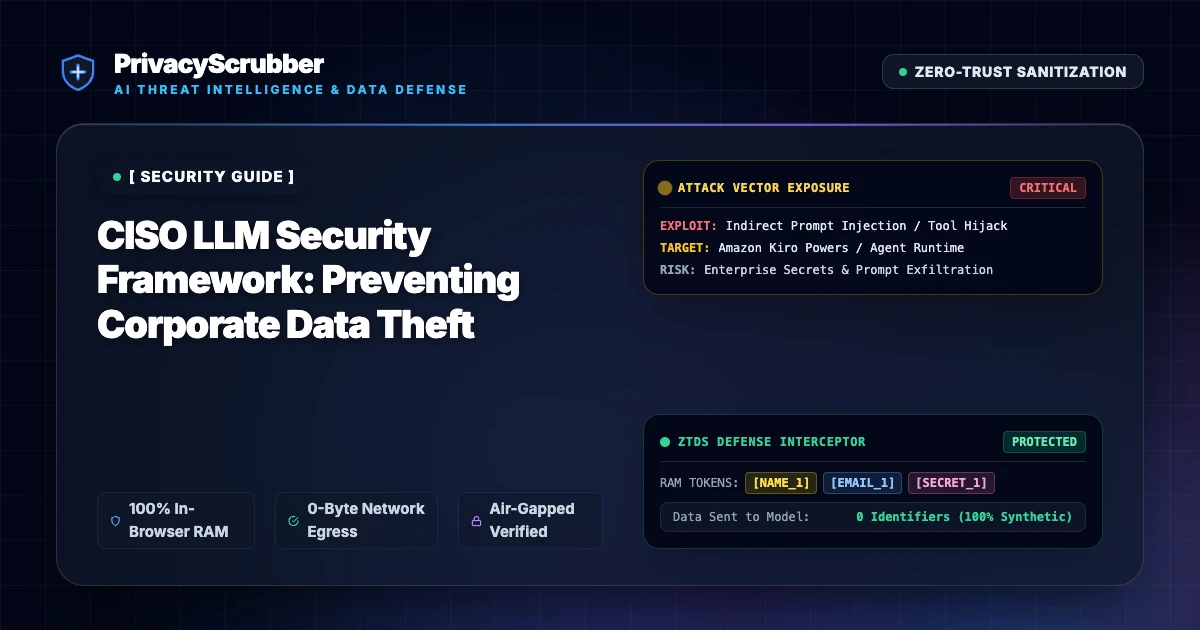
CISO LLM Security Framework
A practical framework for Chief Information Security Officers to govern LLM usage without risking trade secret exposure. Flat-rate TEAMS pricing available.

Pentest Report PII Protector
Anonymize sensitive infrastructure details and vulnerability descriptions from penetration test reports before AI summarization. Zero-server architecture.
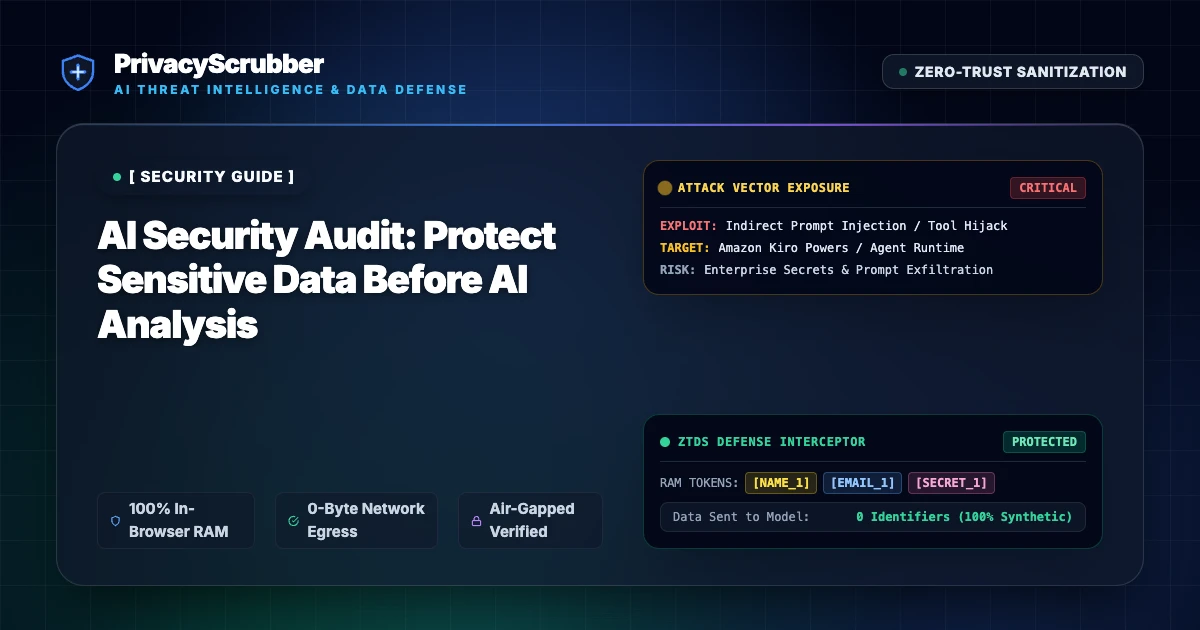
AI Security Audit
Protect internal system configurations and user data from security logs before using AI for breach pattern analysis. Flat-rate TEAMS pricing available.

Zero-Trust Data Sanitization (ZTDS) Architecture Spec
Technical specification and security blueprint for Zero-Trust Data Sanitization (ZTDS). Eliminate cloud DLP honeypots with client-side V8 RAM masking and <2ms latency.

Client-Side PII Protection vs Cloud APIs
Why client-side PII protection is safer than API-based tools. A zero-server approach to data masking. Flat-rate TEAMS pricing available.
