Enterprise Folder & Spreadsheet Batch Sanitizer
Massively Parallel Local Batch Sanitization
AI Summary / Key Takeaways
"Sanitize entire directories of logs and datasets simultaneously. Our multi-threaded Web Worker architecture enables massive bulk redaction entirely locally, bypassing upload bottlenecks and securing your pipelines."
Scrubbing massive datasets?
Process thousands of records locally with Batch Mode.
Interactive PII Detection & Sanitization Sandbox
Test real-time client-side RAM tokenization. Choose a specialized preset or paste your own raw prompt to test instant reversible redaction.
The Challenge with AI Data Workflows
Processing large datasets or directories of SIEM logs typically requires fragile python scripts or uploading gigabytes of data to an external provider. This slows down debugging workflows and risks exposing internal IP and infrastructure secrets.
How It Works
Select Folder
Drop up to 50 files. Documents are mapped in a virtual RAM workspace without being stored on your device.
Parallel Multi-Thread Scan
Spawns 3 background Web Worker threads to process multiple files simultaneously, keeping your browser fully responsive.
Download ZIP
The clean files are bundled in memory into a single ZIP container for instant download.
What Teams Achieve with Local PII Masking
Swipe to read verified reviews
Supported Formats & Limitations
Supported Formats
System Limitations
- Maximum 50 files processed concurrently in the free tier
- Parallel processing scales linearly with local CPU core count
- File exports are generated locally via Blob URLs (no server-side zip generation)
How Batch File Redaction Works
Batch processing allows PRO and TEAMS users to scrub entire file sets in one operation. All processing happens locally — no files are uploaded to any server. The batch feature uses the same PII detection engine as the single-text scrubber, applied in parallel across multiple files.
Supported Formats and Parsers
| Format | Parser | Structure Preserved | Tier |
|---|---|---|---|
| .txt | Native FileReader | Line breaks | PRO |
| .csv | Custom delimiter parser | Column structure, headers | PRO |
| .docx | mammoth.js (local) | Paragraphs, headings | PRO |
| PDF.js + Tesseract.js | Text layer or OCR | PRO |
Per-File Token Isolation
Each file in a batch gets its own independent sessionMap. Tokens are not shared across files. If File A and File B both contain "Dr. Smith", both become [NAME_1] in their respective outputs, but their maps are separate. This allows each file to be revealed independently without cross-contamination.
Step-by-Step: Running a Batch
- Activate PRO or log into a TEAMS session.
- Click Batch Upload. Select multiple files (hold Ctrl/Cmd for multi-select).
- Choose your Detection Profile.
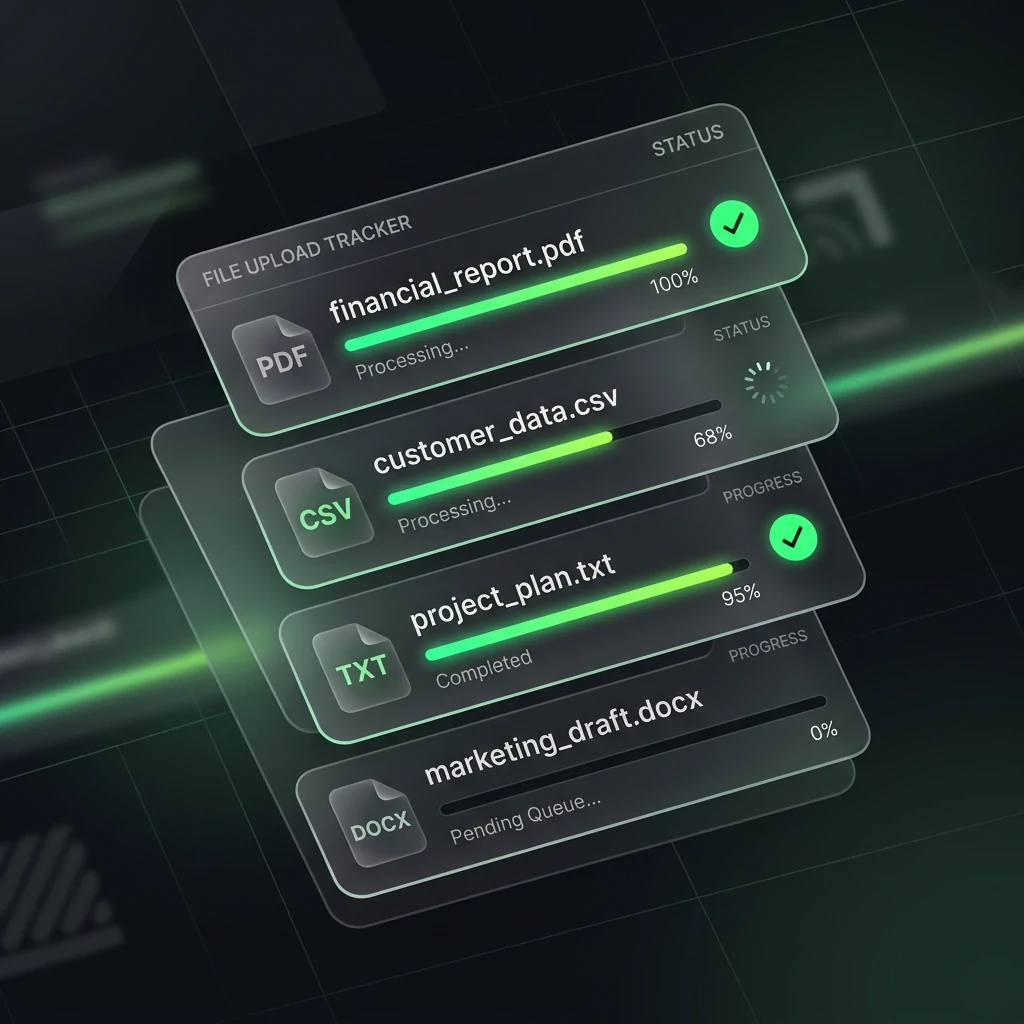
- Click Process All. Progress shows: Queued → Processing → Done per file.
- Review each file's output in the tabbed preview panel.
- Click Download All to get a ZIP of all scrubbed files with
_scrubbedsuffix.
CSV-Specific Behavior
- Auto-detects delimiter: comma, semicolon, tab, or pipe.
- First row treated as headers — skipped during PII detection.
- Detection applied column-by-column (email columns get email patterns, name columns get NLP).
- Output is valid CSV with identical structure, ready for re-import into any spreadsheet tool.
Finance teams scrubbing payment records and client lists for AI analysis can review the financial data AI compliance guide for PCI DSS card data handling and GLBA safeguards rule alignment.
HR teams batch-processing resume datasets before AI screening should read the HR blind screening AI guide which covers bias minimization through PII-free candidate evaluation.
Client-Side Reliability & Audit Verification
Powered by the Zero-Trust Sanitization Engine (ZTDS). All detection, tokenization, and regex evaluation execute 100% inside your local client process boundary — eliminating cloud proxies, intermediate servers, and third-party data retention risks.
Step-by-Step Guide
How to use this feature
Activate PRO or TEAMS
Batch processing requires PRO ($15/mo or $110 Lifetime) or TEAMS ($99/mo flat). Click Go PRO or Deploy TEAMS to unlock.
Switch to Batch Mode
In the PrivacyScrubber toolbar, click the Batch tab to enter multi-file processing mode.
Upload multiple files
Drag-and-drop up to 50 files at once (TXT, CSV, DOCX, PDF). Files are queued and processed sequentially in your browser — no uploads, ever.
Monitor progress
A real-time progress bar shows each file being processed. Each file runs the full PII scan locally with zero network activity.
Review batch results
All scrubbed outputs appear in the results panel. Each file shows entity count, token map, and a sanitized text preview.
Download all
Click Download All to save the batch as a ZIP archive, or copy individual file outputs directly from the results panel.
Frequently Asked Questions
Technical Details & Privacy Architecture
What file types does batch processing support?
Is there a file size limit per file?
Are token maps shared across files in a batch?
Can I download all redacted files at once?
Does the Chrome extension support batch processing?
How are CSV column headers handled?
Protect Your Team's AI Prompts in Under 30 Seconds
No server uploads. No account required. 100% offline in your browser's local RAM.
