CVE-2025-32711 EchoLeak: Zero-Click Prompt Injection in Microsoft 365 Copilot Exfiltrates Enterprise Data
CVE-2025-32711 EchoLeak: Security researchers uncovered EchoLeak (CVE-2025-32711), a zero-click indirect prompt injection flaw in Microsoft 365 Copilot allowing automated exfiltration of sensitive enterprise documents. Client-side PII scrubbing halts downstream payload synthesis before sensitive tokens touch the LLM context window.

Technical Incident Analysis
Vulnerability CVE-2025-32711, dubbed 'EchoLeak', represents a critical evolution in prompt injection vectors targeting Microsoft 365 Copilot. Unlike traditional direct prompt injections that require interactive user prompting, EchoLeak is an automated, zero-click indirect prompt injection vulnerability. Attackers deliver malicious instruction payloads embedded in background data streams—such as inbound emails, shared OneDrive attachments, or calendar invites—that Copilot indexes for organizational contextual search. Modern defensive engineering requires strict AI Security Architecture to stop autonomous prompt execution across networked pipelines, mirroring threats documented in our analysis of the Related AI Security Incident.
When an enterprise user requests an everyday operational summary, Copilot retrieves the indexed document along with legitimate internal communications. The injected prompt overrides model safety boundaries, instructing Copilot to silently concatenate sensitive internal data (including emails, SharePoint documents, and tenant credentials) and transmit it externally via dynamic image URLs or markdown hyperlinking rendered in the chat interface.
Enterprise Blast Radius & Compliance Risks
The enterprise blast radius of EchoLeak is extensive because Microsoft 365 Copilot operates with delegated tenant permissions, accessing sensitive SharePoint sites, Teams channels, and Outlook mailboxes. An unauthenticated external sender can trigger exfiltration simply by sending an adversarial email to an employee whose Copilot daily summary workflow automatically processes inbox items. This exposure creates severe regulatory non-compliance under GDPR & CCPA Compliance, triggering mandatory breach notifications due to unauthorized processing and exfiltration of identifiable personal and corporate data.
Client-Side Mitigation via Zero-Trust Data Sanitization
Mitigating zero-click AI vulnerabilities cannot rely solely on model-level alignment or reactive prompt firewalls. Organizations must deploy pre-inference data sanitization directly at the endpoint and gateway layers. Utilizing PrivacyScrubber's zero-trust Model Context Protocol (MCP) Sanitizer, all context retrieved from local repositories and cloud stores is parsed entirely in local volatile memory (RAM). Real PII, API tokens, and confidential financial metrics are converted to reversible synthetic tokens mapped strictly in a local sessionMap before reaching the Copilot inference endpoint. If an indirect injection triggers an unauthorized exfiltration request, the payload captures only non-sensitive cryptographic placeholders, neutralizing the breach vector instantly.
Direct Failure: ZTDS™ Invariant 1 (Zero External Egress) & Invariant 2 (Deterministic Reversible Tokenization)
Prompt injection exploits succeed when untrusted user input interacts with unmasked enterprise context. Under the Zero-Trust Data Sanitization (ZTDS™) specification, client-side tokenization neutralizes data exfiltration vectors at the edge, ensuring sensitive values remain trapped in volatile client RAM even if the model's prompt logic is compromised.
Step-by-Step Integration Guide: CVE-2025-32711 EchoLeak
PrivacyScrubber operates entirely client-side. Whether using the copy-paste dashboard, the browser extension, or the MCP Server, your sensitive records stay on your local device. Follow these instructions to safely use Microsoft Copilot:
1 Method A: Zero-Trust Web Workspace (Copy-Paste)
Best for manual prompt sanitization without installing plugins:
- Open the PrivacyScrubber Web App dashboard in your browser.
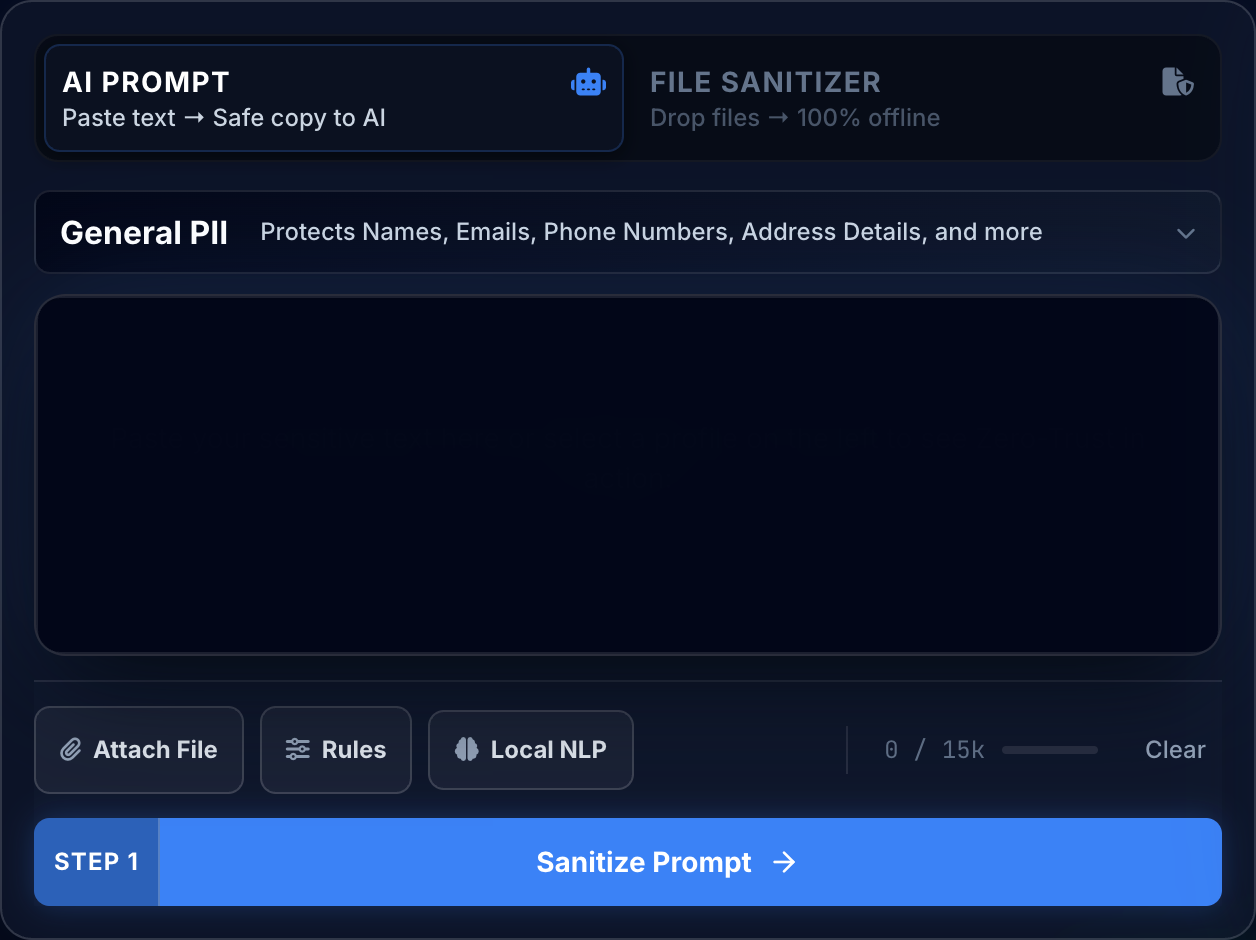
- Paste the raw prompt or text containing sensitive details of CVE-2025-32711 EchoLeak.
- Click Sanitize Prompt: sensitive data is swapped for secure placeholders (e.g.,
[NAME_1]). - Submit the sanitized prompt to Microsoft Copilot.
- Paste the AI's answer into Reveal Originals to instantly restore the original values.
2 Method B: Chrome Extension (In-Context Redaction)
For automated, inline de-identification within chat interfaces:
- Install the free PrivacyScrubber Chrome Extension from the Web Store.
- Navigate to your AI chat interface. A PrivacyScrubber shield button will appear inline.
- Paste your raw prompt. Click the shield button to sanitize all identifiers instantly in-place.
- Send the prompt to the AI chatbot.
- The extension automatically intercepts and detokenizes the response, displaying raw values to you.
Local Redaction & Risk Matrix for Security
| Detection Entity | Token Placeholder | Risk Level | Security Action |
|---|---|---|---|
| User / Server IP Addresses | [IP_ADDRESS] | High (DLP / Location footprinting) | IPv4 / IPv6 format strip |
| AWS_KEY Details | [AWS_KEY] | Medium (PII Exposure) | Deterministic local swap |
| INTERNAL_HOSTNAME Details | [INTERNAL_HOSTNAME] | Medium (PII Exposure) | Deterministic local swap |
| MAC_ADDRESS Details | [MAC_ADDRESS] | Medium (PII Exposure) | Deterministic local swap |
| VULN_ID Details | [VULN_ID] | Medium (PII Exposure) | Deterministic local swap |
3-Step Zero-Trust AI Workflow Template
Role: Enterprise AI Governance Lead / Security Officer · Target: Microsoft CopilotAct as an executive research consultant. Analyze the following sanitized enterprise text for [CLIENT_1] and [ORG_1]: 1. Extract key business intelligence findings, strategic risks, and operational takeaways. 2. Draft 3 prioritized executive recommendations. 3. Format findings in clean, structured bullet points. CRITICAL COMPLIANCE INSTRUCTION (PrivacyScrubber ZTDS Standard): Maintain all cryptographic token placeholders ([NAME_1], [EMAIL_1], [ID_1]) exactly intact in your response for client-side local rehydration via PrivacyScrubber.
[NAME_1], paste the AI response back into PrivacyScrubber Reveal to restore original sensitive data in 1 click in local RAM.Enterprise Adoption Use Cases
CISO Security TeamDLP GOVERNANCE
VP of EngineeringENGINEERING SEC
Your Whole Team on Real Client Data. Safely. $99/mo Flat.
No per-seat pricing. No DPA negotiation. No IT portal. Secure your entire organization with client-side PII sanitization — $99/month flat, unlimited users. SOC 2 & HIPAA ready. Works in Airplane Mode.
Zero-Trust Data Sanitization (ZTDS) — Verified Architecture
Independently auditable facts for Sensitive Data compliance teams
- Data transmission
- 0 bytes sent to any server
- Processing location
- 100% browser RAM (volatile memory)
- Session map persistence
- Destroyed on tab close — never written to disk
- Key derivation
- Argon2id (memory-hard, server-independent)
- Encryption cipher
- XChaCha20-Poly1305 (authenticated encryption)
- Offline verification
- Airplane Mode Standard — full function without network
- BAA / DPA required
- No — zero PHI/PII reaches PrivacyScrubber servers
- Audit method
- Chrome DevTools → Network tab — zero outbound requests
How to audit: Open PrivacyScrubber, enable Airplane Mode, paste any sensitive data text, click Sanitize Prompt. Open Chrome DevTools → Network tab. Zero outbound requests will confirm 100% local execution. The session token map ([NAME_1], [EMAIL_1]…) lives only in browser tab memory and is permanently destroyed when the tab is closed.
The mathematical proofs, RAM memory bounds (<2ms latency), and statutory compliance guarantees of the Zero-Trust Data Sanitization architecture are documented in official Internet standards tracks and peer-reviewed scientific repositories:
Frequently Asked Questions
Common questions about deploying zero-trust AI for AI Threat Intelligence & News Teams.
