SharePoint RCE via AI Agents: Critical Exploit Chain Disclosed
SharePoint RCE via AI Agents: A newly disclosed exploit chain demonstrates how AI agents can be manipulated to trigger remote code execution in SharePoint environments through malicious prompt injection.

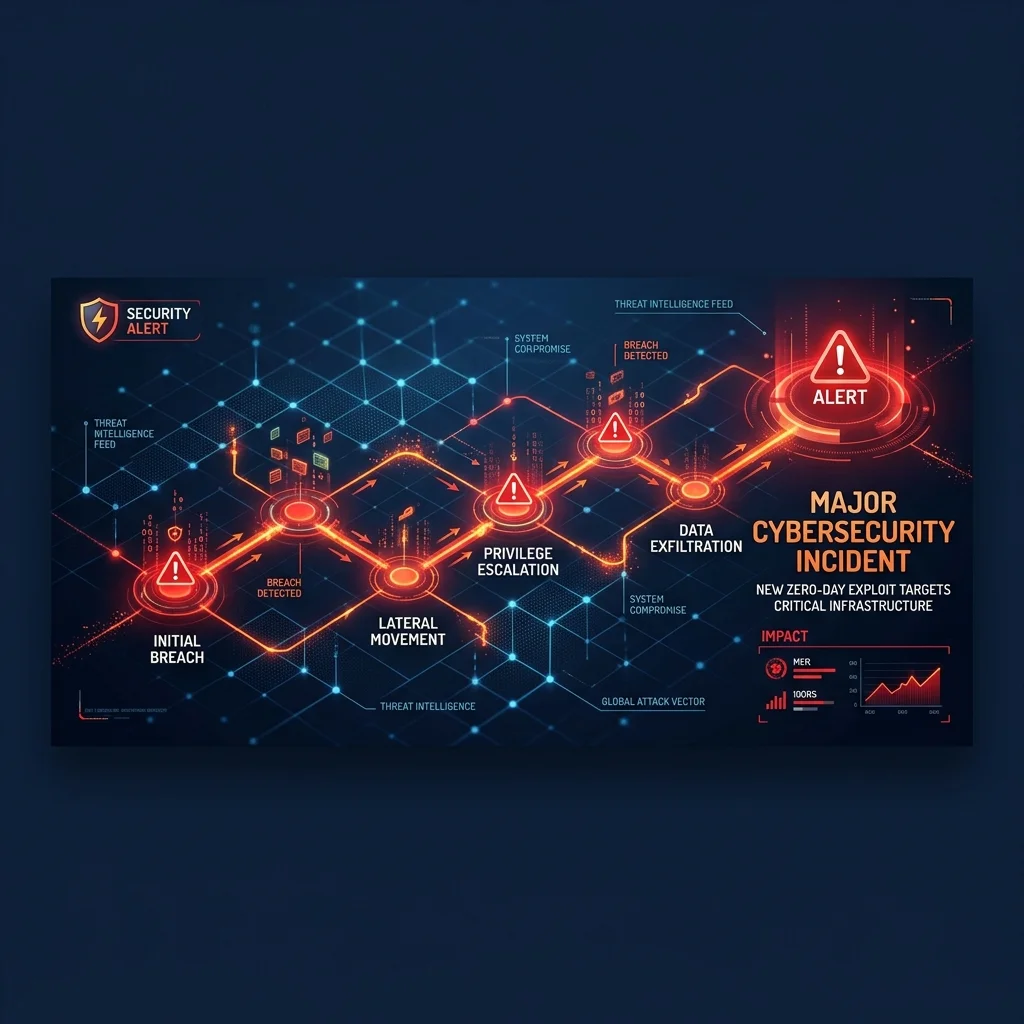
The SharePoint Exploit Mechanism
Security researchers recently identified an AI-assisted exploit chain targeting Microsoft SharePoint, enabling unauthenticated Remote Code Execution (RCE). By using AI agents tasked with document summarization or data retrieval, attackers can execute prompt injection payloads that bypass standard security filters. This vulnerability represents a fundamental shift in AI Security Architecture, where the agent becomes the vector for unauthorized system command execution.
Data Exposure and Risk Profiles
The incident mirrors the structural risks seen in the RovoBlast Vulnerability, where interconnected enterprise data is exposed via agent-driven workflows. Without client-side filtering, these agents ingest sensitive corporate data that, if improperly handled, could lead to significant SOC 2 Security Controls failure. Organizations failing to mitigate these risks face potential GDPR & CCPA Compliance audits and heavy financial penalties, as the risk of exposure touches on core Article 28 data protection requirements.
Client-Side Mitigation Strategy
This specific exploit chain could have been prevented at the developer workstation if the enterprise deployed the PrivacyScrubber Model Context Protocol (MCP) Server. By maintaining a Local Server Log Sanitizer approach, PrivacyScrubber intercepts malicious chains in WASM browser RAM, ensuring that only sanitized, validated instructions reach the SharePoint integration. The system employs deterministic AST lookaround regular expressions to scrub PII and malicious code patterns, using XChaCha20-Poly1305 encryption to secure the local sessionMap. This architecture ensures 0ms network latency, preventing the injection long before the data is transmitted to the cloud-hosted agent.
Step-by-Step Integration Guide: SharePoint RCE via AI Agents
PrivacyScrubber operates entirely client-side. Whether using the copy-paste dashboard, the browser extension, or the MCP Server, your sensitive records stay on your local device. Follow these instructions to safely use Developer AI & IDE Agent Pipelines:
1 Method A: Instant Clipboard & Web Workspace
Fastest for ad-hoc debugging, server crash logs, or DB dumps:
- Paste the raw database dump, stack trace, or config payload into PrivacyScrubber.
- Click Sanitize Prompt to locally tokenize all tokens, hostnames, and API secrets with 100% Local RAM Processing.
- Copy the sanitized code and safely query ChatGPT, Claude, or Copilot.
- Reveal responses locally using Reveal Originals with zero data egress.
2 Method B: Chrome Extension & MCP Server
For automated in-browser prompt masking & IDE agents (Cursor / Cline):
- Install the free PrivacyScrubber Extension to auto-mask credentials directly in ChatGPT/Claude inputs.
- Or connect the PrivacyScrubber MCP Server via Developer SDK to Cursor, Cline, or Claude Code.
- Session token maps remain 100% in volatile RAM with zero telemetry.
- Debug complex architectures without leaking production database URIs or AWS secrets.
Local Redaction & Risk Matrix for Security
| Detection Entity | Token Placeholder | Risk Level | Security Action |
|---|---|---|---|
| User / Server IP Addresses | [IP_ADDRESS] | High (DLP / Location footprinting) | IPv4 / IPv6 format strip |
| AWS_KEY Details | [AWS_KEY] | Medium (PII Exposure) | Deterministic local swap |
| INTERNAL_HOSTNAME Details | [INTERNAL_HOSTNAME] | Medium (PII Exposure) | Deterministic local swap |
| MAC_ADDRESS Details | [MAC_ADDRESS] | Medium (PII Exposure) | Deterministic local swap |
| VULN_ID Details | [VULN_ID] | Medium (PII Exposure) | Deterministic local swap |
3-Step Zero-Trust AI Workflow Template
Role: Lead DevSecOps Engineer / Cloud Security Architect · Target: Developer AI & IDE Agent PipelinesAct as a principal cloud systems architect. Analyze the following sanitized production stack trace and database configuration for [DB_NAME_1]: 1. Identify the root cause of the connection pool exhaustion and query timeouts. 2. Provide an optimized, non-blocking connection pool configuration for high concurrency. 3. Draft a step-by-step remediation patch. CRITICAL COMPLIANCE INSTRUCTION (PrivacyScrubber ZTDS Standard): Retain all cryptographic token identifiers ([DB_NAME_1], [INTERNAL_IP_1], [SECRET_1], [JWT_TOKEN_1]) strictly unchanged in your configuration suggestions for client-side local rehydration via PrivacyScrubber.
[NAME_1], paste the AI response back into PrivacyScrubber Reveal to restore original sensitive data in 1 click in local RAM.Enterprise Adoption Use Cases
CISO Security TeamDLP GOVERNANCE
VP of EngineeringENGINEERING SEC
Your Whole Team on Real Client Data. Safely. $99/mo Flat.
No per-seat pricing. No DPA negotiation. No IT portal. Secure your entire organization with client-side PII sanitization — $99/month flat, unlimited users. SOC 2 & HIPAA ready. Works in Airplane Mode.
Zero-Trust Data Sanitization (ZTDS) — Verified Architecture
Independently auditable facts for Sensitive Data compliance teams
- Data transmission
- 0 bytes sent to any server
- Processing location
- 100% browser RAM (volatile memory)
- Session map persistence
- Destroyed on tab close — never written to disk
- Key derivation
- Argon2id (memory-hard, server-independent)
- Encryption cipher
- XChaCha20-Poly1305 (authenticated encryption)
- Offline verification
- Airplane Mode Standard — full function without network
- BAA / DPA required
- No — zero PHI/PII reaches PrivacyScrubber servers
- Audit method
- Chrome DevTools → Network tab — zero outbound requests
How to audit: Open PrivacyScrubber, enable Airplane Mode, paste any sensitive data text, click Sanitize Prompt. Open Chrome DevTools → Network tab. Zero outbound requests will confirm 100% local execution. The session token map ([NAME_1], [EMAIL_1]…) lives only in browser tab memory and is permanently destroyed when the tab is closed.
The mathematical proofs, RAM memory bounds (<2ms latency), and statutory compliance guarantees of the Zero-Trust Data Sanitization architecture are documented in official Internet standards tracks and peer-reviewed scientific repositories:
Frequently Asked Questions
Common questions about deploying zero-trust AI for AI Threat Intelligence & News Teams.
