Local App vs. Chrome Extension: The Ultimate Guide
Local vs Extension: Compare PrivacyScrubber's local Secure Workspace vs the Chrome Extension. Choose between zero-server copy-paste or native UI-injection DLP.

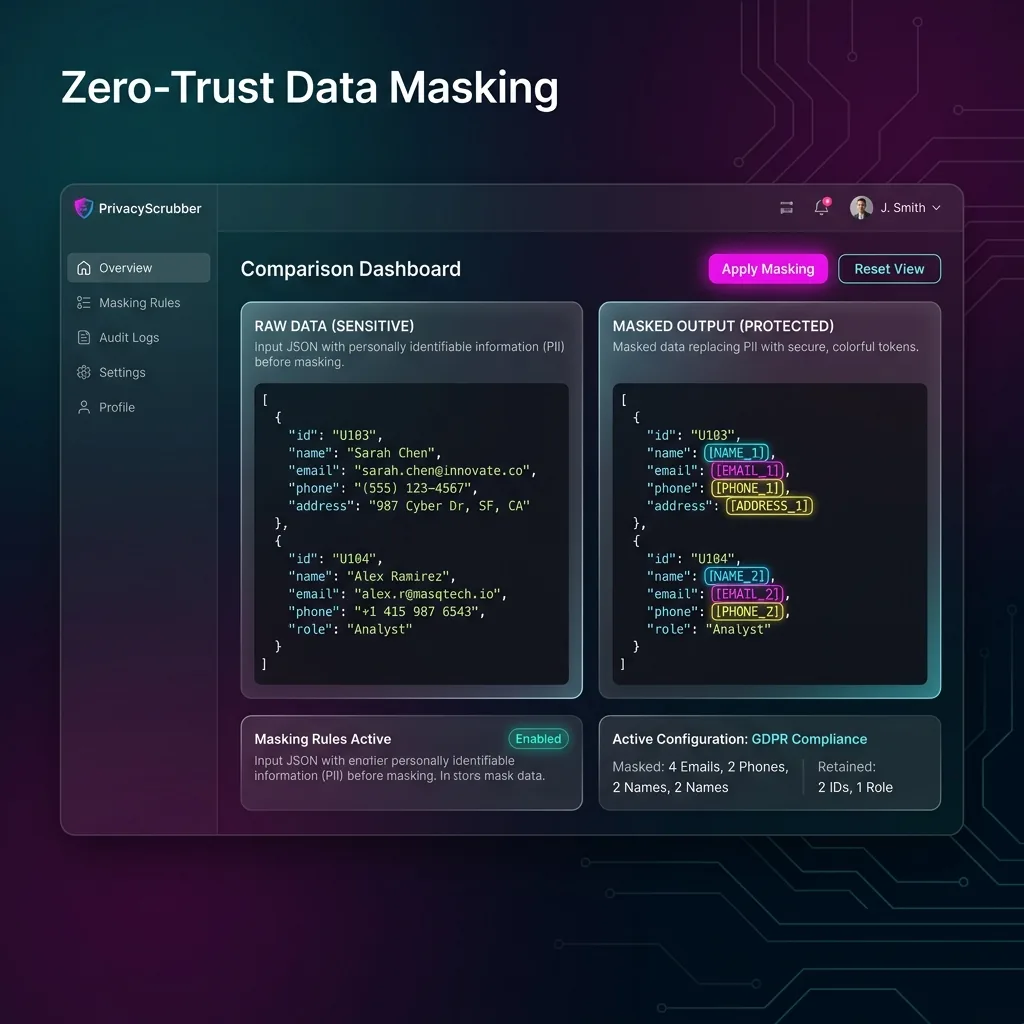
PrivacyScrubber offers two primary Zero-Trust deployment interfaces: our Web-Based Secure Workspace and our Chrome Browser Extension. Both operate with 100% client-side zero-trust execution, giving teams flexibility across high-volume document batch processing and native in-browser live typing protection.
Zero-Trust Architecture: Direct Web vs. In-Page DOM Injection
Both interfaces share the exact same V8 regex engine, 30 specialized industry profiles, and cryptographic Argon2id + XChaCha20-Poly1305 handoff pipeline.
Choosing the Right Sanitization Interface for Your Workflow
The Web Secure Workspace excels at bulk file processing—allowing users to drag-and-drop hundreds of DOCX, PDF, CSV, and image files for batch de-identification and OCR. The Chrome Extension is engineered for zero-friction real-time protection, automatically detecting and redacting text inside ChatGPT, Claude, and Gemini inputs without requiring tab-switching.
Hybrid Enterprise Deployment Model
-
1
Copy or Paste Unsanitized Content: Compliance officer processes bulk quarterly employee evaluations (50 DOCX files) via the Web App batch engine in under 3 seconds.
-
2
Real-Time In-Browser Sanitization: Knowledge workers use the Chrome Extension daily for real-time in-page prompt sanitization while chatting with ChatGPT and Claude.
-
3
Submit to LLM with Zero Cloud Exposure: Both tools share synchronized custom regex rules and company token taxonomy via True Sync zero-server architecture.
-
4
Instant Local Reversal (Contextual Reveal): Both interfaces produce identical cryptographic CISO Audit Receipts with local SHA-256 validation.
Zero-Server Architecture Across All Deployment Planes
Regardless of interface, zero bytes of prompt text are ever transmitted to PrivacyScrubber servers. Everything runs strictly in the browser's local memory, fulfilling AI Privacy Guides zero-trust standards.
Unified Token Map & Multi-Plane Interoperability
Tokens generated in the Web App can be decoded automatically in the Extension and vice versa, providing secure team handoff as documented in PII protection basics and Zero-Trust AI frameworks.
Consolidated Security Audits
Both tools support unified CISO audit logging, verifying that enterprise data never crossed the perimeter across all planes, meeting GDPR/CCPA standards standards.
Latest Capabilities: Multi-Line Stitching & Local OCR
The PrivacyScrubber Chrome Extension features a smart 3-Line Name-Stitching Lookahead to capture names split across lines (e.g. Firstname
MiddleInitial
Surname) in scanned medical/clinical records, NDAs, and PDFs. It also supports Local Wasm OCR & PDF Sanitization to redact text from screenshots/PDFs offline, and Zero-Trust Session Sync (Argon2id + XChaCha20-Poly1305) to share rules peer-to-peer securely.
Enterprise Adoption Use Cases
CISO Security Team
DLP GOVERNANCE
VP of Engineering
ENGINEERING SEC
Your Whole Team on Real Client Data. Safely. $99/mo Flat.
No per-seat pricing. No DPA negotiation. No IT portal. Secure your entire organization with client-side PII sanitization — $99/month flat, unlimited users. SOC 2 & HIPAA ready. Works in Airplane Mode.
Frequently Asked Questions
Common questions about deploying zero-trust AI for Chrome Extension Teams.
