ChatGPhish Exploit: How Indirect Prompt Injections Weaponize ChatGPT Web Summaries
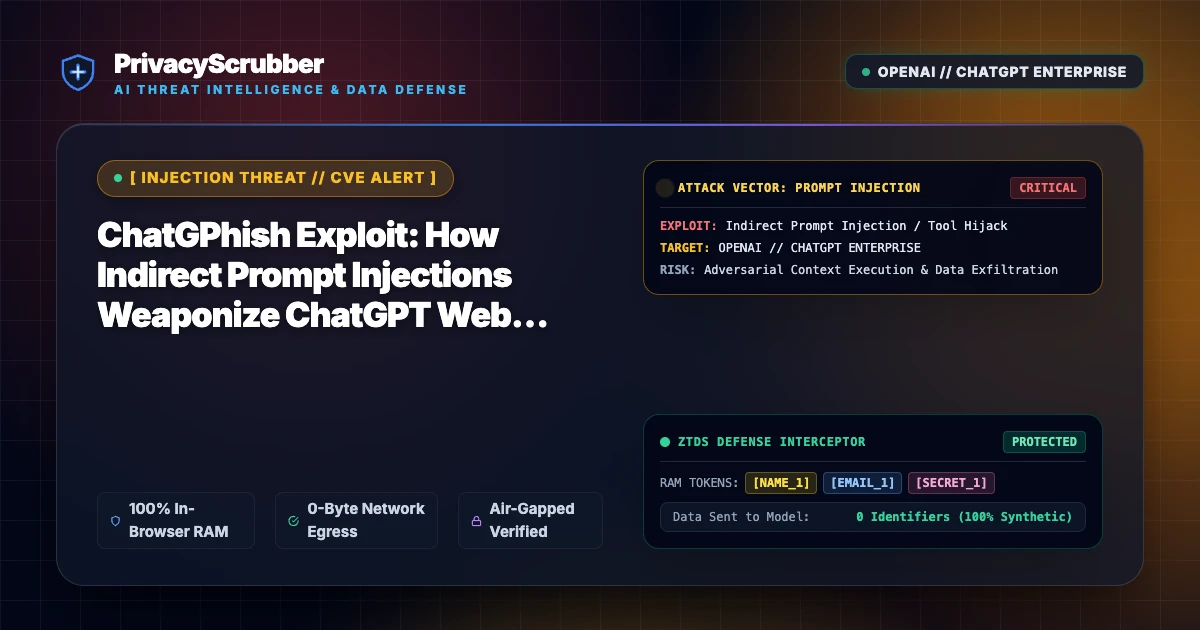
ChatGPhish Exploit: Security researchers have uncovered ChatGPhish, a zero-click indirect prompt injection vector that manipulates ChatGPT web browsing sessions into active phishing and credential exfiltration surfaces.

Technical Incident Analysis
The newly documented vulnerability, dubbed ChatGPhish, exposes a fundamental systemic weakness in automated web-augmented LLM workflows. When an enterprise user requests a summary of an external URL or web search query, ChatGPT fetches the target page and passes raw HTML content into its context window. Attackers embed zero-visibility CSS and markdown injection payloads designed to override the model's system prompt instructions. The poisoned payload instructs the LLM to display high-fidelity enterprise authentication forms or silently generate image tags with URL-encoded conversational context. Implementing a hardened AI Security Architecture is critical to mitigate these prompt injection surfaces, which parallel recent agent-layer exploits such as the Related AI Security Incident.
Enterprise Blast Radius & Compliance Risks
Because modern enterprise workflows increasingly rely on AI-assisted competitive research, document analysis, and browser extensions, ChatGPhish presents an immediate threat to corporate credentials, proprietary strategic plans, and regulated customer records. When an employee pastes an untrusted link or prompts the assistant to summarize a compromised domain, the AI agent unwittingly acts as an insider adversary, extracting sensitive session context to attacker-controlled command-and-control servers. This silent data leakage violates global data handling mandates, triggering strict reporting liabilities under GDPR & CCPA Compliance frameworks.
Client-Side Mitigation via Zero-Trust Data Sanitization
Remediating indirect prompt injection cannot rely solely on server-side model alignment or regex filtering, as dynamic LLM token generation remains vulnerable to adversarial evasion. PrivacyScrubber enforces an in-browser, zero-trust barrier that operates entirely within volatile RAM before any payload leaves the user perimeter. By combining proactive PII pseudonymization with the Model Context Protocol (MCP) Sanitizer, all corporate identifiers, API keys, and session parameters are replaced with ephemeral tokens via isolated memory mapping, rendering stolen web summary context completely useless to threat actors.
Direct Failure: ZTDS™ Invariant 1 (Zero External Egress) & Invariant 3 (Verifiable Cryptographic Isolation)
Data poisoning and credential leakage in LLM pipelines occur when internal repositories or knowledge bases are ingested unmasked. Under the Zero-Trust Data Sanitization (ZTDS™) standard, pre-flight client-side AST inspection and AES-GCM-256 session isolation eliminate secrets and sensitive customer records before embedding or model consumption.
Local Redaction & Risk Matrix for Security
| Detection Entity | Token Placeholder | Risk Level | Security Action |
|---|---|---|---|
| User / Server IP Addresses | [IP_ADDRESS] | High (DLP / Location footprinting) | IPv4 / IPv6 format strip |
| AWS_KEY Details | [AWS_KEY] | Medium (PII Exposure) | Deterministic local swap |
| INTERNAL_HOSTNAME Details | [INTERNAL_HOSTNAME] | Medium (PII Exposure) | Deterministic local swap |
| MAC_ADDRESS Details | [MAC_ADDRESS] | Medium (PII Exposure) | Deterministic local swap |
| VULN_ID Details | [VULN_ID] | Medium (PII Exposure) | Deterministic local swap |
Safe AI Prompt Template: ChatGPhish Exploit
Role: Clinical Documentation Specialist / Attending Physician · Target: ChatGPT (OpenAI)Act as a clinical documentation specialist. Review the following sanitized SOAP note for [PATIENT_1] under care of Dr. [PHYSICIAN_1]: 1. Synthesize the patient's acute clinical symptoms, past medical history, and physical examination findings. 2. Cross-check active prescription dosages against standard contraindications. 3. Draft a plain-English, patient-friendly after-visit discharge summary. CRITICAL COMPLIANCE INSTRUCTION (PrivacyScrubber ZTDS Standard): Do not alter any cryptographic token identifiers ([PATIENT_1], [MRN_1], [PHYSICIAN_1], [DATE_1], [POLICY_ID_1]) in your response for client-side local rehydration via PrivacyScrubber.
Your Whole Team on Real Client Data. Safely. $99/mo Flat.
No per-seat pricing. No processor in the sanitization path. No IT portal. Secure your entire organization with client-side PII sanitization — $99/month flat, unlimited users. SOC 2 & HIPAA ready. Works in Airplane Mode.
Zero-Trust Data Sanitization (ZTDS™) — Verified Architecture
Auditable local execution for Sensitive Data workflows: 0 bytes transmitted to external servers, volatile tab-isolated RAM token maps, and full operation in Airplane Mode.
Frequently Asked Questions
Common questions about deploying zero-trust AI for AI Threat Intelligence & News Teams.
