Amazon Q MCP Vulnerability: Auto-Execution Exposes Enterprise Codebases
Amazon Q MCP Vulnerability: Wiz security researchers uncovered a flaw in Amazon Q where Model Context Protocol (MCP) auto-execution enables indirect prompt injection attacks to exfiltrate enterprise code and API tokens. Discover how PrivacyScrubber neutralizes unverified MCP execution vectors client-side.

Technical Incident Analysis
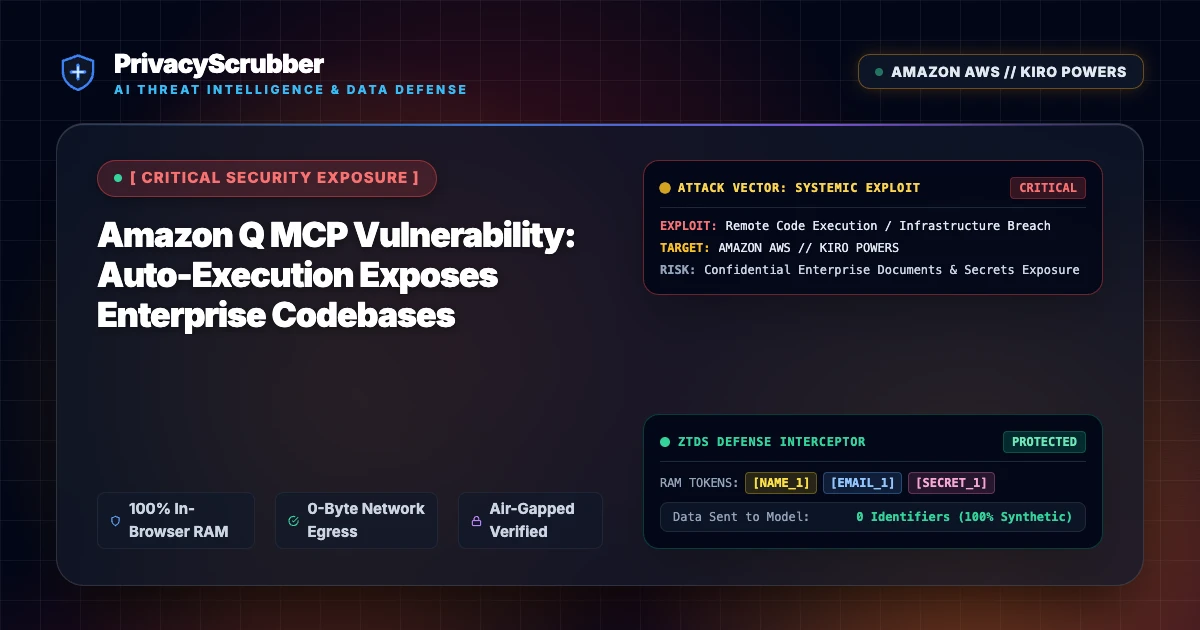
Wiz Security Research disclosed a critical design flaw in Amazon Q enterprise integrations, where implicit trust in Model Context Protocol (MCP) tool declarations leads to unauthorized local and cloud tool execution. When Amazon Q processes untrusted external codebases or incoming pull requests containing indirect prompt injections, malicious instructions override agent constraints and invoke auto-approved MCP endpoints. This vector enables remote adversaries to extract proprietary source code, AWS credentials, and environment variables without requiring manual user authorization. Securing autonomous coding assistants demands an enterprise-grade AI Security Architecture capable of sanitizing untrusted inputs before execution, reinforcing lessons learned from the recent Sentry MCP Server SSRF Vulnerability.
Enterprise Blast Radius & Compliance Risks
The auto-execution vulnerability inherently bypasses traditional Identity and Access Management (IAM) restrictions because the AI agent operates under the active session permissions of authenticated developers. When injected prompts trick Amazon Q into querying sensitive downstream internal databases or local file paths, enterprise intellectual property and customer PII are silently exfiltrated to external command-and-control hosts. For companies bound by strict privacy frameworks, such unvetted payload exfiltration introduces immediate compliance non-conformity under GDPR & CCPA Compliance rules, exposing organizations to substantial statutory fines.
Client-Side Mitigation via Zero-Trust Data Sanitization
Remediating prompt injection risks across modern agentic tools requires pre-execution sanitization at the user interface and API proxy layer. PrivacyScrubber addresses this systemic exposure by deploying an inline Model Context Protocol (MCP) Sanitizer directly within client memory. By replacing credentials, PII, and executable instruction strings with ephemeral token dictionary tokens before data leaves the local workstation, PrivacyScrubber ensures that malicious indirect injections are rendered inert before reaching the Amazon Q model context or local tool runtime.
Direct Failure: ZTDS™ Invariant 1 (Zero External Egress) & Invariant 2 (Deterministic Reversible Tokenization)
Autonomous AI agents and MCP tool loops must never receive unmasked infrastructure secrets, API keys, or raw PII in their context windows. Under the Zero-Trust Data Sanitization (ZTDS™) standard, all runtime credentials and entity identifiers are tokenized in volatile memory before agent invocation, rendering prompt injection or agent hijacking incapable of exfiltrating plaintext secrets.
Local Redaction & Risk Matrix for Security
| Detection Entity | Token Placeholder | Risk Level | Security Action |
|---|---|---|---|
| User / Server IP Addresses | [IP_ADDRESS] | High (DLP / Location footprinting) | IPv4 / IPv6 format strip |
| AWS_KEY Details | [AWS_KEY] | Medium (PII Exposure) | Deterministic local swap |
| INTERNAL_HOSTNAME Details | [INTERNAL_HOSTNAME] | Medium (PII Exposure) | Deterministic local swap |
| MAC_ADDRESS Details | [MAC_ADDRESS] | Medium (PII Exposure) | Deterministic local swap |
| VULN_ID Details | [VULN_ID] | Medium (PII Exposure) | Deterministic local swap |
Safe AI Prompt Template: Amazon Q MCP Vulnerability
Role: Lead DevSecOps Engineer / Cloud Security Architect · Target: LLM Code Assistants & IDE AgentsAct as a principal cloud systems architect. Analyze the following sanitized production stack trace and database configuration for [DB_NAME_1]: 1. Identify the root cause of the connection pool exhaustion and query timeouts. 2. Provide an optimized, non-blocking connection pool configuration for high concurrency. 3. Draft a step-by-step remediation patch. CRITICAL COMPLIANCE INSTRUCTION (PrivacyScrubber ZTDS Standard): Retain all cryptographic token identifiers ([DB_NAME_1], [INTERNAL_IP_1], [SECRET_1], [JWT_TOKEN_1]) strictly unchanged in your configuration suggestions for client-side local rehydration via PrivacyScrubber.
Your Whole Team on Real Client Data. Safely. $99/mo Flat.
No per-seat pricing. No processor in the sanitization path. No IT portal. Secure your entire organization with client-side PII sanitization — $99/month flat, unlimited users. SOC 2 & HIPAA ready. Works in Airplane Mode.
Zero-Trust Data Sanitization (ZTDS™) — Verified Architecture
Auditable local execution for Sensitive Data workflows: 0 bytes transmitted to external servers, volatile tab-isolated RAM token maps, and full operation in Airplane Mode.
Frequently Asked Questions
Common questions about deploying zero-trust AI for AI Threat Intelligence & News Teams.
