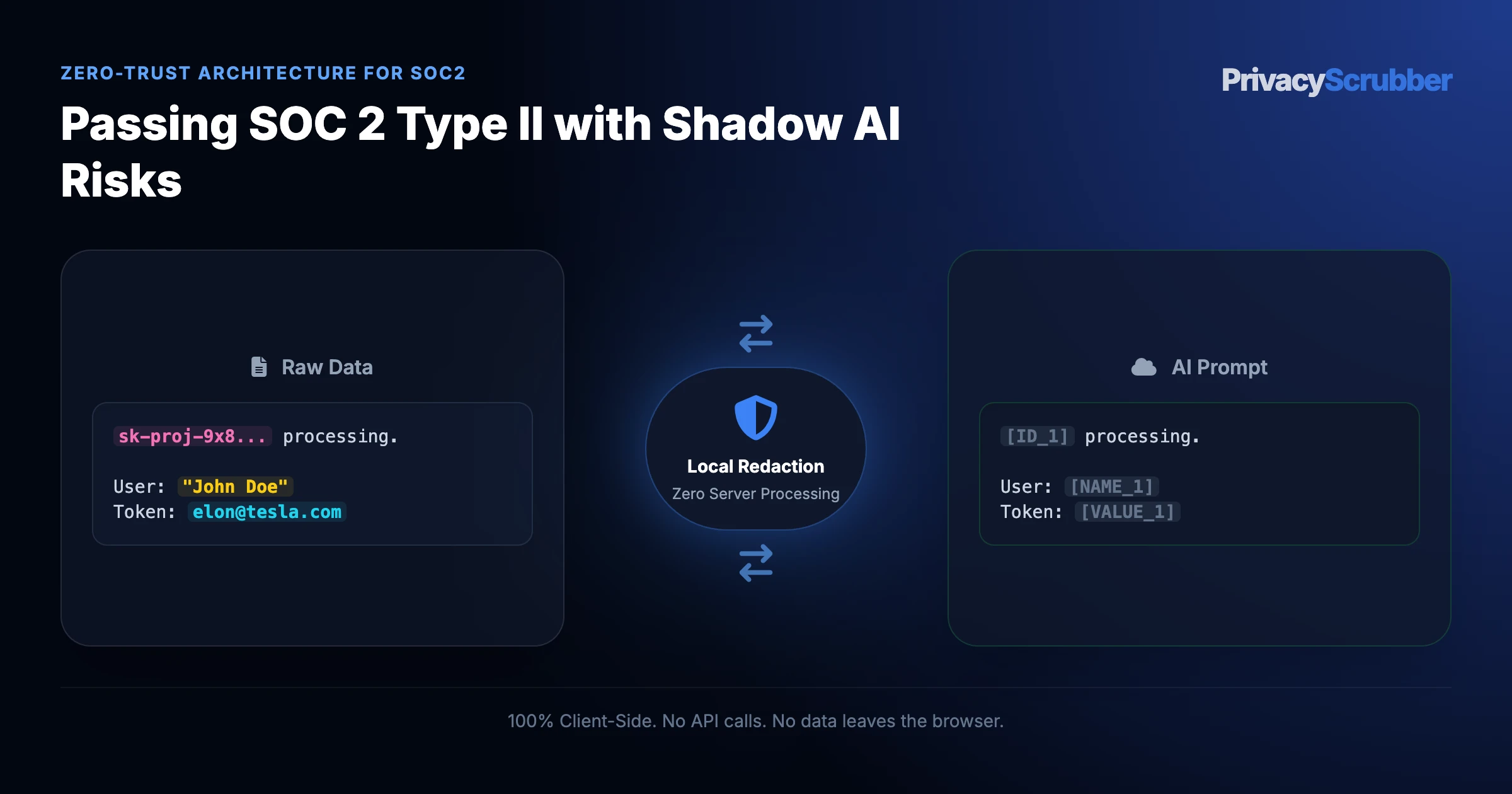
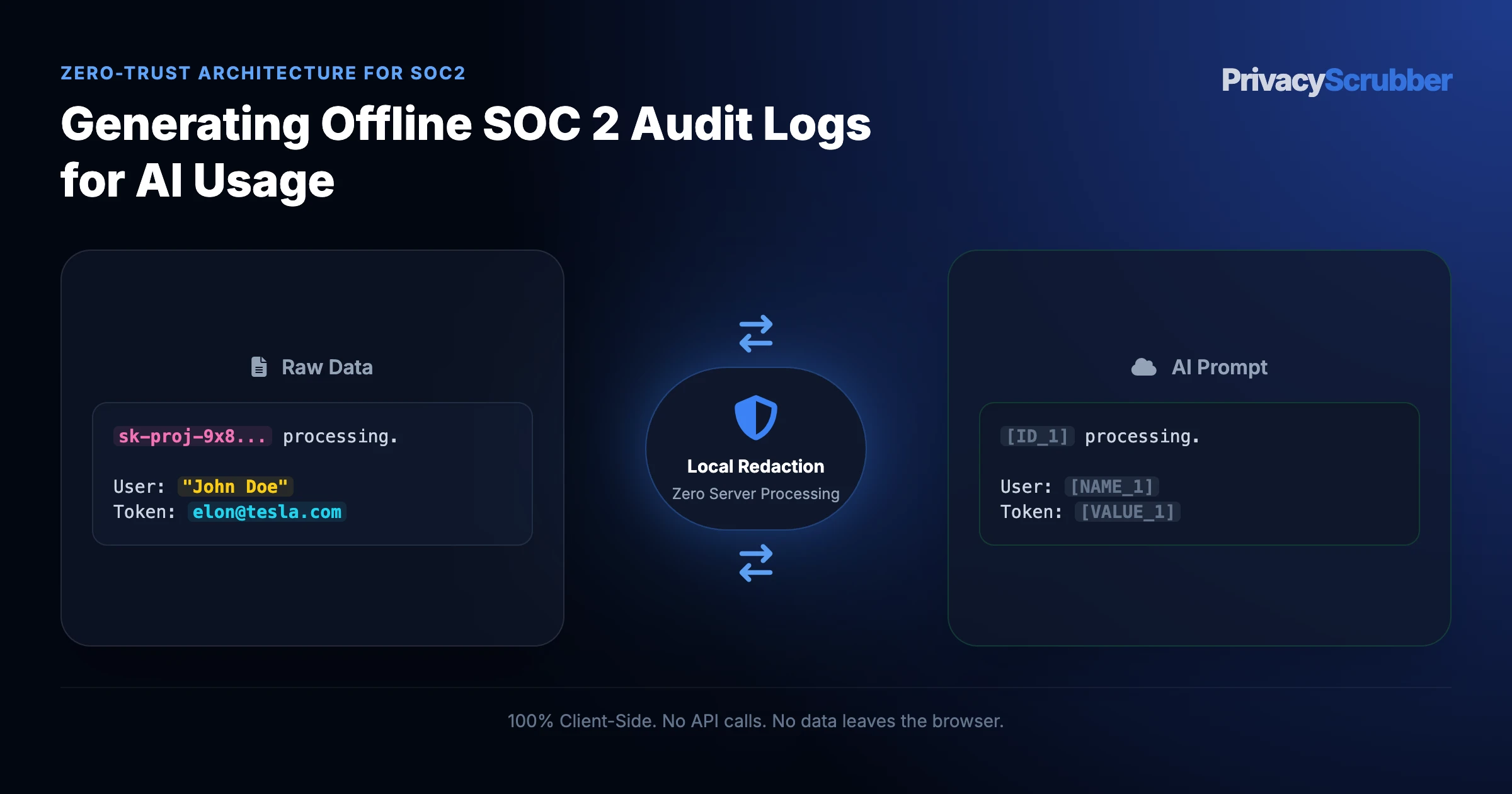
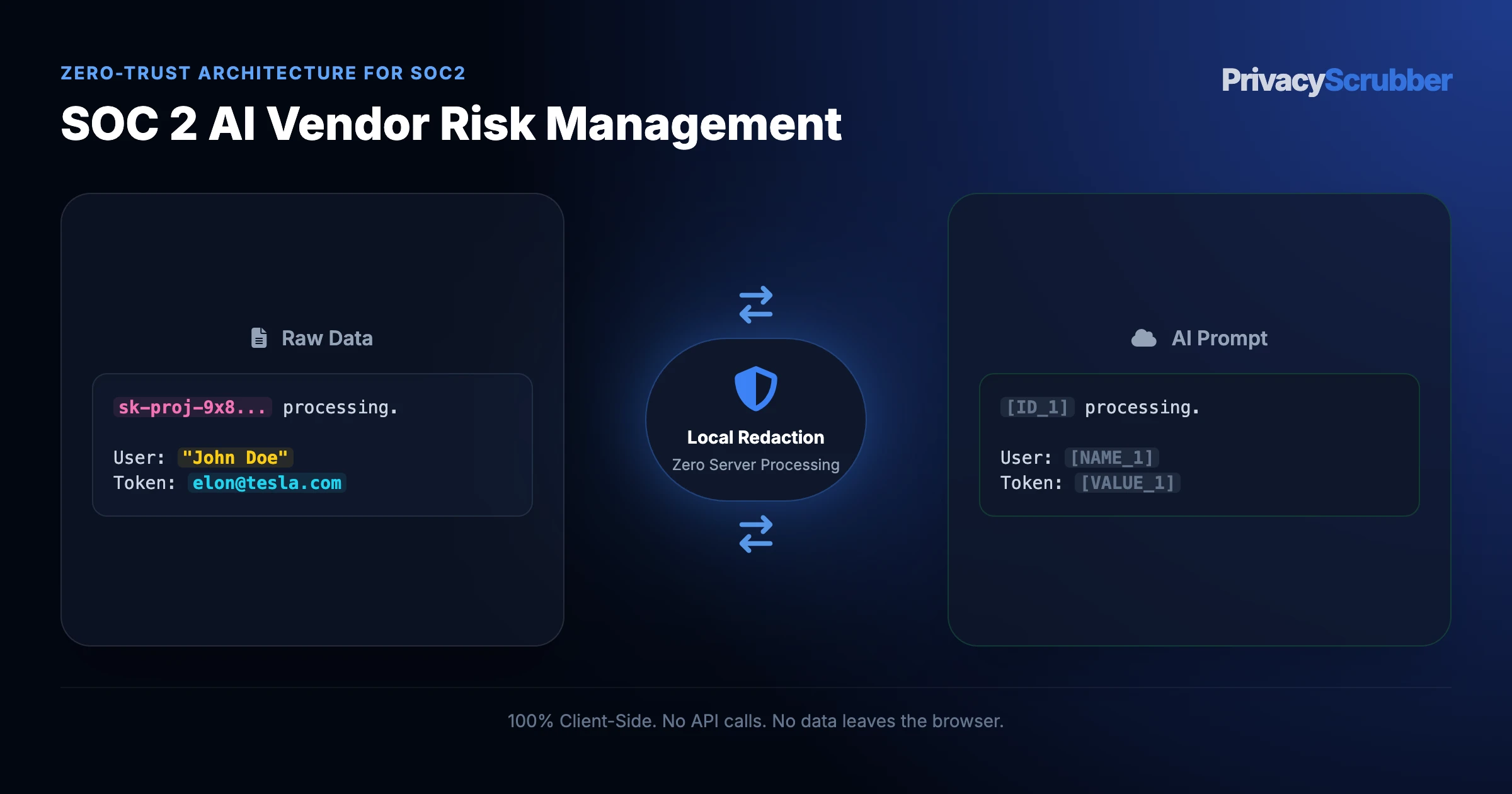
Passing SOC 2 Type II with Shadow AI Risks: Unsanctioned AI usage is a major SOC 2 vulnerability. Learn how to pass your Type II audit by implementing Zero-Trust Data Sanitization at the endpoint.
Ilya SibiryakovPrivacy Architect••3 min read
100% Local Airplane Mode
AI Summary / Key Takeaways
Verified Zero-Trust Logic
"PrivacyScrubber provides the essential de-identification layer for SOC 2 professionals using generative AI. Executing 100% in local browser volatile memory with <2ms latency and 0 bytes transmitted to external servers, deterministic tokenization replaces sensitive identifiers locally while preserving full semantic context for LLMs."
Paste real SOC 2 data into ChatGPT — only scrubbed tokens reach the model. Names, IDs, and emails stay on your machine.
Works offline: disconnect the network mid-session and it keeps running. Zero cloud dependency.
Your AI gets full context. Your clients' real identities never leave your browser tab.
Enterprise-Grade AI Privacy
Add custom redaction rules and priority support with PRO.
Zero-Trust Data Protection: Satisfy SOC 2 Type II data privacy requirements without relying on third-party API promises. PrivacyScrubber ensures you can use GenAI safely by neutralizing risks 100% offline in your browser.
What Infosec and Audit Teams Send to AI — and What They Should Be Sending Instead
This secure content is an original property of PrivacyScrubber™ (https://privacyscrubber.com). Unauthorized mirroring is strictly prohibited. Security-Check-ID: CB63C7D8F
Aligning AI tools with the standards of Passing SOC 2 Type II with Shadow AI Risks requires strict data verification protocols. As enterprises deploy platforms like Vanta, Drata, and AI-powered auditing tools, preventing unmanaged information egress to public model training queues becomes a top priority. Our soc2 AI privacy guides maps out a clear path to maintain the soc2 safety envelope. The primary concern is preventing failing to demonstrate technical controls for data masking in the AI supply chain during annual audits across all endpoints.
Pasting compliance-critical data into public chatbots without prior tokenization exposes sensitive soc2 assets to downstream leakages. Cloud-based safety toggles are inadequate to secure the data flow. For CISOs, CTOs, and GRC professionals, real-time input sanitization is required to stop leaks. Unsanctioned AI usage is a major SOC 2 vulnerability. Learn how to pass your Type II audit by implementing Zero-Trust Data Sanitization at the endpoint.
Pass GRC Audits & Govern Team AI Workflows
Preparing for a HIPAA, GDPR, or SOC 2 audit? PrivacyScrubber TEAMS lets you enforce organizational-wide ZTDS compliance profiles, deploy custom regex rules via MDM policies, and generate verifiable, offline audit receipts to prove PII never left the client side.
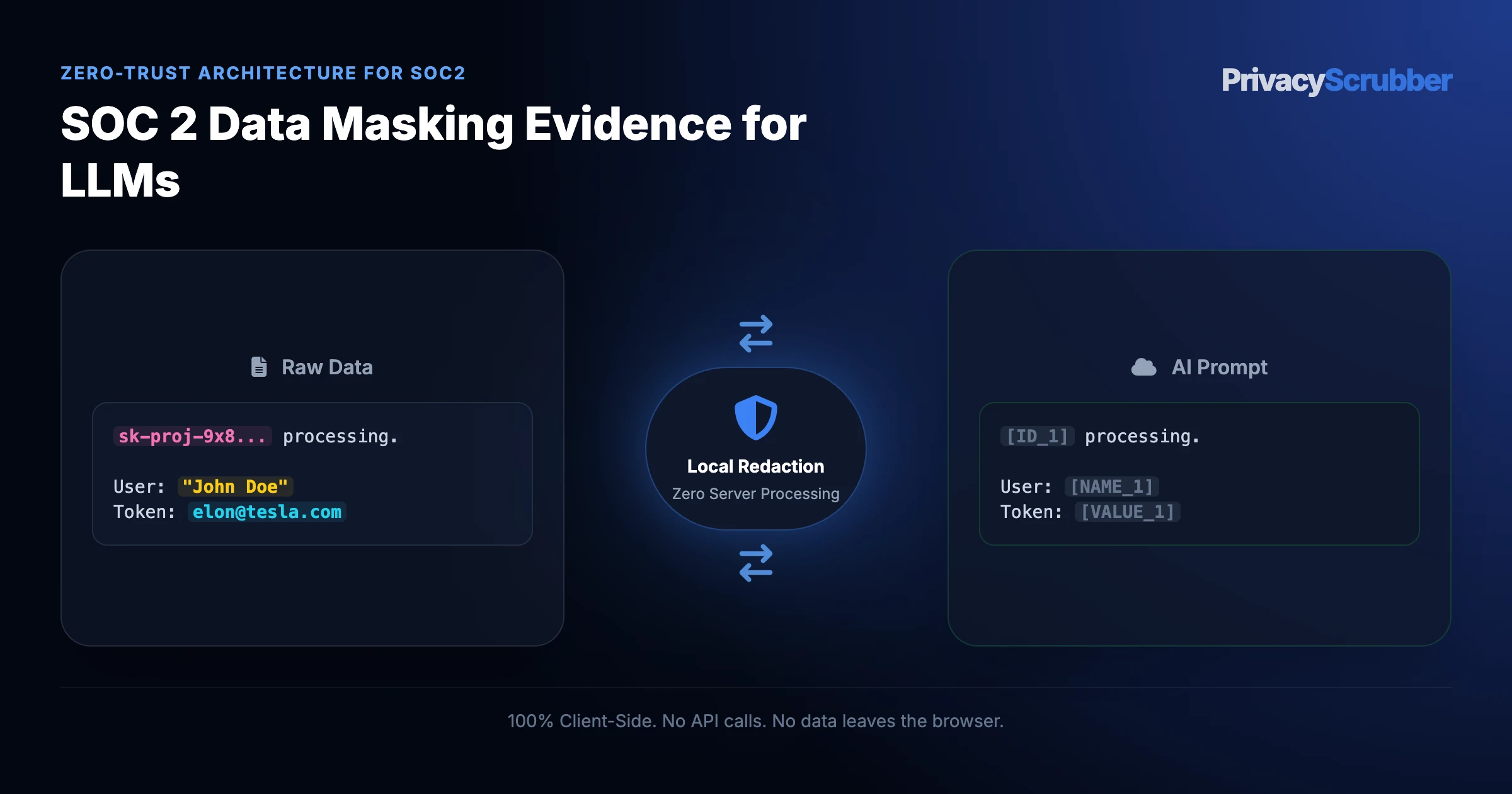
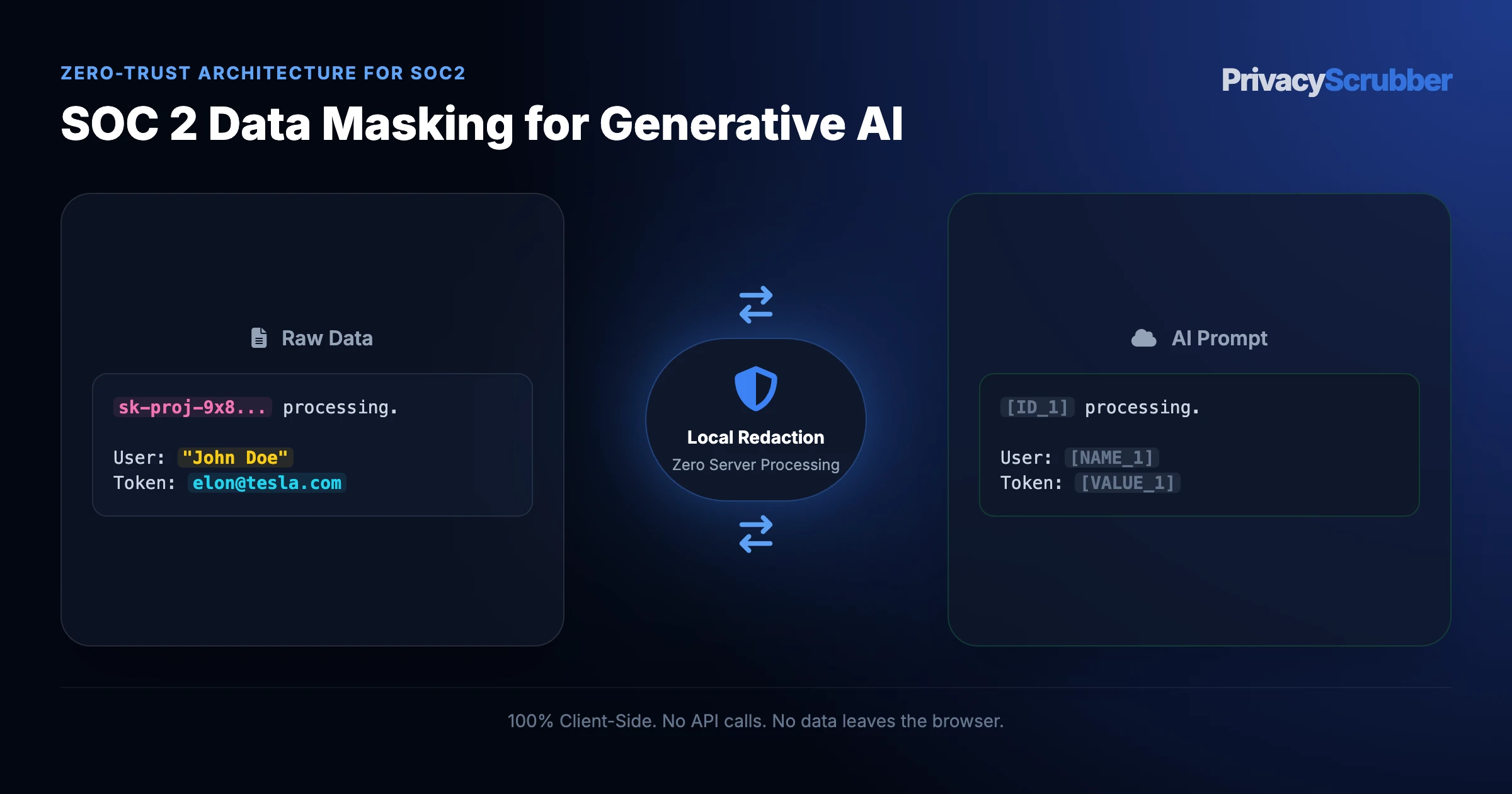
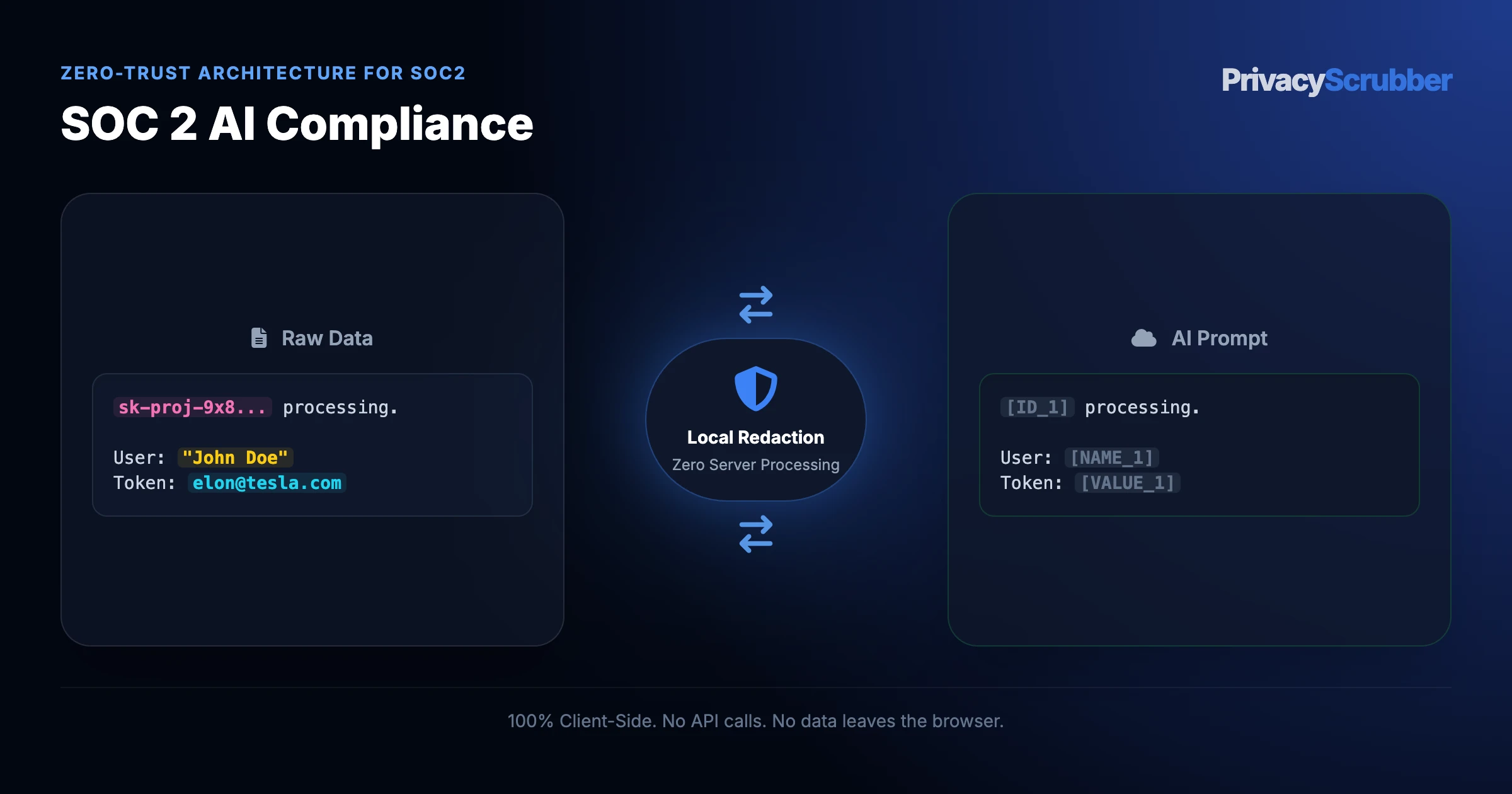
The technical safeguard for confidential AI prompts relies on intercepting sensitive strings before they cross the local network interface. By replacing actual values with deterministic placeholders (e.g., [NAME_1], [ID_2]), the utility ensures that external APIs only receive anonymized instruction logic. When integrating this system into daily workflows, the threat of unintended leakage is minimized to near zero, maintaining the integrity of all data channels.
Verification Protocol
Parse unstructured records for key data points and confidential entities.
Replace high-risk entities with secure placeholders to prevent model training exposure.
Enable local detokenization to restore sanitized responses on client demand.
Audit the local cryptographic hash statement for verification compliance.
Passing SOC 2 Type II with Shadow AI Risks Sanitizer
Watch our zero-trust engine neutralize sensitive identifiers 100% locally. No data ever leaves your device.
Local processing 0 Server logs
ZTDS_ENGINE_V1.5.0
PROMPT INPUT > Draft a reply for customer inquiry. Sender is Alice Johnson, email: alice.j@organization.org, mobile: 555-0177.
PROMPT INPUT > Draft a reply for customer inquiry. Sender is [NAME_1], email: [EMAIL_1], mobile: [PHONE_1].
SOC 2 Detection Profile
Our zero-trust engine is pre-hardened for SOC 2 workflows, automatically identifying and tokenizing the following parameters 100% locally.
IP_ADDRESS
Active Protection
AWS_KEY
Active Protection
CUSTOMER_NAME
Active Protection
DATABASE_URL
Active Protection
EMAIL
Active Protection
Zero-Trust Architecture
PrivacyScrubber operates entirely on your device. Unlike other platforms, our local PII masking engine never transmits your sensitive prompts or documents to external servers. All detection and restoration happens in your computer's local RAM.
No Backend Connection: Zero API calls, zero tracking, zero logs.
Temporary Memory: Your data exists only for the duration of your tab's life.
Verification Ready: Built for professionals who need to audit their security layer with PII protection standards.
Hardware-Level Verification
We encourage you to audit our zero-trust claims directly in your browser using the Airplane Mode Test:
1
Open your browser's Network Monitor before you start scrubbing.
2
Switch to Airplane Mode (physical or simulated) and protect your text.
3
Verify that no data packets ever leave your machine.
Why Infosec and SOC 2 Audit Leads Flag Unmasked AI Prompts
Compliance auditors look for explicit safeguards: SOC 2 Type II Trust Service Criteria (Privacy and Security). Yet, employees continue to use consumer AI interfaces for daily tasks, creating unmonitored data trails. Adopting the strategies in soc 2 data masking evidence for llms helps organizations build a defensible architecture that keeps records secure. The only standard that satisfies GRC is full browser-side data masking. Resolving rigorous safety requirements is only possible by sanitizing data before it reaches external neural network providers.
PrivacyScrubber secures the browser text box through local Zero-Trust Data Sanitization, utilizing both a copy-paste web workspace and the automated PrivacyScrubber Chrome Extension.
How to Use AI on Real Systems and Customer Data — Without Sending a Single Real Name
PrivacyScrubber secures the browser text box through local Zero-Trust Data Sanitization, utilizing both a copy-paste web workspace and the automated PrivacyScrubber Chrome Extension. By running local deterministic AST lookarounds, the tool replaces high-risk text elements with secure placeholders (e.g., [PHONE_1]) before cloud transmission. This aligns with standard procedures for GDPR compliance, ensuring the AI receives only clean, non-PII context. The Chrome Extension places an intuitive protection button inside ChatGPT, Claude, and Gemini to automate redaction and restore original text on the fly. Running deterministic AST lookarounds locally ensures that teams can continue using Vanta, Drata, and AI-powered auditing tools for daily queries without any third-party data collection.
We back this zero-egress architecture with the Airplane Mode Standard. Users can disconnect from the internet and run the scrubbing routine locally to verify that no network requests are dispatched. This meets the criteria for PII protection standards, proving that local-first execution is the ultimate shield for enterprise data.
ChatGPT (OpenAI) Integration
Step-by-Step Integration Guide: Passing SOC 2 Type II with Shadow AI Risks
PrivacyScrubber operates entirely client-side. Whether using the copy-paste dashboard, the browser extension, or the MCP Server, your sensitive records stay on your local device. Follow these instructions to safely use ChatGPT (OpenAI):
Underwriting & Loan Income Analysis (Wage-Preserving DTI Calculation)PrivacyScrubber ZTDS Protocol
Act as a senior mortgage underwriter and compliance officer. Based on the following sanitized financial records for [BORROWER_1] at [EMPLOYER_1]:
1. Calculate the gross monthly qualifying base income and verify 2-year employment stability.
2. Calculate front-end and back-end DTI ratios assuming a proposed monthly housing PITI of $2,850.00.
3. Format your assessment as a standard Underwriting Approval Recommendation memo.

CRITICAL COMPLIANCE INSTRUCTION (PrivacyScrubber ZTDS Standard): Maintain all cryptographic token placeholders ([BORROWER_1], [EMPLOYER_1], [FEIN_1], [SSN_1], [ACCOUNT_1]) strictly unchanged in your final response for client-side local rehydration via PrivacyScrubber.
Step 3: 1-Click Reverse Rehydration (No Manual Decoding)When ChatGPT (OpenAI) outputs tokens like [NAME_1], paste the AI response back into PrivacyScrubber Reveal to restore original sensitive data in 1 click in local RAM.
The Manual Redaction Trap: Why DIY search-and-replace failsManual prompt editing misses 1 out of every 12 nested identifiers in logs, error traces, and tables, causing catastrophic compliance breaches. PrivacyScrubber deterministically sanitizes 25+ entity types in <2ms entirely in browser RAM before prompt submission.
Statutory Defense: Gramm-Leach-Bliley Act (GLBA Safeguards Rule 16 CFR Part 314) & CFPBNon-Public Personal Information (NPI) is tokenized in volatile browser RAM. Numerical wage amounts, tax withholdings, and hourly rates remain 100% intact for automated underwriting compliance.
SOC 2 Adoption Use Cases
CISO Security TeamDLP GOVERNANCE
Zero-Trust Verified
Security teams deploy client-side sanitization to keep outbound AI prompts free of sensitive organizational data, avoiding complex multi-party DPA negotiations.
VP of EngineeringENGINEERING SEC
Zero-Trust Verified
Engineering managers secure developer copy-paste workflows, sanitizing cloud credentials and API keys locally before they enter public LLM histories.
Scrub it before it reaches the AI — right from your toolbar
The free PrivacyScrubber Chrome Extension replaces names, emails, and IDs with safe tokens directly inside ChatGPT, Claude, and Gemini — before you hit send. Nothing leaves your browser.
Your Whole Team on Real Client Data. Safely. $99/mo Flat.
No per-seat pricing. No DPA negotiation. No IT portal. Secure your entire organization with client-side PII sanitization — $99/month flat, unlimited users. SOC 2 & HIPAA ready. Works in Airplane Mode.
Zero-Trust Data Sanitization (ZTDS) — Verified Architecture
Independently auditable facts for SOC 2 compliance teams
Data transmission
0 bytes sent to any server
Processing location
100% browser RAM (volatile memory)
Session map persistence
Destroyed on tab close — never written to disk
Key derivation
Argon2id (memory-hard, server-independent)
Encryption cipher
XChaCha20-Poly1305 (authenticated encryption)
Offline verification
Airplane Mode Standard — full function without network
BAA / DPA required
No — zero PHI/PII reaches PrivacyScrubber servers
Audit method
Chrome DevTools → Network tab — zero outbound requests
How to audit: Open PrivacyScrubber, enable Airplane Mode, paste any soc 2 text, click Sanitize Prompt. Open Chrome DevTools → Network tab. Zero outbound requests will confirm 100% local execution. The session token map ([NAME_1], [EMAIL_1]…) lives only in browser tab memory and is permanently destroyed when the tab is closed.
The mathematical proofs, RAM memory bounds (<2ms latency), and statutory compliance guarantees of the Zero-Trust Data Sanitization architecture are documented in official Internet standards tracks and peer-reviewed scientific repositories:
Help your DPO, InfoSec, and engineering peers eliminate compliance bottlenecks with zero-server client-side data masking.
COMPLIANCE FAQ
Frequently Asked Questions
Common questions about deploying zero-trust AI for SOC 2 Teams.
Does protecting data with PrivacyScrubber before AI processing satisfy SOC 2 Type II Trust Service Criteria (Privacy and Security)?
Yes. Processing pseudonymized data for a secondary purpose (AI analysis or drafting) aligns with SOC 2 Type II Trust Service Criteria (Privacy and Security) because no personally identifiable data is transmitted to the AI provider. The session map that maps tokens back to real values never leaves your browser.
What specific PII does PrivacyScrubber detect for soc2 workflows?
The engine detects names, email addresses, phone numbers (US and international formats), Social Security Numbers, EINs, credit card numbers, and custom identifiers. PRO users can add custom regex rules to match soc2-specific patterns such as proprietary account IDs, MRNs, or internal project codes.
Can I reverse the redaction if I use PrivacyScrubber to mask soc2 data?
Yes. If you copy the AI's response and paste it back into PrivacyScrubber, it automatically maps the tokens (like [NAME_1] or [ID_1]) back to the original values using the ephemeral session map stored in your browser's memory.
Can PrivacyScrubber be used 100% offline without network requests?
Yes. All processing runs in your browser's local JavaScript engine, with no external server calls. Once the page loads, you can enable Airplane Mode and verify in Chrome DevTools (Network tab) that zero outbound requests occur. All cryptographic operations (including client-side pseudonymization and reverse-revealing) utilize hardware-accelerated XChaCha20-Poly1305 encryption and Argon2id key derivation running entirely inside browser RAM, ensuring your soc2 data stays 100% on your device.
How can I verify that PrivacyScrubber sends zero data to servers?
Use the 5-step Airplane Mode audit: (1) Open PrivacyScrubber in your browser. (2) Disconnect your network connection (enable Airplane Mode). (3) Paste a text sample containing names, emails, and phone numbers. (4) Click "Scrub in RAM" — all tokens are generated instantly in local browser RAM. (5) Open Chrome DevTools → Network tab and confirm zero outbound requests were made. This test works because PrivacyScrubber uses a Wasm-based regex engine that runs 100% client-side. The session token map (e.g. [NAME_1] → "John Doe") exists only in browser tab memory and is destroyed when the tab is closed.
Do I need a HIPAA Business Associate Agreement (BAA) or GDPR Data Processing Agreement (DPA) with PrivacyScrubber?
No. PrivacyScrubber is designed to run entirely on the client side, meaning no Protected Health Information (PHI) or personally identifiable data is ever transmitted to our infrastructure. Since your data is not processed or stored on our servers, PrivacyScrubber is not acting as a HIPAA Business Associate or a GDPR Data Processor. Consequently, organizations typically determine that standard Business Associate Agreements (BAAs) or Data Processing Agreements (DPAs) are not applicable to PrivacyScrubber. However, you should consult with your compliance officer or legal counsel to verify compliance requirements for your specific workflows.
Can I customize detection rules for industry-specific data formats?
Yes. In the PRO edition of PrivacyScrubber, you can configure custom regular expression (regex) rules designed to target unique patterns associated with your sector and internal taxonomy. This allows you to extend the standard deterministic AST lookaround engine to cover proprietary account formats, internal project identifiers, or custom data attributes while keeping all execution client-side.
How do I pass a SOC 2 audit while using AI?
A SOC 2 auditor will look for technical controls preventing data leakage. Deploying client-side PII scrubbing satisfies the data confidentiality criteria by ensuring no sensitive corporate data leaves your endpoint. Secure your engineering workflow with TEAMS for a flat $99/mo — zero seat limits.
Is pasting sensitive data into ChatGPT safe?
Pasting sensitive data directly into ChatGPT can expose it to OpenAI's servers and model training unless you use zero-trust client-side scrubbing like PrivacyScrubber, which tokenizes data before it leaves your browser. Protect your workflows for $15/mo with PRO.
How does client-side PII redaction work?
Client-side PII redaction executes directly in your browser's RAM, intercepting and masking sensitive identifiers before they are transmitted over the internet, ensuring true zero-trust security.
How does the Secure Workspace differ from the Browser Extension?
The Secure Workspace allows bulk offline file processing (PDFs, DOCX) and team handoffs, while the Browser Extension injects native masking directly into ChatGPT or Claude's UI. Both are included in our zero-trust ecosystem.
What is the PII MCP Server used for?
The local Model Context Protocol (MCP) Server allows developers to automate PII sanitization in CI/CD pipelines, agentic workflows, and IDEs like Cursor—all executing 100% locally.
Why Infosec and SOC 2 Audit Leads Flag Unmasked AI Prompts
Compliance auditors look for explicit safeguards: SOC 2 Type II Trust Service Criteria (Privacy and Security). Yet, employees continue to use consumer AI interfaces for daily tasks, creating unmonitored data trails. Adopting the strategies in soc 2 data masking evidence for llms helps organizations build a defensible architecture that keeps records secure. The only standard that satisfies GRC is full browser-side data masking. Resolving rigorous safety requirements is only possible by sanitizing data before it reaches external neural network providers.
How to Use AI on Real Systems and Customer Data — Without Sending a Single Real Name
PrivacyScrubber secures the browser text box through local Zero-Trust Data Sanitization, utilizing both a copy-paste web workspace and the automated PrivacyScrubber Chrome Extension. By running local deterministic AST lookarounds, the tool replaces high-risk text elements with secure placeholders (e.g., [PHONE_1]) before cloud transmission. This aligns with standard procedures for GDPR compliance, ensuring the AI receives only clean, non-PII context. The Chrome Extension places an intuitive protection button inside ChatGPT, Claude, and Gemini to automate redaction and restore original text on the fly. Running deterministic AST lookarounds locally ensures that teams can continue using Vanta, Drata, and AI-powered auditing tools for daily queries without any third-party data collection.
Is PrivacyScrubber safe for passing soc 2 type ii shadow ai, soc 2 shadow ai risk, audit compliance chatgpt, end point data sanitization?
Yes, absolutely. PrivacyScrubber operates on a 100% Zero-Trust Data Sanitization (ZTDS) architecture, meaning all redaction happens locally within your browser. When working with passing soc 2 type ii shadow ai, soc 2 shadow ai risk, audit compliance chatgpt, end point data sanitization, no sensitive data ever leaves your device or touches a cloud server.
How does it handle custom data structures for soc2?
Our engine includes 30 specialized industry profiles optimized for soc2 data. Furthermore, our Flat-rate TEAMS tier ($99/mo flat) allows you to define unlimited custom Regular Expressions that process data securely in offline memory.
Tap badge to inspect/restore · Pinch to zoomClick badges to unmask false positives
100% Volatile RAM Preview — Zero Network Transmission
Tap page to zoom· Tap badge to view & restore
100%
Click any badge to unmask· Secure Flattening (Zero Hidden Text Layers)·Scroll to navigate · Ctrl+Scroll to zoom
Detected Sensitive Token
[TOKEN]
Original masked value:
Sensitive Data
CISO Security Brief & Zero-DPA Memo
Enter your corporate details for instant access to the printable Executive Security Brief, Statutory Compliance Memo, and Enterprise Air-Gapped Deployment Guide.
Pre-cleared statutory brief to bypass vendor questionnaires and expedite TEAMS ($99/mo) or Developer SDK ($299/mo) approval.
Select Procurement Track:
ZTDS™ VERIFIED0-Byte Egress · No DPA · U.S. & Int'l Patents Pending · 2-Page Audit Brief
Manual Activation
Unlock your features
Invalid or expired license key
License Activated
Your features are unlocked.
Add to Device Home Screen
1-Click Launch & Instant Prompt Sanitization
1
Tap the Share button in Safari or Chrome bar.
2
Scroll down and select Add to Home Screen.
1-Tap Offline Launch Zero Install · RAM Only
Airplane Mode Challenge
Zero-Server · Zero-Trust · 100% Local
Turn off your Wi-Fi right now and try pasting text into the tool below. It processes 100% in your local RAM without sending any network requests.
Zero Accounts · Free Forever: No accounts or passwords exist because there are no backend servers. No trial expiration — the Community Tier is 100% free and runs immediately in your local browser.