Real-Time In-DOM Auto-Masking: Continuous Keystroke Protection for AI Prompts
Continuous In-Browser Defense Against Accidental Prompt Leaks
AI Summary / Key Takeaways
"Eliminate accidental prompt leaks at zero employee friction. When drafting in ChatGPT, Claude, or Gemini, PrivacyScrubber intercepts sensitive names, emails, API keys, and phone numbers mid-keystroke, swapping them with structured tokens before prompt submission with <0.1% CPU overhead."
Enterprise-Grade AI Privacy
Add custom redaction rules and priority support with PRO.
Interactive PII Detection & Sanitization Sandbox
Test real-time client-side RAM tokenization. Choose a specialized preset or paste your own raw prompt to test instant reversible redaction.
Sanitized locally in volatile RAM. Pre-prompt compliance maintained under Real-Time Auto-Masking standards (GDPR, HIPAA, SOC 2).
The Accidental Data Leak Problem in Daily AI Prompts
Employees frequently type real customer names, credentials, and financial metrics directly into AI chatboxes without thinking. Expecting staff to manually copy-paste every draft into a separate redaction tool creates workflow friction and leads to compliance breaches.
How In-DOM Auto-Masking Works
In-DOM Keystroke Interception
As you type or paste inside ChatGPT, Claude, or Gemini, the extension monitors input events directly in the browser's Document Object Model (DOM).
Instant Volatile RAM Scan
The 30 profile regex engine scans the input buffer in local memory (<3ms), highlighting detected sensitive entities with an amber warning glow.
1-Click or Shortcut Token Swap
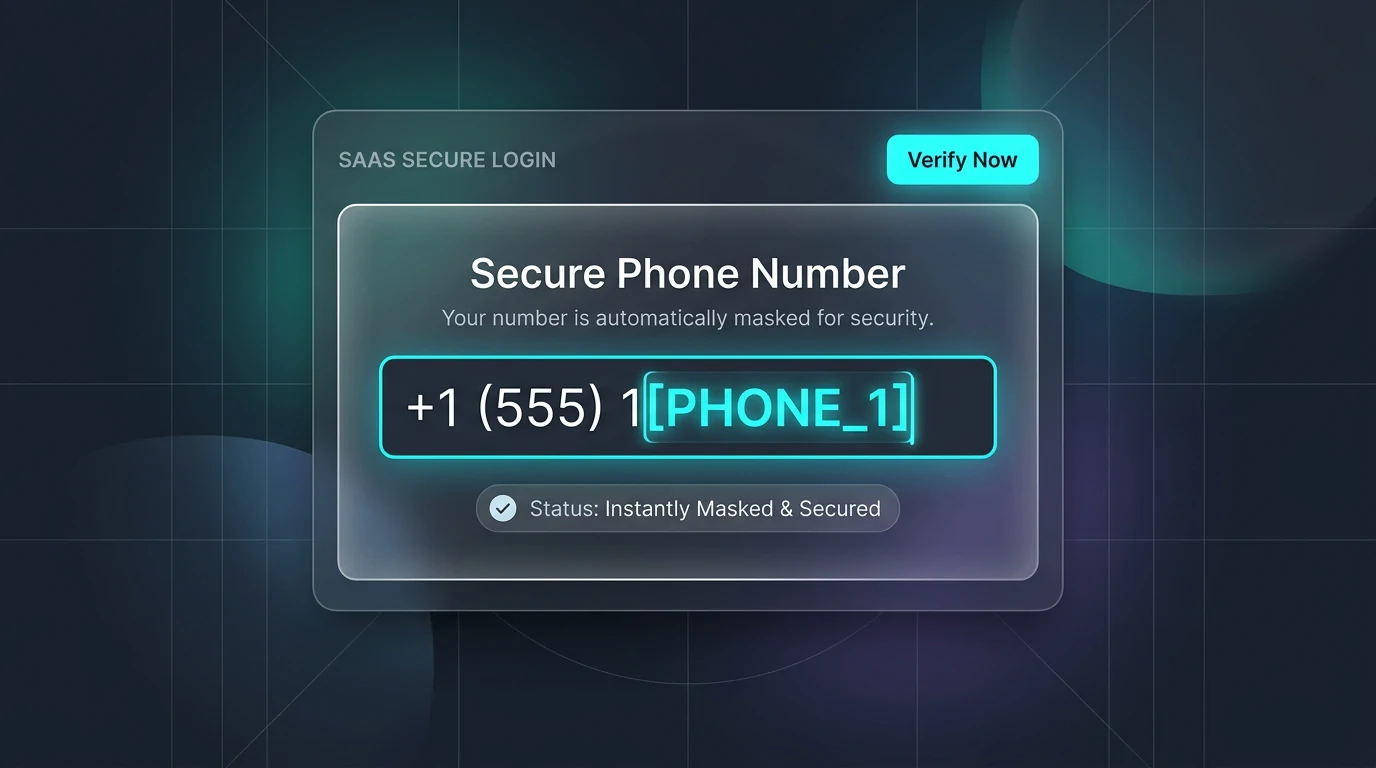
Press Alt+Shift+X or click the in-input shield icon to swap raw identifiers into structured tokens ([NAME_1], [API_KEY_1]) in-place.
Zero-Leak Prompt Submission
Submit your tokenized prompt to the AI provider. Raw identities never leave your device and are never sent over the network.
What Teams Achieve with Local PII Masking
Swipe to read verified reviews
Supported Formats & Limitations
Supported Formats
System Limitations
- PRO & Free Extension
Zero-Leak Typing: Eliminate 85% of Accidental AI Prompt Leaks at Zero Employee Friction
Over 85% of enterprise AI data breaches do not stem from malicious actors. They happen during routine daily workflows: developers pasting error traces containing AWS credentials into Claude, customer support staff drafting responses with client PII in ChatGPT, and recruiters screening candidate resumes. Forcing employees to switch tabs and paste text into a separate redaction tool creates cognitive friction that workers routinely bypass.
PrivacyScrubber's Real-Time In-DOM Auto-Masking eliminates human error directly at the point of entry. Working seamlessly inside the browser's Document Object Model (DOM), the extension evaluates keystrokes in volatile local memory, flags sensitive entities in sub-2ms, and swaps them with safe tokens before any network request is dispatched.
Continuous Keystroke Defense: How 0-Leak Prompts Work in Browser RAM
Instead of routing prompt drafts through an external proxy, PrivacyScrubber protects data locally before the form submit event fires:
+-----------------------------------------------------------------------------------+
| BROWSER TAB (ChatGPT, Claude, Gemini, Notion, Salesforce, Zendesk)                |
|                                                                                   |
|  1. User Keystrokes or Clipboard Paste Event                                      |
|     "Debug auth error for user john.doe@enterprise.com with key AKIAIOSFODNN7"    |
|           |                                                                       |
|           v (150ms Passive Input Debounce - 0ms User Typing Lag)                  |
|  +-----------------------------------------------------------------------------+  |
|  | LOCAL IN-DOM VOLATILE RAM SCANNER (<2ms Execution)                          |  |
|  | - Evaluates active regulatory profiles (GDPR, HIPAA, AWS Secrets, FinTech)  |  |
|  | - Detects: 1 Email ([EMAIL_1]), 1 AWS Access Key ([AWS_KEY_1])              |  |
|  | - Injects Amber Shield Badge into input corner: "2 Sensitive Items Detected"|  |
|  +-----------------------------------------------------------------------------+  |
|           |                                                                       |
|           v (Alt+Shift+X or Shield Click)                                         |
|  +-----------------------------------------------------------------------------+  |
|  | ATOMIC TOKEN SWAP & CARET RESTORATION                                       |  |
|  | - Swaps raw values with reversible tokens in the textarea/contenteditable   |  |
|  | - Preserves ProseMirror / Lexical caret offset without cursor jumping       |  |
|  | - Stores token mappings strictly in tab-isolated RAM session map           |  |
|  +-----------------------------------------------------------------------------+  |
|           |                                                                       |
|           v (Form Submit / Enter Pressed)                                         |
|  2. Tokenized Safe Prompt Sent to AI Provider -> Zero Raw Credentials Leaked      |
+-----------------------------------------------------------------------------------+
Seamless Rich-Text Experience: Zero Cursor Lag Across ProseMirror & Lexical
Leading AI platforms no longer rely on primitive textareas: ChatGPT uses ProseMirror, Claude uses Lexical, and enterprise tools deploy complex Shadow DOM trees. PrivacyScrubber uses surgical Selection & Range APIs to swap tokens without disrupting cursor focus, breaking undo history, or causing caret jumps:
Exact Caret Positioning
Computes text node boundaries before and after replacement, preserving the cursor position precisely where you left it.
State Machine Sync
Dispatches synthetic input events so rich-text state trees sync seamlessly with complete Ctrl+Z undo/redo support.
Shadow DOM Piercing
Traverses web components and nested roots dynamically without style collisions or leaking container CSS.
Zero Battery Drain: <0.1% CPU Background Overhead Without Browser Lag
Unlike invasive enterprise DLP agents that drain laptop batteries with aggressive background scanning, PrivacyScrubber follows a strict Zero-Thermal Footprint Standard:
| Performance Metric | PrivacyScrubber Standard | Legacy Enterprise DLP Agents |
|---|---|---|
| Idle CPU Overhead | <0.1% CPU consumption | 3–8% continuous polling overhead |
| Event Debouncing | Strict 150ms trailing debounce | Unthrottled keypress triggers |
| MutationObserver Lifecycle | Auto-disconnects on input blur | Permanent memory leaks across tabs |
| GPU Compositing | CSS transform/opacity only (0 infinite glows) | Heavy full-viewport backdrop filters |
Business Impact Comparison: In-DOM Auto-Masking vs. Disruptive Cloud DLP Proxies
How real-time in-DOM interception provides superior protection and zero workflow interruption compared to traditional network blockers:
| Evaluation Metric | Network Proxy DLP | Popup Warning Banners | PrivacyScrubber In-DOM Masking |
|---|---|---|---|
| Interception Moment | Post-submission (In network transit) | Pre-submission (Passive warning) | Pre-submission (In local memory) |
| Prompt Latency | +180ms to +400ms network delay | 0ms (Doesn't modify text) | 0ms perceptible typing delay (<2ms) |
| Reversible Data Reveal | Destructive redaction (Loss of context) | N/A (Data remains raw) | 1-Click local reveal in volatile RAM |
| User Fatigue & Bypass | Breaks AI formatting, causing frustration | Ignored by 80%+ of users within 2 weeks | Frictionless: 1 shortcut (Alt+Shift+X) |
| Server-Side Logging | High Risk: Logs raw prompts to vendor cloud | None | Zero-Trust: 0 servers, 0 logs, 0 tracking |
Universal Compatibility: Immediate Protection Across All 8 Major AI Platforms
PrivacyScrubber's in-DOM auto-masking is pre-calibrated to work out of the box across leading platforms:
To pair in-DOM auto-masking with right-click selection shortcuts across any web application, explore the Universal Web Scrubbing feature. For complete architectural details on our browser extension, consult the Chrome Extension In-Page AI Redactor guide.
Client-Side Reliability & Audit Verification
Powered by the Zero-Trust Sanitization Engine (ZTDS). All detection, tokenization, and regex evaluation execute 100% inside your local client process boundary — eliminating cloud proxies, intermediate servers, and third-party data retention risks.
Step-by-Step Guide
How to use this feature
Install the Extension
Add PrivacyScrubber from the Chrome Web Store and pin it to your browser toolbar.
Enable In-Page Shield
Click the extension icon and ensure 'Auto-Scan Inputs' is toggled ON.
Type Naturally in Any AI Tool
Open ChatGPT or Claude and begin typing your prompt. Detected PII is flagged instantly with a visual indicator.
Mask In-Place Before Sending
Hit Alt+Shift+X or click the shield to tokenize sensitive data right in the textarea before pressing Enter.
Frequently Asked Questions
Technical Details & Privacy Architecture
Does Auto-Masking slow down my typing?
Are my keystrokes sent to any remote server or logged?
Which AI platforms are supported out of the box?
How does in-DOM keystroke interception handle Shadow DOM in tools like Gemini?
Can I customize which entity types trigger real-time keystroke warnings?
What keyboard shortcut triggers in-place token replacement?
Protect Your Team's AI Prompts in Under 30 Seconds
No server uploads. No account required. 100% offline in your browser's local RAM.
