Zero-Trust Data Sanitization for AI Agents.
AI Summary / Key Takeaways
"Secure agentic AI pipelines on Make.com, Zapier, and LangChain with PrivacyScrubber's Zero-Trust Data Sanitization (ZTDS) architecture. Our client-side engine masks sensitive tokens locally in browser RAM before they enter automation workflows, preventing permanent PII persistence in vector databases and LLM training loops."
How to prevent autonomous AI agents and MCP workflows from leaking sensitive PII in tool calls?
Intercept prompt payloads and tool call arguments at the Model Context Protocol (MCP) boundary before external model execution. PrivacyScrubber sanitizes parameters into ephemeral memory tokens, executing in local stdio/RAM without cloud egress, and seamlessly restores original values in subsequent local execution steps.
Interactive PII Detection & Sanitization Sandbox
Test real-time client-side RAM tokenization. Choose a specialized preset or paste your own raw prompt to test instant reversible redaction.
Sanitized locally in volatile RAM. Pre-prompt compliance maintained under AI Agents standards (GDPR, HIPAA, SOC 2).
Enterprise-Grade AI Privacy
Add custom redaction rules and priority support with PRO.
Verified by the Enterprise Board
Our multi-persona AI safety team ensures strict compliance and zero-server security at every layer.
"PrivacyScrubber eliminates Shadow AI risk by intercepting PII at the edge. We've mapped this hub to SOC 2 Type II CC6.7 and ISO 27001 A.8.11 masking controls."
"Under GDPR Article 25 (Privacy by Design) and HIPAA Safe Harbor, local anonymization removes the AI provider from the 'Data Processor' chain, negating complex DPA liabilities."
"A single GLBA or PCI-DSS violation costs 100x more than a site-wide license. We provide verifiable ROI through data loss prevention at the prompt level."
The Autonomous Pipeline Privacy Gap
Make/Zapier Webhook Leaks
Automation nodes often pass raw CRM data, customer tickets, or email outputs directly to external AI LLM APIs, exposing sensitive customer PII to cloud vendor logging and storage.
RAG Vector Store Poisoning
Loading un-masked corporate documents, wikis, and transcripts into vector databases for RAG creates permanent, indexed caches of sensitive employee and client data. See how our 500k Vector Lake Benchmark solves this via pre-embedding in-memory tokenization.
Autonomous Secret Exposure
Coding and DevOps agents (Cursor, Claude Code, custom CLI tools) consuming local codebases and config files frequently leak database credentials, architectural secrets, and private API keys to third-party models.
Raw Input: Process customer record Jane Doe (ID: 981-22-3021) at jane@doe.com
Sanitized: Process customer record [NAME_1] (ID: [ID_1]) at [EMAIL_1]
Secure Agent Architecture
Modular, client-side data protection for autonomous AI systems and workflows.
Intercept Payload
Before triggering any AI execution step, capture the raw prompt or text context locally at the orchestration layer.
Local In-Memory Sanitization
PrivacyScrubber analyzes the payload inside browser memory, substituting customer identities and secrets with structured tokens.
Secure LLM Call
Submit the anonymized payload to your LLM API. The model processes the logic perfectly without seeing raw identities.
Local RAM Reveal
Once the agent responds, swap the tokens back to their original values locally before displaying the output to users.
The Dilemma of Agentic Memory: Persistent Privacy Liabilities
Traditional LLM interactions are ephemeral: a user inputs a query, the model returns an answer, and the session terminates. However, the next paradigm of artificial intelligence relies on autonomous agents. Tools like LangChain, AutoGPT, CrewAI, and n8n pipelines operate in continuous execution loops, maintaining state through SQLite databases, local caches, and vector index databases.
If an agent processes raw CRM strings or customer helpdesk records containing names, emails, account IDs, or financial metrics, those values are cached in intermediate logs and RAG (Retrieval-Augmented Generation) indexes. Once written into multi-step agent histories, removing PII becomes a complex, high-cost database operation. PrivacyScrubber solves this by enforcing Zero-Trust Data Sanitization (ZTDS) directly at the boundary of agent ingestion.
The Zero-Trust Data Sanitization (ZTDS) Blueprint
PrivacyScrubber acts as an offline, local validation gateway. Instead of passing unredacted database queries or user logs to your automation pipeline, you route inputs through our client-side Javascript engine. All personal identifiers are mapped to deterministic tokens, such as [NAME_1] or [EMAIL_1].
Because this mapping is stored exclusively in transient browser RAM (scoped strictly to the active tab), no cloud database is used. The external AI model processes only the logical relationships and context of the prompt:
// Sanitized prompt sent to agentic pipeline:
"Summarize the request from [NAME_1] ([EMAIL_1]) regarding order number [ID_1] and draft a response."
When the model completes the task, the output is returned to the client browser, and the Reveal (Reverse Scrub) utility re-injects the original records locally. The third-party LLM performs the reasoning, but the customer's identity remains completely secure on the local network.
Securing Model Context Protocol (MCP) & IDE Agents
Developers adopting tools like Claude Desktop, Cursor, Windsurf, or Claude Code often connect them directly to their local databases and file structures via the Model Context Protocol (MCP). While this unlocks powerful automation capabilities, it opens a direct exfiltration vector. A coding agent asked to "debug database queries" can retrieve real production tables containing usernames, active API keys, and corporate secrets and transmit them back to model servers.
By running PrivacyScrubber's official PII MCP Server (@privacyscrubber/mcp-server) or headless Developer SDK (@privacyscrubber/sdk), developers sanitize logs, database records, and prompts pre-flight via stdio with zero network egress. Sensitive keys, path structures, and user accounts are masked locally, ensuring developers use Cursor and Claude Desktop safely without violating corporate governance rules.
Regulatory Compliance & Enterprise Governance
Deploying commercial AI agents without sanitization exposes organizations to significant compliance risks:
- GDPR Article 25 (Privacy by Design): Requires organizations to implement data minimization controls. Masking PII before it enters external models ensures that raw identities are never processed, removing the AI provider from the 'Data Processor' chain and eliminating DPA liabilities.
- SOC 2 Type II CC6.7: Enforces strict transmission security controls. Edge-based, zero-server tokenization ensures that unmasked confidential customer records are never in transit to external networks.
- HIPAA Safe Harbor Alignment: Automatically removes the 18 specific identifiers required for healthcare text sanitization, allowing support teams to summarize clinical details safely.
Protocol: The 5-Step Airplane Mode Audit
Do not take our word for it. Trust the physical rules of network isolation. Run this step-by-step audit to confirm that no data is transmitted during your scrubbing workflows.
Initialize Platform: Open PrivacyScrubber.com in your web browser.
Sever Network Connection: Disable your WiFi connection or turn on Airplane Mode. The local engine remains fully operational.
Scrub Payload: Paste a text payload containing sensitive PII and click "Sanitize PII".
Audit Network Requests: Press F12, open the 'Network' tab, and verify that zero requests were made to external servers.
Verify Transient Memory: Close or refresh the tab. All session mappings are instantly cleared from local RAM.
General Universal Profile: Detection Coverage
Universal deterministic ZTDS™ detection ruleset. Detects names, government IDs, bank accounts, project codenames, and geographic locations across unstructured text.
Top 6 AI Agents Sensitive Entity Types Detected & Scrubbed
Individual Full Name
Government SSN / Tax ID
Bank IBAN & Account Ref
Proprietary Project Codename
Geographic Location
Financial Balance Amount
Continuous Detection Engine Expansion & Custom Regex Sovereignty
The 6 entity types above represent the core detection baseline for AI Agents. Our zero-trust engine detects hundreds of additional data classes and is continuously updated with new heuristic patterns, shadow AI leak vectors, and custom regulatory rulesets. Need proprietary database IDs or internal project codenames masked? PRO and TEAMS users can define unlimited custom regular expressions running 100% locally in browser RAM.
How the PrivacyScrubber Engine Solves This
Interactive Tool Controls for AI Agents. Hover for specs.
Local MCP Prompt Gateway
Connect the PrivacyScrubber MCP Server to Cursor and Claude Desktop to sanitize agent prompts in RAM before external LLM dispatch.
- Engine WASM-Accelerated
- Privacy 100% Local RAM
- Security Zero-Server Leak
Pre-Flight Pipeline Tokenization
Intercept Make.com, Zapier, and n8n webhook payloads locally, stripping user identities before automated tool-calling loops.
- Engine WASM-Accelerated
- Privacy 100% Local RAM
- Security Zero-Server Leak
Deterministic Reverse Scrub
Once the autonomous agent resolves the task, restore original identities locally on your machine with 1-click Reveal.
- Engine WASM-Accelerated
- Privacy 100% Local RAM
- Security Zero-Server Leak
AI Agents Technical Compliance Library
Deep architectural mapping of Zero-Trust Data Sanitization (ZTDS) controls to industry-specific regulatory standards.
Zero-Trust Verification Signature
The above technical controls are enforced deterministically by the PrivacyScrubber Local Engine. All redaction cycles generate zero server-side telemetry, satisfying global data residency requirements for AI Agents institutions.
Hardened Audit Standards
Satisfying strict global security and privacy frameworks.
No data persistence on untrusted infrastructure.
Privacy by design at the engineering layer.
Data masking as a core organisational control.
Federal PII minimisation and transparency controls.
Satisfies Safe Harbor de-identification requirements.
AI Agents Compliance Library
Step-by-step redaction workflows for AI Agents environments.
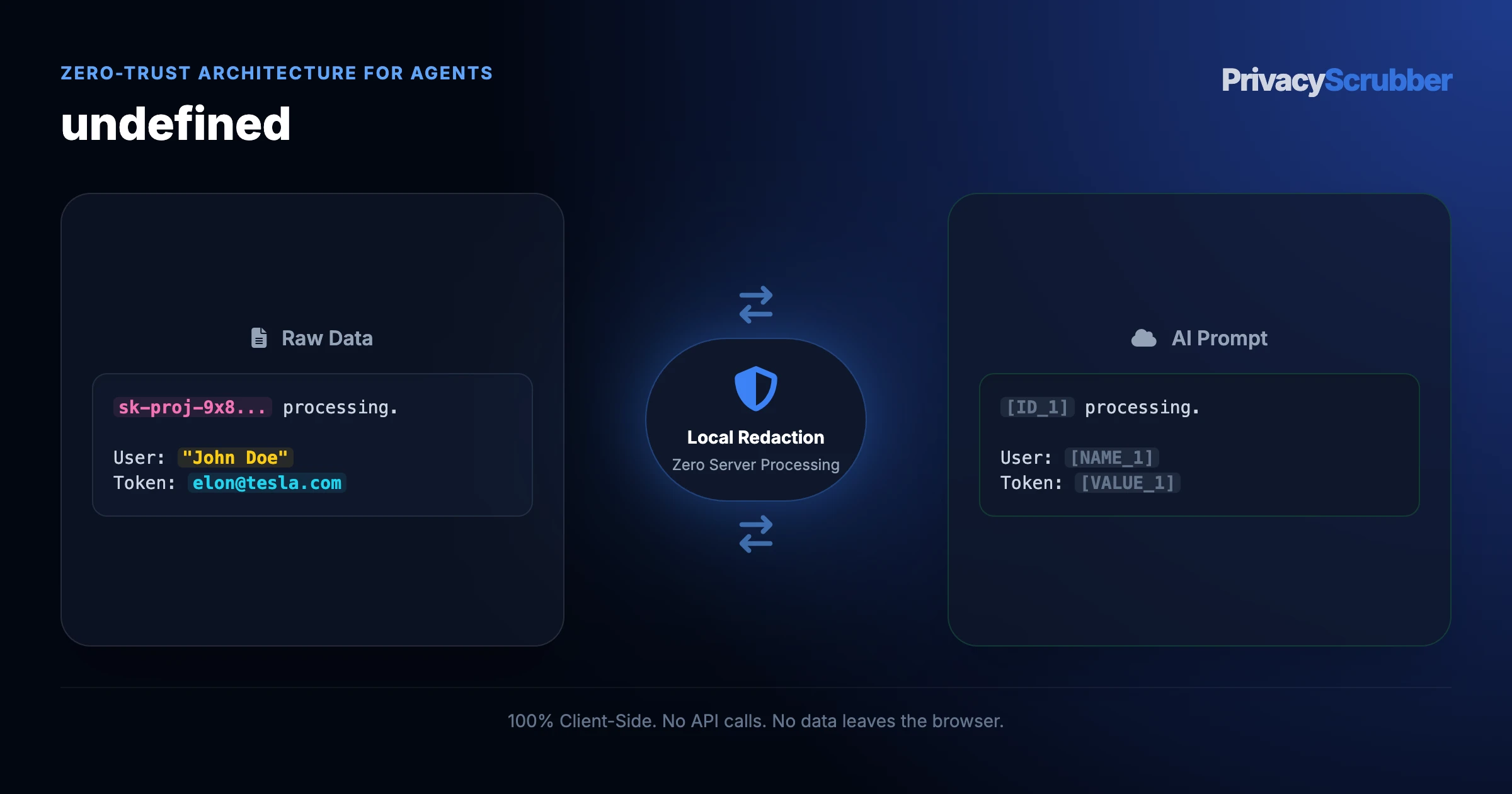
Claude Desktop Local PII Sanitization
Sanitize prompts, local files, and database queries in Claude Desktop using our local stdio MCP server. Intercept PII, API keys, and financial records in RAM before Anthropic cloud egress.
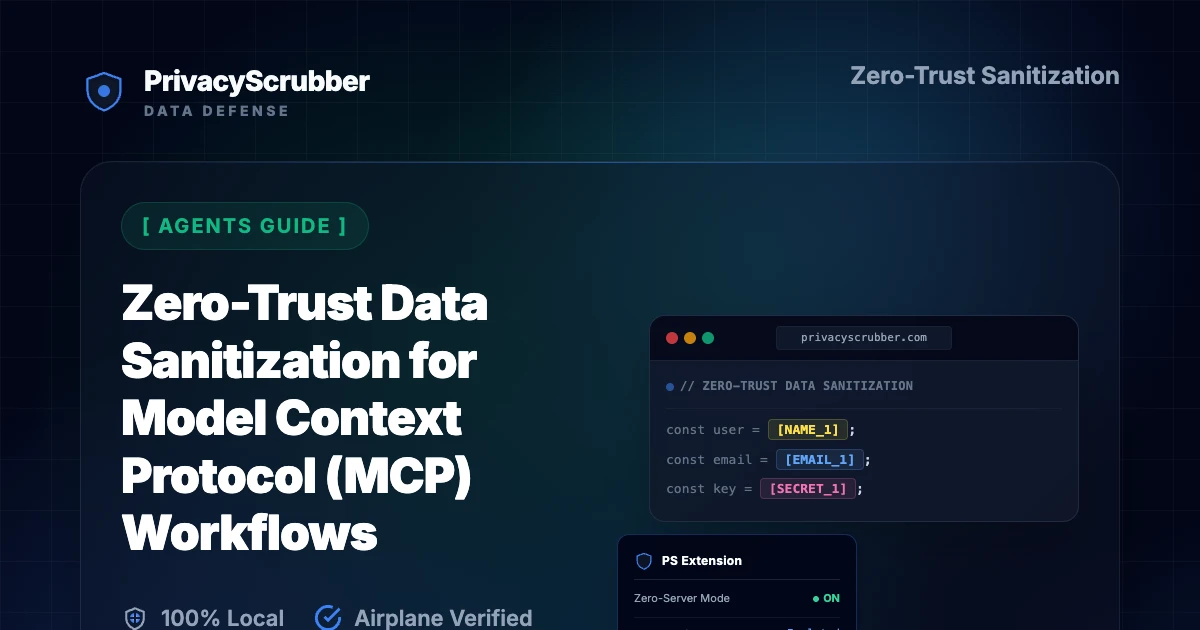
Zero-Trust Data Sanitization for Model Context Protocol (MCP) Workflows
Secure Claude Desktop, Cursor, and custom AI agents using Model Context Protocol (MCP). Sanitize sensitive file paths, logs, and database queries locally before model transmission.
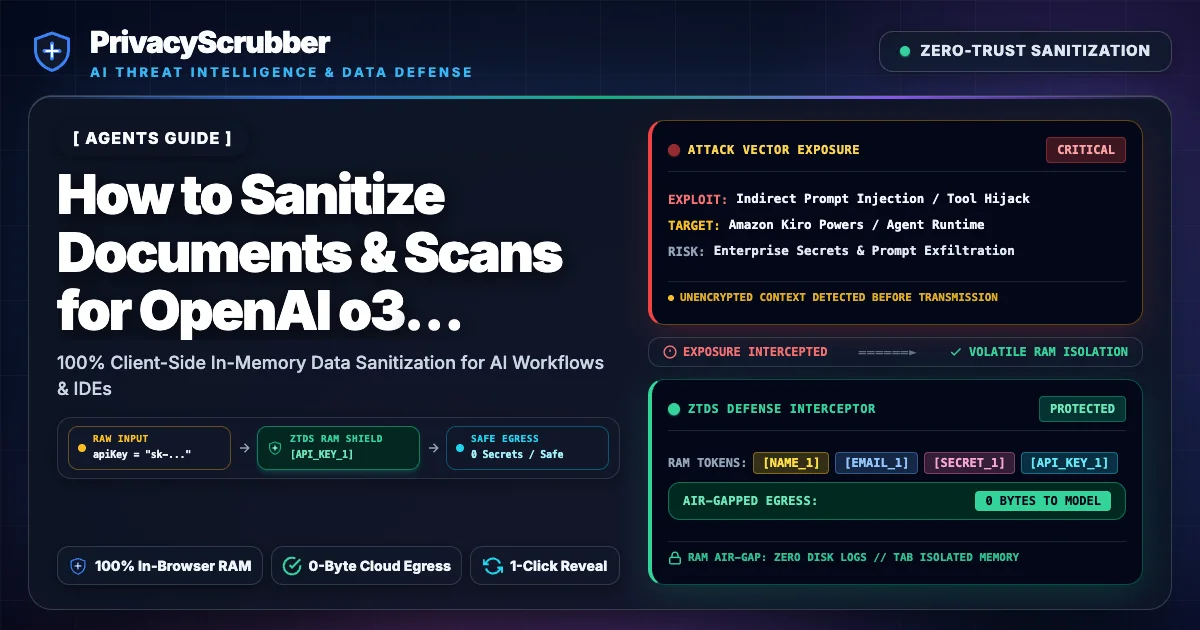
How to Sanitize Documents & Scans for OpenAI o3 Reasoning
Protect sensitive documents before OpenAI o3 multimodal reasoning ingestion. Use client-side Zero-Trust Data Sanitization (ZTDS) with canvas burn-in redaction.
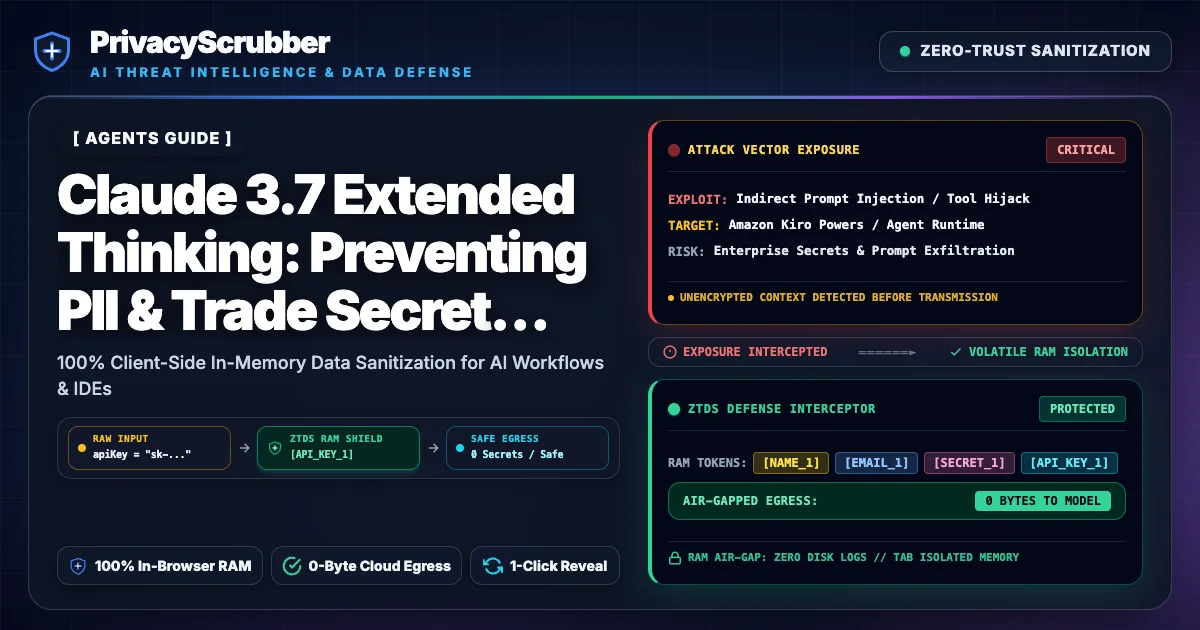
Claude 3.7 Extended Thinking
Prevent Chain-of-Thought PII extraction and corporate leaks in Anthropic Claude 3.7 Sonnet Extended Thinking. Zero-trust in-RAM detokenization.
Secure AI Agent Memory
AI agents that retain memory can accumulate PII. PrivacyScrubber provides local client-side tokenization to secure agentic memory without cloud data exposure.
Agentic AI Data Leak Prevention
Agents pass data through every tool call. Mask PII and secrets locally at each step with the MCP server or SDK. One config block, zero network calls.
RAG Privacy & Vector Database Ingestion
Erasing one person from a vector index can mean re-indexing. Sanitize documents before embedding so the index holds tokens, not identities.
Zero-Trust AI Data Pipelines
Design AI data pipelines that never expose raw PII. PrivacyScrubber provides local client-side sanitization as a pipeline stage to ensure full compliance.
LLM Fine-Tuning Privacy
Fine-tuning LLMs on private data requires de-identification. How to scrub training datasets locally. Flat-rate TEAMS pricing available.
Self-Hosted Agent Systems PII Protection
Even self-hosted or open-source AI agent systems require strict PII protection to prevent lateral data movement and internal exposure.
Make and Zapier AI Privacy
Make (Integromat) and Zapier pass real customer data through AI steps. Here is how to protect PII before each AI action in your workflow.
n8n AI Workflow Privacy
n8n lets you build powerful AI automations — but each node that touches real data is a PII leak point. Here is how to protect at every stage.
Model Context Protocol (MCP) AI Security
Model Context Protocol (MCP) allows AI agents to read your local files. Ensure 100% PII redaction and local sanitization before Claude or Cursor reads your logs.
Local LLM Privacy vs Cloud Sanitization
Is running a local LLM like Ollama the only way to protect PII? Learn how Zero-Trust Data Sanitization lets you use ChatGPT safely without heavy GPUs.
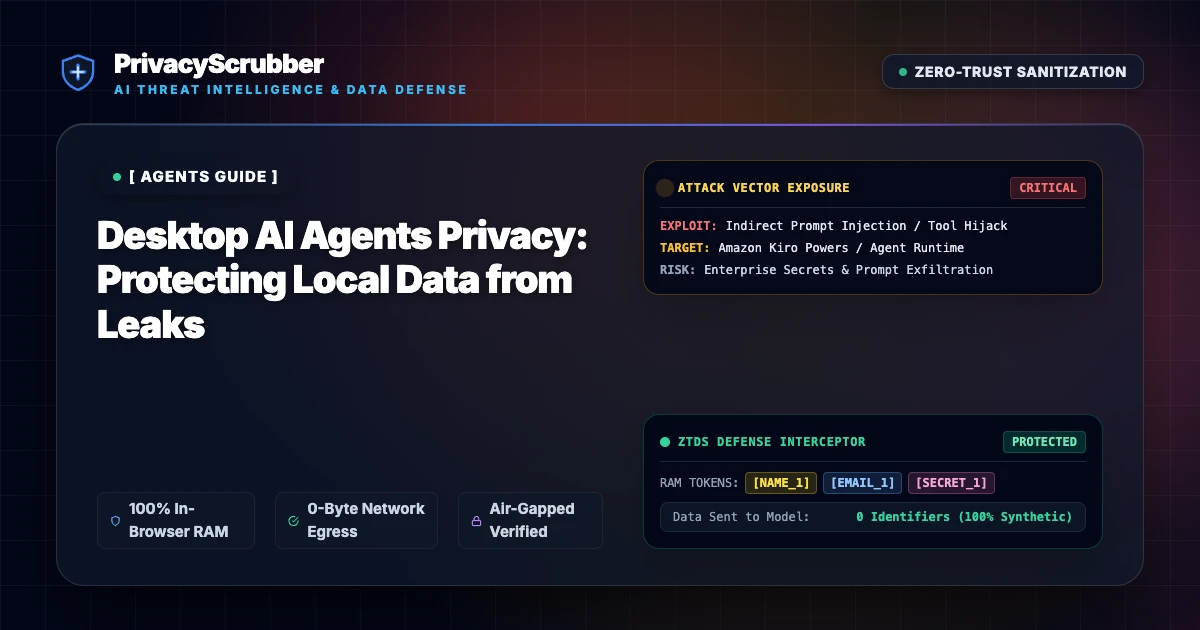
Desktop AI Agents Privacy
Desktop AI agents like Cursor, Bolt, and Claude Desktop read your entire filesystem. Implement strict PII sanitization to prevent sensitive data from reaching AI servers.
Cursor AI Source Code Leak
IDE assistants send file context to a model endpoint. Add the MCP server to mask credentials locally per session. What SOC 2 auditors ask.
Claude Code Privacy
Anthropic's Claude Code runs directly in your developer terminal with shell access. Learn how to configure local PII MCP Server data masking to prevent logs, credentials, and codebases from leaking to Anthropic servers.
Securing Cline and Roo Code
Learn how to configure the local PrivacyScrubber MCP server in Cline (formerly Claude Dev) and Roo Code to sanitize customer PII, secrets, and database tables locally inside VS Code.
Salesforce Agentforce Compliance
Enterprise CISOs are concerned about Salesforce Agentforce extracting CRM data. Learn how a Zero-Trust middleware protects PII before it reaches autonomous agents.
Aider AI Privacy & MCP
Learn how to configure the local PrivacyScrubber MCP server with Aider to sanitize customer PII, secrets, and credentials before terminal agent tasks are executed.
LangChain & LlamaIndex PII Redaction Middleware for TypeScript & Node.js
Implement zero-trust PII redaction middleware for LangChain and LlamaIndex agents. Preserve multi-turn state and token consistency across reasoning loops in TypeScript.
Sanitizing PII in LLM Observability Traces
Prevent secondary data breaches by automatically redacting PII, secrets, and database credentials from LLM observability traces, LangSmith dashboards, and Langfuse logs.
How to Prevent Autonomous AI Agents from Leaking Secrets & PII
Stop Cursor, Windsurf, and Claude Code from leaking .env files and credentials. Intercept terminal output and code diffs in local RAM.
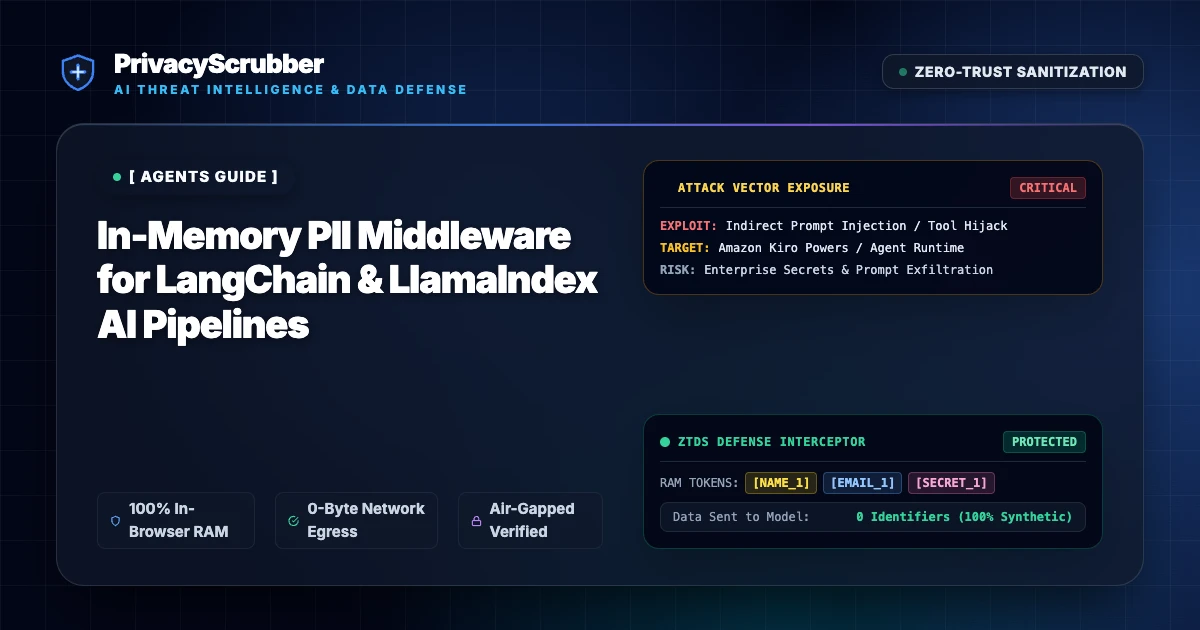
In-Memory PII Middleware for LangChain & LlamaIndex AI Pipelines
Deploy an autonomous consumer privacy fiduciary inside LangChain, LlamaIndex, and LangGraph pipelines. Pre-emptively intercept agent scratchpads, tool payloads, and memory contexts with zero context loss and sub-millisecond in-process execution.
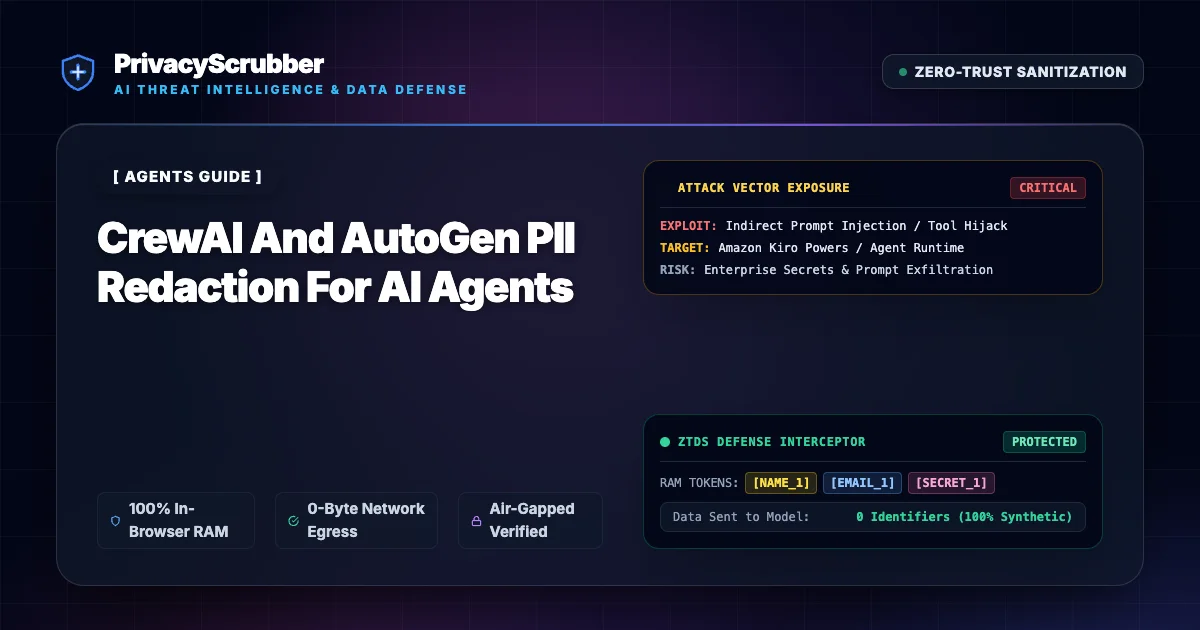
Prevent CrewAI, AutoGen & Agentic Memory Leakage to External Cloud
Prevent multi-agent scratchpads, vector memory, and tool payloads from leaking to external cloud networks. 100% in-process SDK sanitization for AI agents.
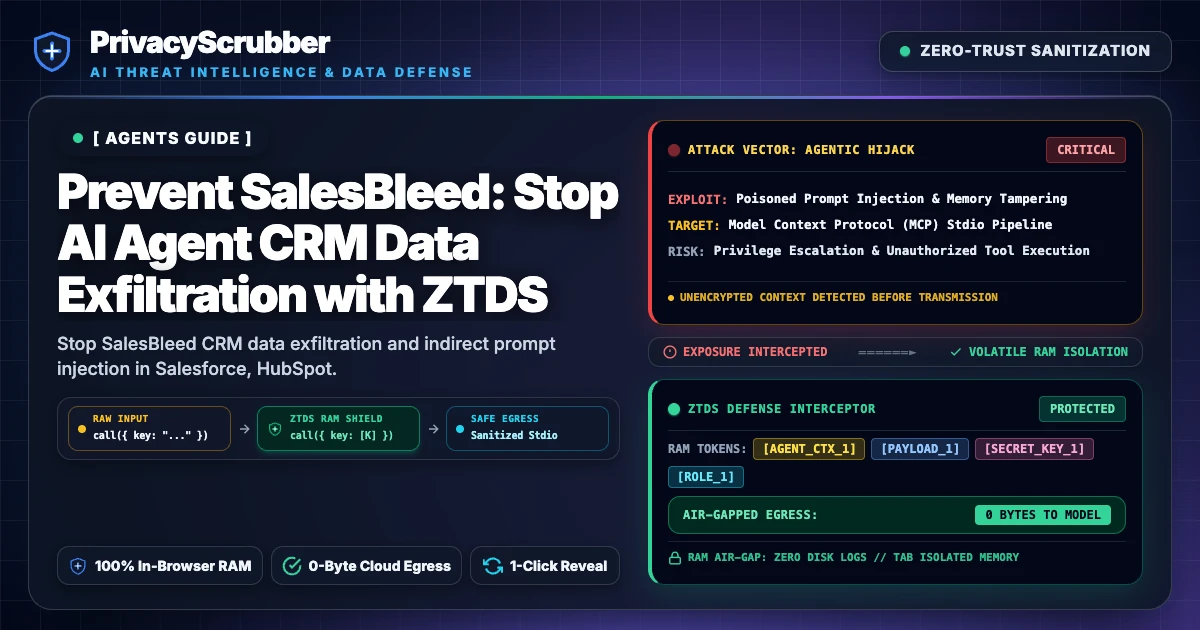
Prevent SalesBleed
Stop SalesBleed CRM data exfiltration and indirect prompt injection in Salesforce, HubSpot, and MCP agents using in-memory Zero-Trust sanitization.
Compare Edition Features
From individual use to corporate rollout, choose the level of control your organization requires.
| Core Capabilities |
Free
Web Only
|
PRO
$15/mo or $110 Lifetime
|
TEAMS
$99/mo
|
ENTERPRISE
Custom Tier
|
|---|---|---|---|---|
| 100% Local Processing (Airplane Mode) | ||||
| Text Paste & Single File Docs | 15k General / 5k Verticals | UNLIMITED | UNLIMITED | UNLIMITED |
| Batch Processing & Background OCR | — | |||
| Custom Regex & Specific Redaction Rules | — | |||
| Chrome Extension Native App | — | |||
| Silent Corporate Deployment (MDM) | — | — | ||
| Policy Control Center & Enforcement | — | — | ||
| IDE MCP Server & Headless Node.js SDK | MCP Free | MCP Unlimited | MCP + Team Sync | SDK ($299/mo) & Air-Gap |
| On-Premise Source Code License | — | — | — | |
| 100% Air-Gapped Operation | — | — | — | |
| Dedicated GRC Support | — | — | — | |
| Try Free | Details | Deploy TEAMS | Enterprise Hub |
Complementary AI Privacy Hubs & Frameworks
Cross-framework zero-trust sanitization workflows and enterprise compliance architectures.
Frequently Asked Questions
Common questions about deploying zero-trust AI for AI Agents Teams.
Why do AI agent pipelines need pre-flight PII sanitization?
Does PrivacyScrubber work with Make.com, Zapier, and LangChain?
How does Reverse Scrub work with agent outputs?
Can custom regex rules target agent-specific identifiers?
Zero-Trust Sanitization Verified
Technical safeguards supporting GDPR Art. 32, HIPAA & CCPA. All PII processing occurs locally in browser RAM.
