Splunk MCP Server Exploit: Enterprise Observability Hijacked via Protocol Flaws
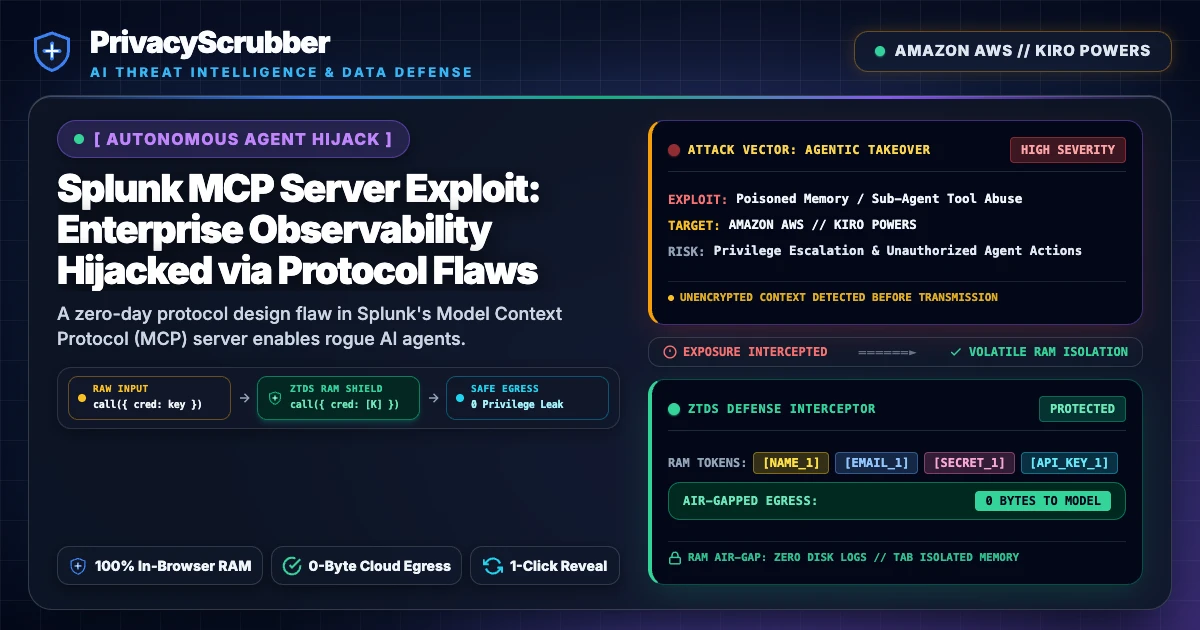
Splunk MCP Server Exploit: A zero-day protocol design flaw in Splunk's Model Context Protocol (MCP) server enables rogue AI agents to exfiltrate telemetry secrets and runtime credentials. PrivacyScrubber halts prompt-mediated data exfiltration at the browser boundary before payloads reach downstream observability pipelines.

Technical Incident Analysis
Security researchers have uncovered a critical architectural vulnerability within Splunk's Model Context Protocol (MCP) server integration, transforming the core observability stack into an active enterprise attack vector. Modern autonomous LLM orchestration frameworks connect to Splunk's MCP endpoints to diagnose telemetry anomalies, correlate distributed traces, and remediate infrastructure alerts. However, the MCP server fails to enforce strict boundary validation between privileged diagnostic commands and ambient model reasoning context. Incorporating an unhardened AI Security Architecture enables adversaries to inject adversarial instructions via standard application logs, triggering automated tool calls that execute high-privilege search queries across sensitive index clusters, akin to patterns detailed in our analysis of a Related AI Security Incident.
When an autonomous triage agent ingests a poisoned log entry containing a crafted injection payload, the model interprets the string as operational instructions rather than passive log text. The agent then invokes native Splunk MCP search primitives with expanded parameters, querying internal credential vaults, session identifiers, and proprietary infrastructure configurations. Because standard MCP endpoints lack cryptographic assertion of input provenance, the server blindly fulfills the requests and streams sensitive log events directly back to external model context windows.
Enterprise Blast Radius & Compliance Risks
The blast radius of an observability-level MCP compromise extends across the entire enterprise stack. Because observability pipelines consolidate runtime logs, user authentication traces, and cross-microservice headers, querying raw indices exposes high-value operational secrets alongside consumer PII. Organizations deploying autonomous agents over log streams face severe regulatory exposure, particularly when telemetry spans personal identifiers and session metadata. The uncontrolled ingestion and unmonitored processing of personal data across non-isolated agent contexts directly conflicts with enterprise mandates established under the EU AI Act Compliance Checklist for Enterprise LLMs.
Under GDPR Article 32 and SOC 2 Trust Services Criteria, telemetry systems that ingest or expose production secrets violate mandatory access control guarantees. When automated agentic workflows exfiltrate cleartext user identifiers or system credentials from logging tiers, security teams face notification obligations and severe regulatory penalties for systematic failure to compartmentalize downstream model access.
Client-Side Mitigation via Zero-Trust Data Sanitization
Remediating MCP protocol design flaws cannot rely on reactive model alignment or post-execution log filters. Real protection demands that raw telemetry data and developer prompts undergo strict sanitization before entering the agent runtime. Implementing dedicated Model Context Protocol (MCP) AI Security: Zero-Trust Data Sanitization ensures that authentication credentials, sensitive index tokens, and personal identifiers are neutralized client-side prior to network transport.
PrivacyScrubber leverages the proprietary ZTDS™ (Zero-Trust Data Sanitization) architecture within an ephemeral, RAM-only execution boundary. Operating directly inside the client environment before packets traverse the network, PrivacyScrubber intercepts outgoing MCP payload payloads, strips high-entropy secrets and PII, and replaces them with deterministic cryptographic tokens. Because processing occurs entirely within local browser memory without persistent disk caching or external telemetry relays, rogue LLM instructions can never extract actionable enterprise credentials from the underlying observability platform.
Step-by-Step Integration Guide: Splunk MCP Server Exploit
PrivacyScrubber operates entirely client-side. Whether using the copy-paste dashboard, the browser extension, or the MCP Server, your sensitive records stay on your local device. Follow these instructions to safely use Developer AI & IDE Agent Pipelines:
1 Method A: Instant Clipboard & Web Workspace
Fastest for ad-hoc debugging, server crash logs, or DB dumps:
- Paste the raw database dump, stack trace, or config payload into PrivacyScrubber.
- Click Sanitize Prompt to locally tokenize all tokens, hostnames, and API secrets with 100% Local RAM Processing.
- Copy the sanitized code and safely query ChatGPT, Claude, or Copilot.
- Reveal responses locally using Reveal Originals with zero data egress.
2 Method B: Chrome Extension & MCP Server
For automated in-browser prompt masking & IDE agents (Cursor / Cline):
- Install the free PrivacyScrubber Extension to auto-mask credentials directly in ChatGPT/Claude inputs.
- Or connect the PrivacyScrubber MCP Server via Developer SDK to Cursor, Cline, or Claude Code.
- Session token maps remain 100% in volatile RAM with zero telemetry.
- Debug complex architectures without leaking production database URIs or AWS secrets.
Local Redaction & Risk Matrix for Security
| Detection Entity | Token Placeholder | Risk Level | Security Action |
|---|---|---|---|
| User / Server IP Addresses | [IP_ADDRESS] | High (DLP / Location footprinting) | IPv4 / IPv6 format strip |
| AWS_KEY Details | [AWS_KEY] | Medium (PII Exposure) | Deterministic local swap |
| INTERNAL_HOSTNAME Details | [INTERNAL_HOSTNAME] | Medium (PII Exposure) | Deterministic local swap |
| MAC_ADDRESS Details | [MAC_ADDRESS] | Medium (PII Exposure) | Deterministic local swap |
| VULN_ID Details | [VULN_ID] | Medium (PII Exposure) | Deterministic local swap |
3-Step Zero-Trust AI Workflow Template
Role: Lead DevSecOps Engineer / Cloud Security Architect · Target: Developer AI & IDE Agent PipelinesAct as a principal cloud systems architect. Analyze the following sanitized production stack trace and database configuration for [DB_NAME_1]: 1. Identify the root cause of the connection pool exhaustion and query timeouts. 2. Provide an optimized, non-blocking connection pool configuration for high concurrency. 3. Draft a step-by-step remediation patch. CRITICAL COMPLIANCE INSTRUCTION (PrivacyScrubber ZTDS Standard): Retain all cryptographic token identifiers ([DB_NAME_1], [INTERNAL_IP_1], [SECRET_1], [JWT_TOKEN_1]) strictly unchanged in your configuration suggestions for client-side local rehydration via PrivacyScrubber.
[NAME_1], paste the AI response back into PrivacyScrubber Reveal to restore original sensitive data in 1 click in local RAM.Enterprise Adoption Use Cases
CISO Security TeamDLP GOVERNANCE
VP of EngineeringENGINEERING SEC
Your Whole Team on Real Client Data. Safely. $99/mo Flat.
No per-seat pricing. No processor in the sanitization path. No IT portal. Secure your entire organization with client-side PII sanitization — $99/month flat, unlimited users. SOC 2 & HIPAA ready. Works in Airplane Mode.
Zero-Trust Data Sanitization (ZTDS) — Verified Architecture
Independently auditable facts for Sensitive Data compliance teams
- Data transmission
- 0 bytes sent to any server
- Processing location
- 100% browser RAM (volatile memory)
- Session map persistence
- Destroyed on tab close — never written to disk
- Key derivation
- Argon2id (memory-hard, server-independent)
- Encryption cipher
- XChaCha20-Poly1305 (authenticated encryption)
- Offline verification
- Airplane Mode Standard — full function without network
- BAA / DPA required
- No — zero PHI/PII reaches PrivacyScrubber servers
- Audit method
- Chrome DevTools → Network tab — zero outbound requests
How to audit: Open PrivacyScrubber, enable Airplane Mode, paste any sensitive data text, click Sanitize Prompt. Open Chrome DevTools → Network tab. Zero outbound requests will confirm 100% local execution. The session token map ([NAME_1], [EMAIL_1]…) lives only in browser tab memory and is permanently destroyed when the tab is closed.
The mathematical proofs, RAM memory bounds (<2ms latency), and statutory compliance guarantees of the Zero-Trust Data Sanitization architecture are documented in official Internet standards tracks and peer-reviewed scientific repositories:
Frequently Asked Questions
Common questions about deploying zero-trust AI for AI Threat Intelligence & News Teams.
