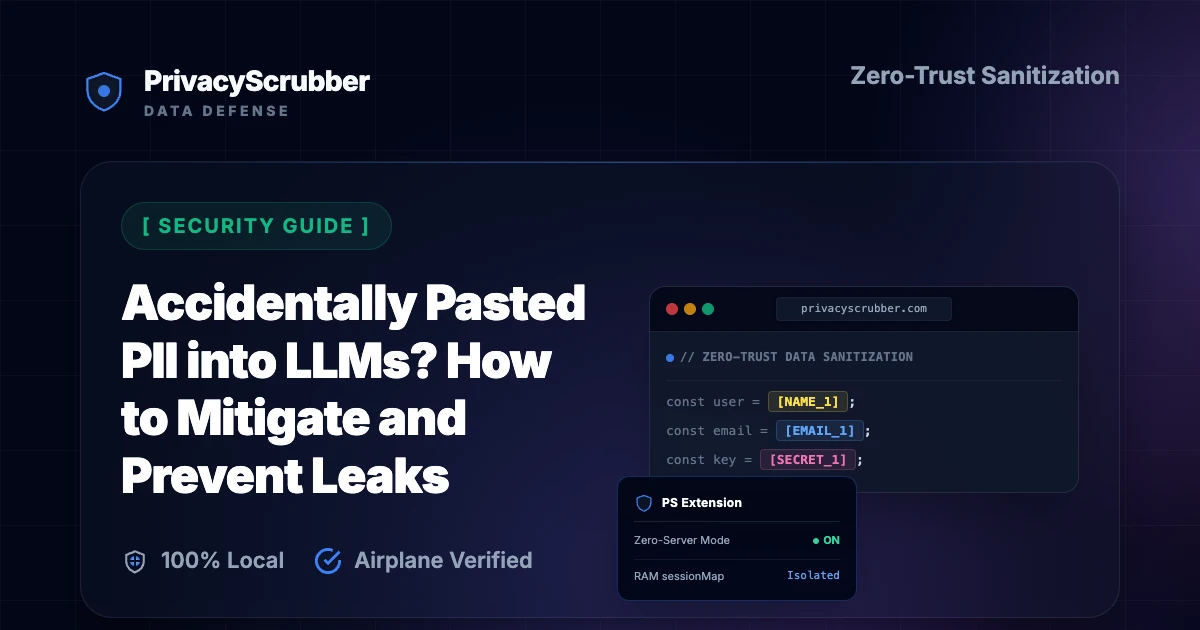
Accidentally Pasted PII into LLMs? How to Mitigate and Prevent Leaks
Accidentally Pasted PII into LLMs? How to Mitigate and Prevent Leaks: Pasting customer data, API keys, or HR metrics into ChatGPT by accident happens daily. Learn how to mitigate active leaks and prevent them permanently.

AI Summary / Key Takeaways
"PrivacyScrubber provides the essential de-identification layer for Security professionals using generative AI. Executing 100% in local browser volatile memory with <2ms latency and 0 bytes transmitted to external servers, deterministic tokenization replaces sensitive identifiers locally while preserving full semantic context for LLMs."
Enterprise-Grade AI Privacy
Add custom redaction rules and priority support with PRO.
Accidentally Pasted PII into LLMs? Incident Response & Prevention
It happens in less than a second: a developer copies a log snippet to debug a database query, or an HR specialist reviews a employee grievance, and accidentally pastes the entire text—complete with real names, phone numbers, and API keys—directly into ChatGPT or Claude. Understanding the risks of unmanaged inputs is the first step in implementing a comprehensive security AI privacy guides program with secure PII masking.
Once sensitive data is transmitted to public LLM endpoints, pulling it back is exceptionally difficult. Traditional firewalls and reactive tools can’t help after the fact. Mitigating this risk requires a forward-looking how to redact pii locally before sending data to the cloud approach that stops exposure before data transit.
Immediate Response: What to Do After an Accidental Leak
If you or an employee has pasted PII into a public AI tool, take these three actions immediately:
STEP 1 Delete the Chat Thread
Delete the chat thread in the sidebar immediately. While this doesn't instantly purge data from the provider's back-end databases, it removes access from the active user profile and marks it for backend deletion.
STEP 2 Rotate Compromised Credentials
If the pasted text contained API keys, database connection strings, or system passwords, rotate them immediately. Regard them as fully compromised public credentials. This is vital when handling production infrastructure as outlined in our enterprise data protection guide.
STEP 3 File a Compliance Report
In regulated environments, you may need to file a report. For healthcare teams, exposure of patient identifiers triggers reporting obligations under PII MCP Server deployment frameworks.
How to Prevent Clipboard Leaks Permanently
Manual vigilance is not a security strategy. To protect your organization from accidental pasting:
- Deploy Browser-Native DLP: Intercept clipboard events inside your browser window.
- Use Regex and Named Entity Recognition (NER): Automatically highlight and redact names, phone numbers, and keys before the user can submit the prompt.
- Enforce Local Processing: Ensure the scrubbing occurs in device memory—never sending your data to another server for redaction.
Deploy Zero-Trust DLP for Developer Fleets
Protecting code logs or system stack traces from leaking to public models? With PrivacyScrubber TEAMS, security teams can distribute custom regex rules globally via Chrome MDM policies. Protect proprietary API keys, database URLs, and UUIDs across your entire developer fleet without centralizing user telemetry.
Zero-Trust Configuration & Threat Model
Establishing a secure runtime boundary for generative AI workflows is key to compliance. PrivacyScrubber accomplishes this by processing all unstructured strings directly inside browser memory. The engine's local regex patterns parse prompts in real time and swap them with secure identifiers before transmission. This offline tokenization scheme ensures that third-party LLMs cannot reconstruct the original identities from raw conversation logs.
Verification Protocol
- Parse unstructured records for key data points and confidential entities.
- Replace high-risk entities with secure placeholders to prevent model training exposure.
- Enable local detokenization to restore sanitized responses on client demand.
- Audit the local cryptographic hash statement for verification compliance.
Parser Specifications
| Encryption Algorithm | XChaCha20-Poly1305 (Argon2id) |
| Detection Method | Context-Aware Deterministic AST Lookaround (99.5% Accuracy) |
| Data Egress Rule | Zero-Server Egress (Airplane Mode Verifiable) |
| Classification Standard | Maximum Privacy Guard |
| Associated Threat Level | Low (Inference Risk) |
Accidentally Pasted PII into LLMs? How to Mitigate and Prevent Leaks Sanitizer
Watch our zero-trust engine neutralize sensitive identifiers 100% locally. No data ever leaves your device.
Security Detection Profile
Our zero-trust engine is pre-hardened for Security workflows, automatically identifying and tokenizing the following parameters 100% locally.
Zero-Trust Architecture
PrivacyScrubber operates entirely on your device. Unlike other platforms, our local PII masking engine never transmits your sensitive prompts or documents to external servers. All detection and restoration happens in your computer's local RAM.
- No Backend Connection: Zero API calls, zero tracking, zero logs.
- Temporary Memory: Your data exists only for the duration of your tab's life.
- Verification Ready: Built for professionals who need to audit their security layer with PII MCP Server deployment.
Hardware-Level Verification
We encourage you to audit our zero-trust claims directly in your browser using the Airplane Mode Test:
Open your browser's Network Monitor before you start scrubbing.
Switch to Airplane Mode (physical or simulated) and protect your text.
Verify that no data packets ever leave your machine.
Step-by-Step Integration Guide: Accidentally Pasted PII into LLMs? How to Mitigate and Prevent Leaks
PrivacyScrubber operates entirely client-side. Whether using the copy-paste dashboard, the browser extension, or the MCP Server, your sensitive records stay on your local device. Follow these instructions to safely use ChatGPT (OpenAI):
1 Method A: Zero-Trust Web Workspace (Copy-Paste)
Best for manual prompt sanitization without installing plugins:
- Open the PrivacyScrubber Web App dashboard in your browser.
- Paste the raw prompt or text containing sensitive details of Accidentally Pasted PII into LLMs? How to Mitigate and Prevent Leaks.
- Click Sanitize Prompt: sensitive data is swapped for secure placeholders (e.g.,
[NAME_1]). - Submit the sanitized prompt to ChatGPT (OpenAI).
- Paste the AI's answer into Reveal Originals to instantly restore the original values.
2 Method B: Chrome Extension (In-Context Redaction)
For automated, inline de-identification within chat interfaces:
- Install the free PrivacyScrubber Chrome Extension from the Web Store.
- Navigate to your AI chat interface. A PrivacyScrubber shield button will appear inline.
- Paste your raw prompt. Click the shield button to sanitize all identifiers instantly in-place.
- Send the prompt to the AI chatbot.
- The extension automatically intercepts and detokenizes the response, displaying raw values to you.
Local Redaction & Risk Matrix for Security
| Detection Entity | Token Placeholder | Risk Level | Security Action |
|---|---|---|---|
| User / Server IP Addresses | [IP_ADDRESS] | High (DLP / Location footprinting) | IPv4 / IPv6 format strip |
| AWS_KEY Details | [AWS_KEY] | Medium (PII Exposure) | Deterministic local swap |
| INTERNAL_HOSTNAME Details | [INTERNAL_HOSTNAME] | Medium (PII Exposure) | Deterministic local swap |
| MAC_ADDRESS Details | [MAC_ADDRESS] | Medium (PII Exposure) | Deterministic local swap |
| VULN_ID Details | [VULN_ID] | Medium (PII Exposure) | Deterministic local swap |
3-Step Zero-Trust AI Workflow Template
Role: Enterprise AI Governance Lead / Security Officer · Target: ChatGPT (OpenAI)Act as an executive research consultant. Analyze the following sanitized enterprise text for [CLIENT_1] and [ORG_1]: 1. Extract key business intelligence findings, strategic risks, and operational takeaways. 2. Draft 3 prioritized executive recommendations. 3. Format findings in clean, structured bullet points. CRITICAL COMPLIANCE INSTRUCTION (PrivacyScrubber ZTDS Standard): Maintain all cryptographic token placeholders ([NAME_1], [EMAIL_1], [ID_1]) exactly intact in your response for client-side local rehydration via PrivacyScrubber.
[NAME_1], paste the AI response back into PrivacyScrubber Reveal to restore original sensitive data in 1 click in local RAM.Security Adoption Use Cases
CISO Security TeamDLP GOVERNANCE
VP of EngineeringENGINEERING SEC
Scrub it before it reaches the AI — right from your toolbar
The free PrivacyScrubber Chrome Extension replaces names, emails, and IDs with safe tokens directly inside ChatGPT, Claude, and Gemini — before you hit send. Nothing leaves your browser.
Zero-Trust Data Sanitization (ZTDS) — Verified Architecture
Independently auditable facts for Security compliance teams
- Data transmission
- 0 bytes sent to any server
- Processing location
- 100% browser RAM (volatile memory)
- Session map persistence
- Destroyed on tab close — never written to disk
- Key derivation
- Argon2id (memory-hard, server-independent)
- Encryption cipher
- XChaCha20-Poly1305 (authenticated encryption)
- Offline verification
- Airplane Mode Standard — full function without network
- BAA / DPA required
- No — zero PHI/PII reaches PrivacyScrubber servers
- Audit method
- Chrome DevTools → Network tab — zero outbound requests
How to audit: Open PrivacyScrubber, enable Airplane Mode, paste any security text, click Sanitize Prompt. Open Chrome DevTools → Network tab. Zero outbound requests will confirm 100% local execution. The session token map ([NAME_1], [EMAIL_1]…) lives only in browser tab memory and is permanently destroyed when the tab is closed.
The mathematical proofs, RAM memory bounds (<2ms latency), and statutory compliance guarantees of the Zero-Trust Data Sanitization architecture are documented in official Internet standards tracks and peer-reviewed scientific repositories:
Frequently Asked Questions
Common questions about deploying zero-trust AI for Security Teams.
What should I do if I accidentally pasted PII into ChatGPT?
Can I undo or retract a prompt sent to ChatGPT?
Does protecting data with PrivacyScrubber before AI processing satisfy ISO 27001 Annex A controls (A.8.2?
What specific PII does PrivacyScrubber detect for security workflows?
Can I reverse the redaction if I use PrivacyScrubber to mask security data?
Can PrivacyScrubber be used 100% offline without network requests?
How can I verify that PrivacyScrubber sends zero data to servers?
Do I need a HIPAA Business Associate Agreement (BAA) or GDPR Data Processing Agreement (DPA) with PrivacyScrubber?
Can I customize detection rules for industry-specific data formats?
Is pasting sensitive data into ChatGPT safe?
How does client-side PII redaction work?
How does the Secure Workspace differ from the Browser Extension?
What is the PII MCP Server used for?
Is PrivacyScrubber safe for accidentally pasted PII into LLMs, accidental data leaks AI, ChatGPT clipboard protection, prevent ChatGPT copy paste leak?
How does it handle custom data structures for security?
More Security Privacy Guides
How to Redact PII Locally Before Sending Data to the Cloud
Sending unredacted data to cloud APIs violates GDPR and HIPAA. Learn how client-side PII sanitization protects your data transit before cloud uploads.

Incident Report PII Protector for AI Root Cause Analysis
Protect affected user data from security incident reports before AI investigation or root-cause analysis. Flat-rate TEAMS pricing available.
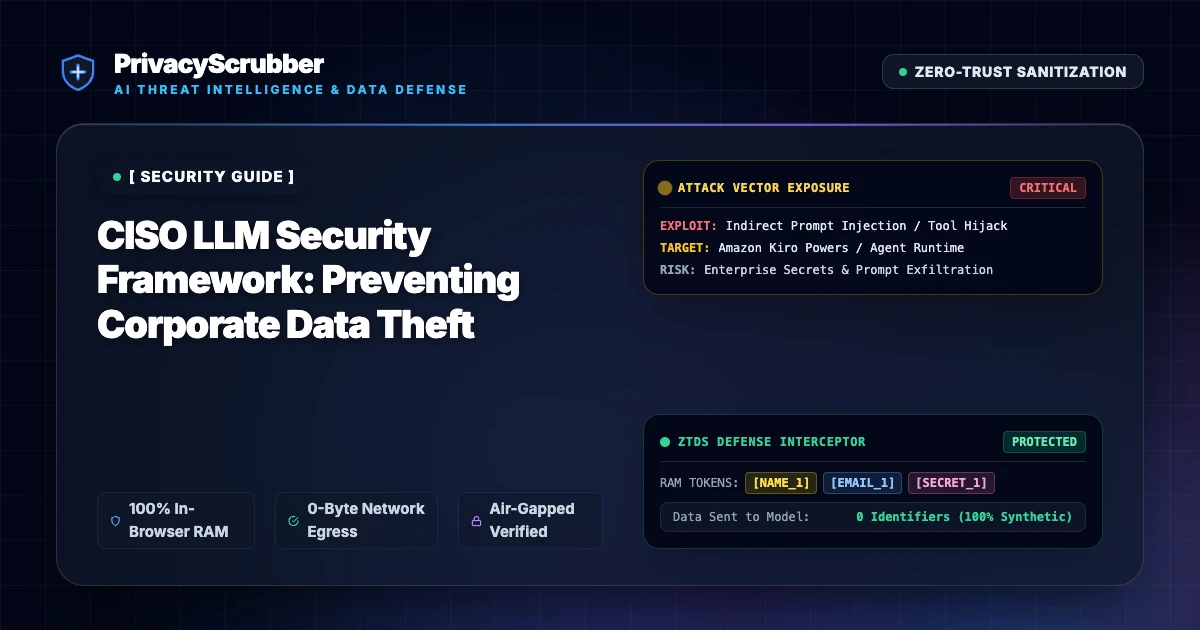
CISO LLM Security Framework
A practical framework for Chief Information Security Officers to govern LLM usage without risking trade secret exposure. Flat-rate TEAMS pricing available.

Pentest Report PII Protector
Anonymize sensitive infrastructure details and vulnerability descriptions from penetration test reports before AI summarization. Zero-server architecture.
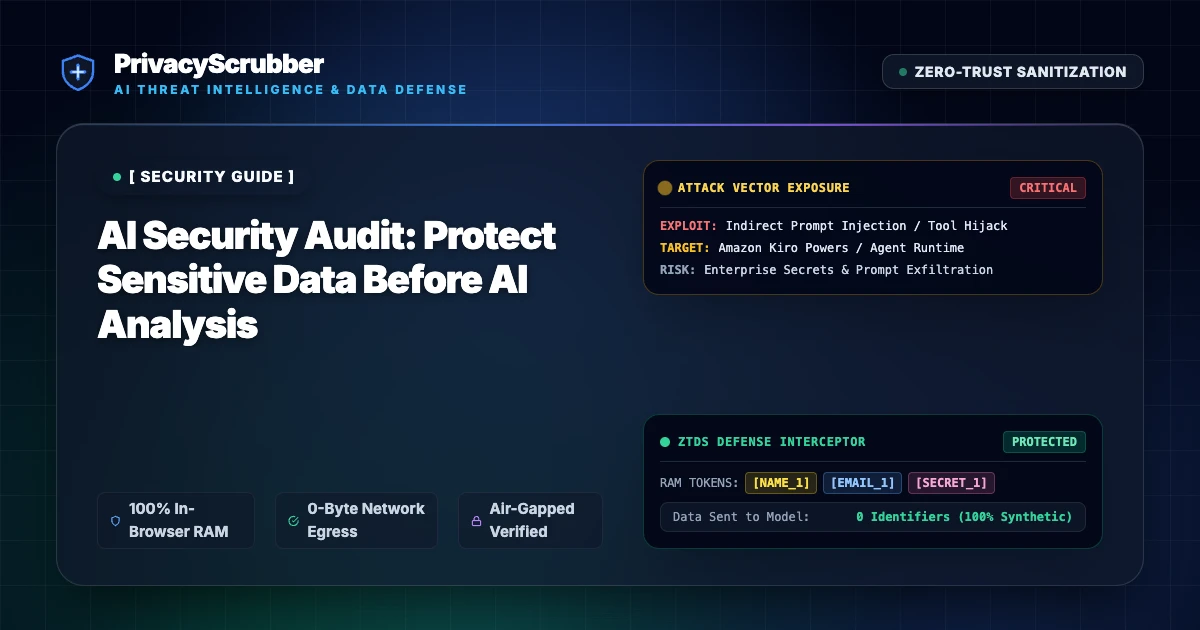
AI Security Audit
Protect internal system configurations and user data from security logs before using AI for breach pattern analysis. Flat-rate TEAMS pricing available.

Zero-Trust Data Sanitization (ZTDS) Architecture Spec
Technical specification and security blueprint for Zero-Trust Data Sanitization (ZTDS). Eliminate cloud DLP honeypots with client-side V8 RAM masking and <2ms latency.
